Legal operations cover a huge range of responsibilities, and each one moves at its own pace.
Contracts come in, questions pile up, documents need updating, and teams across the company expect quick answers. It becomes overwhelming fairly quickly if your systems aren’t giving you the structure you need.
Modern legal tech helps bring order to all of this by simplifying routine work and giving your team a clearer view of everything.
Most legal ops teams use these tools to stay organized, manage workloads with fewer manual steps, and support the business with reliable processes. With the right setup, it becomes easier to handle daily tasks and focus on the work that moves things forward.
Before jumping into the top platforms, here’s a closer look at what legal operations tools cover and why they matter.
Legal operations tools cover software that helps in-house legal teams and legal departments handle a wide mix of responsibilities with better organization and speed.
It’s a broad category because legal ops touches so many areas, such as contracts, intake, budgeting, discovery, knowledge sharing, and more. Each part of that workload calls for its own type of support, which is why the tools vary so much.
At a high level, these platforms help with legal operations management by giving teams clearer processes, better visibility, and fewer manual steps.
Some are built for contracts, some track matters, and others focus on spend, research, or internal requests. They each solve a specific operational need, but together they form the toolkit that keeps legal work running smoothly.
Most teams build a small stack that covers their biggest pain points. The result is a setup that cuts down repetitive tasks and makes it easier to keep up with the rest of the business.
Here’s where things get practical. If you’re trying to cut down on scattered tools and constant back-and-forth, matching each need to the right platform makes everything feel lighter.
Below is a quick breakdown of the top legal operations tools based on the specific jobs you need to handle.
Aline is an AI contract management platform built for legal professionals and cross-functional teams that want faster, cleaner contract workflows backed by artificial intelligence.
It handles almost everything you need from this list — drafting, contract review, approvals, signing, and storage in one place, so you’re not relying on Word files, email threads, and separate signature tools.

The legal AI layer is where it really shines. It drafts documents, redlines complex agreements, answers contract questions, and flags key terms so you can manage all your work without losing valuable time.
Aline also keeps renewal dates, obligations, and compliance details visible at all times. This helps teams stay organized and avoid surprises across their entire contract lifecycle.
Clio is a matter management platform that helps legal operations teams organize cases, projects, documents, and deadlines in one centralized system.
The platform is built for modern legal departments that want a predictable way to manage workload without relying on scattered spreadsheets or email-heavy processes.
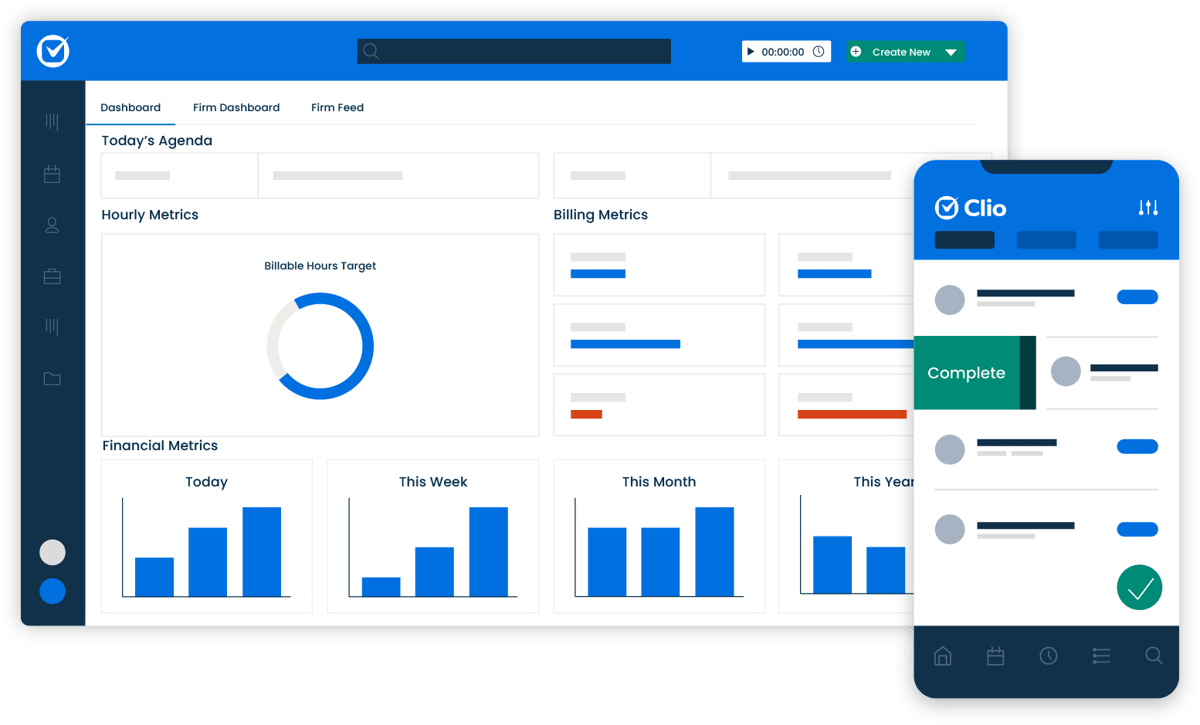
Every matter gets its own structured timeline, tasks, and activity history, which makes it easier to stay aligned and support other business functions with accurate updates.
And with strong document management, legal workflow automation tools, and reporting, Clio cuts down the administrative work so your team can focus on more strategic responsibilities.
SimpleLegal is an e-billing and legal spend management platform that helps corporate legal operations teams track counsel spend, monitor invoices, and understand where their budget is going.
It brings all billing data into one system, which gives you clear visibility into expenses across matters, law firms, and internal cost centers.
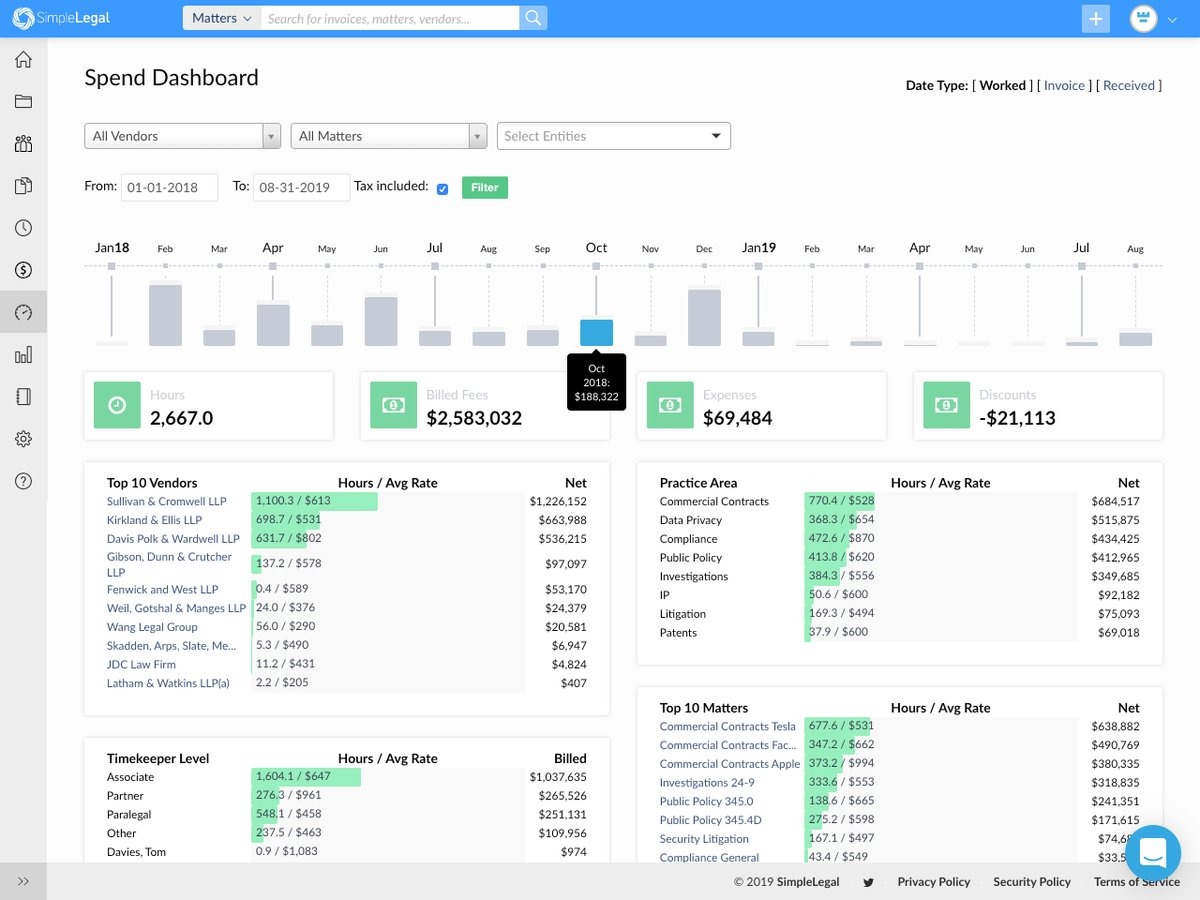
Teams rely on it when they need a straightforward way to meet key requirements around accruals, forecasting, and vendor oversight.
With better insight into spending patterns, legal departments can shift more time toward value creation and high-value work rather than chasing down invoices or sorting through fragmented billing records.
Relativity is a leading electronic discovery platform that helps legal teams manage large volumes of legal data during investigations, disputes, and regulatory matters.
It’s built for both in-house counsel and external counsel who need a reliable system for collecting, reviewing, and organizing documents at scale.
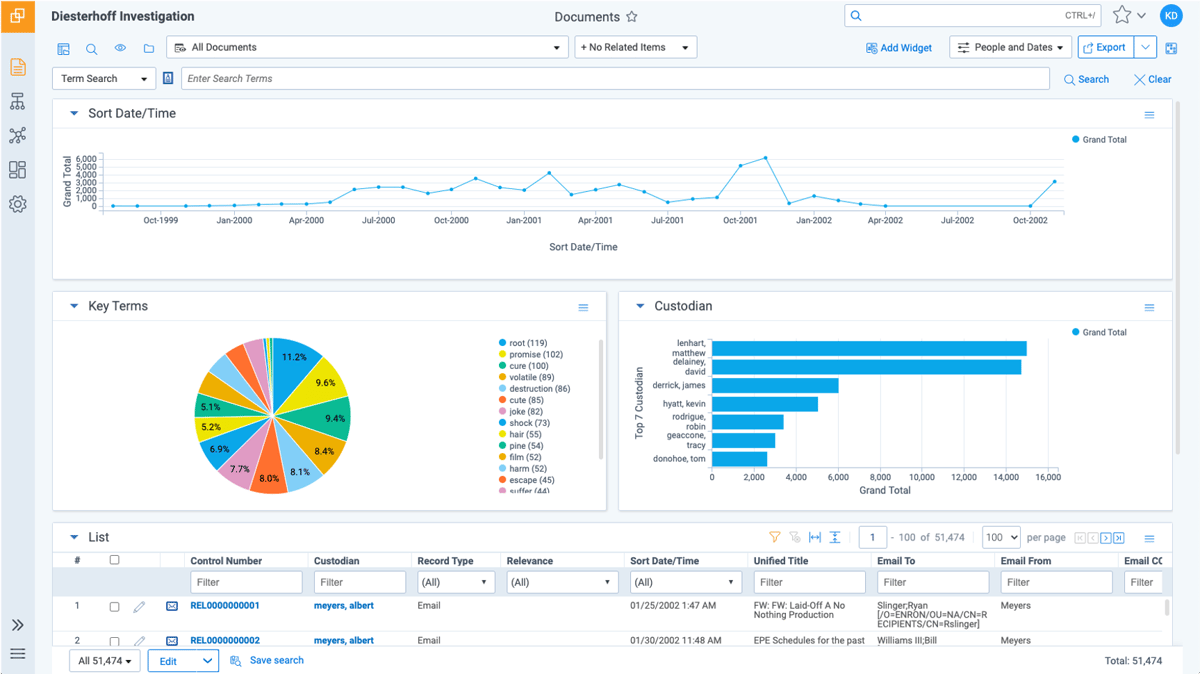
The platform supports everything from early case assessment to complex reviews, which can make it easier to move through each phase without getting buried in files or manual processes.
Plus, its legal holds, analytics, and review tools boost efficiency and reduce the administrative load. These features can give your team more room to focus on strategic work instead of repetitive document sorting.
CoCounsel is an AI legal assistant designed to help legal teams cut down on manual processes and move through research, analysis, and document-heavy work much faster.
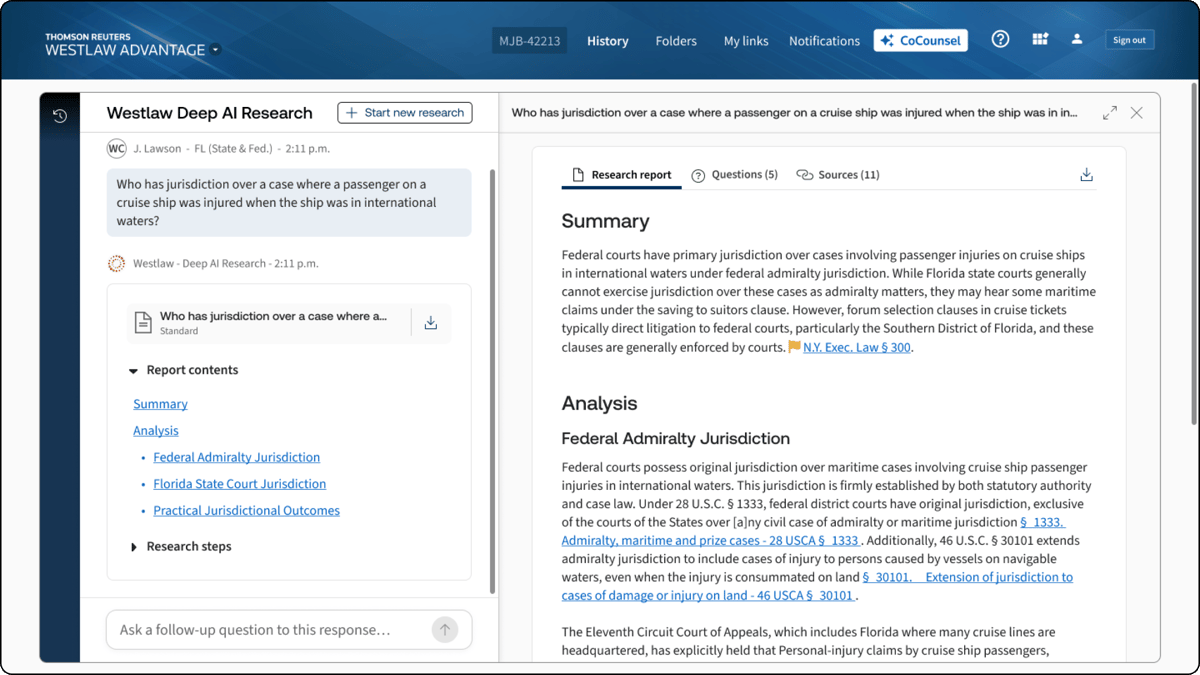
The tool supports a wide range of legal functions. Essentially, it offers an innovative solution for reviewing contracts, summarizing documents, drafting language, and analyzing large sets of information.
In-house legal departments use it to get actionable insights in minutes rather than hours, especially when they’re handling tight deadlines or high-volume tasks.
By offloading repetitive review work to AI, teams can stay focused on decisions and strategic projects that need their attention.
Bloomberg Law is a legal research platform that brings cases, statutes, news, and analysis into one place. Its primary purpose is to provide a faster and more reliable way to find what you need.

Bloomberg Law is popular across the legal industry because it combines trusted content with modern legal tech tools that simplify research and cut down the time usually spent jumping between different sources.
The platform’s predictive insights and practical guidance help legal teams enhance accuracy, spot trends early, and support stronger strategic planning.
For in-house teams focused on operational efficiency, Bloomberg Law offers a steady, streamlined approach to research that fits naturally into a legal operations technology stack.
Adobe Sign is an electronic signature solution that helps legal teams send, track, and complete agreements with far less manual work.
The platform works well for legal intake, vendor agreements, and everyday legal workflows because documents move through a clear, predictable signing process that reduces delays.

Teams get complete visibility into each signature step, which makes it easier to standardize processes and avoid unnecessary follow-ups. And thanks to secure audit trails and strong compliance controls, Adobe Sign also helps with mitigating risk across your agreements.
Ever feel like legal ops pulls you in too many directions at once?
Requests come in, contracts need attention, and every team wants fast answers. That pressure usually builds when your work lives in different systems, and nothing lines up cleanly.

Aline helps calm that chaos by giving you an AI-powered platform that supports contract drafting, collaboration, reporting, and every other step your team handles. The entire workflow feels more predictable, and it’s easier to keep everything moving without constant catch-up.
If you’ve been looking for a setup that supports the full scope of contract management, Aline brings the structure and visibility that make the work feel more manageable.
Start your trial today and see how Aline can strengthen your legal operations.
They support legal operations professionals with organizing work, managing risk, tracking projects, and keeping legal services consistent across the business. Most teams use them to create a more efficient management structure for their daily workload.
They give teams a clear legal workspace for matters, contracts, reviews, and communication. This helps simplify routine tasks so the team can focus on higher-value work like advising the business and planning for future needs.
Yes, most platforms are built to integrate with CRMs, storage tools, communication apps, and enterprise legal management systems, which makes adoption easier and encourages collaboration across departments.
They provide visibility into spending, automate manual steps, and support continuous optimization across your processes. Many also follow best practices recommended by the Corporate Legal Operations Consortium (CLOC), which can help teams manage work more efficiently.











