Organization tools for lawyers exist for one simple reason: to help you spend more time on legal work and less time managing everything around it.
That gap is paramount. Bloomberg Law’s 2024 Attorney Workload & Hours Survey found that lawyers worked an average of 48 hours per week but billed only 36. A big chunk of time is going somewhere else, often into administrative work and tracking details that should be easier to manage.
The right tools do just that. They give your work a clear structure so documents, deadlines, and conversations don’t feel scattered. When the organization improves, routine tasks take less effort, and work feels easier to stay on top of.
However, not every tool solves the same problem, and no two practices operate the same way. Some lawyers need better control over contracts, others need help with tasks, billing, or collaboration.
Let's break down what lawyers actually need from organization tools and highlight options that support different parts of legal work.
Organization tools only earn their keep if they match how you actually work. If something feels awkward or slows you down, it usually gets ignored. That's why good legal technology should fade into the background and make routine tasks easier to handle without extra effort.
With that in mind, a few things matter more than everything else:
There isn’t a universal “best” option that works for every lawyer or firm. The right tool depends on factors like firm size, practice area, and how your work is structured on a daily basis.
For that reason, the list below brings together tools with different strengths and functions:
Aline is an AI-powered contract lifecycle management platform built to keep contract work from feeling scattered.
If contracts tend to live in drafts, inboxes, shared drives, and signing tools all at once, it becomes hard to see what’s actually happening at any given moment. Aline brings those moving pieces together inside a single, centralized platform designed around contract management from end to end.
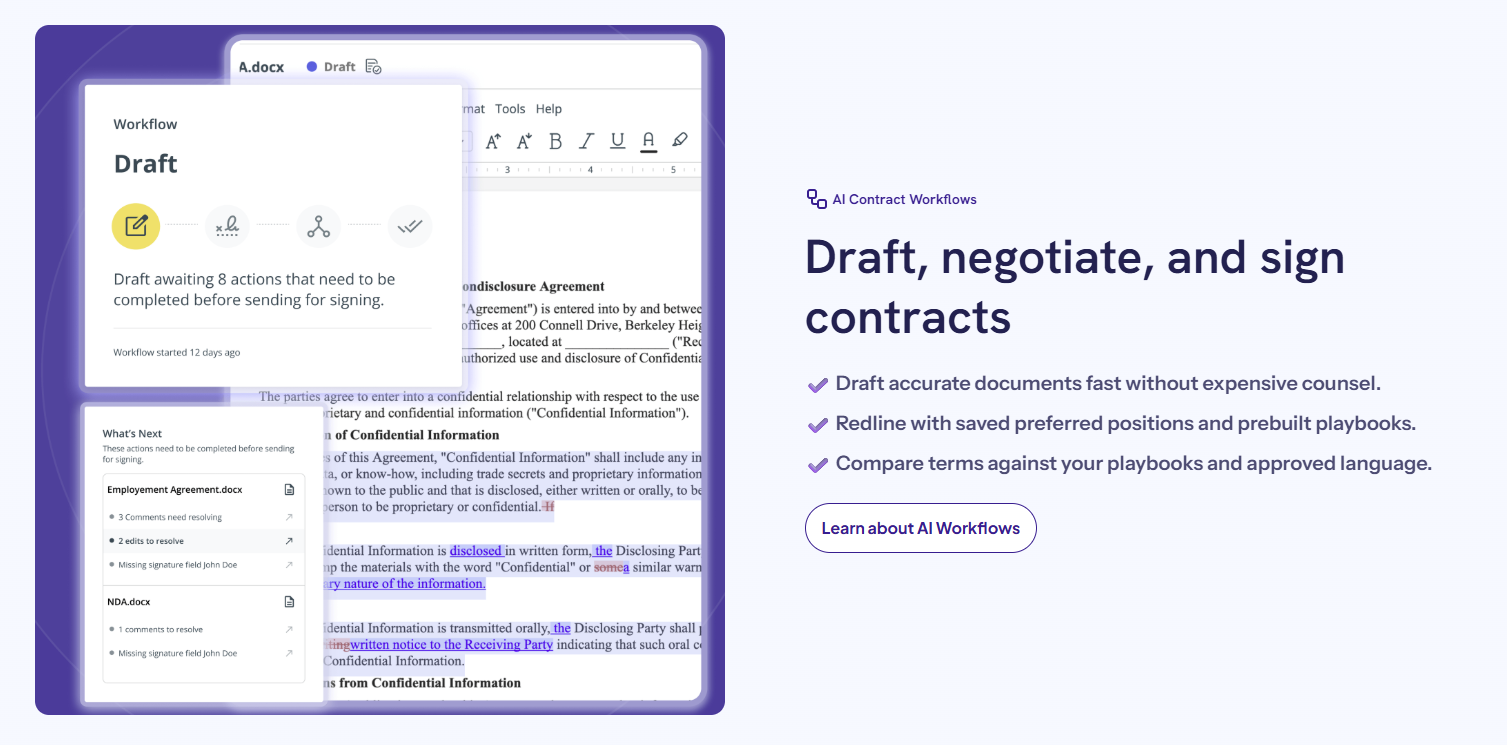
What changes when everything lives in one place? You stop guessing. You can see who touched a contract, what language changed, what still needs approval, and what’s coming up next.
For legal professionals, that kind of clarity makes a real difference in how time gets used day to day. Contract drafting, negotiation, approvals, and signatures stay connected, which cuts down on repeated work and status check-ins.
Aline also leans heavily into legal AI to help teams handle large volumes of agreements with more confidence. From first drafts to detailed analysis after signing, the platform supports how contracts evolve over time rather than treating each step as a separate task.
Clio is a legal practice management software platform focused on helping law firms keep daily operations organized in one place.
It’s widely used in the legal industry, especially by firms that want clearer visibility into matters, clients, and billing without dealing with overly complex systems. The platform brings structure to work that often gets split between calendars, spreadsheets, and email.
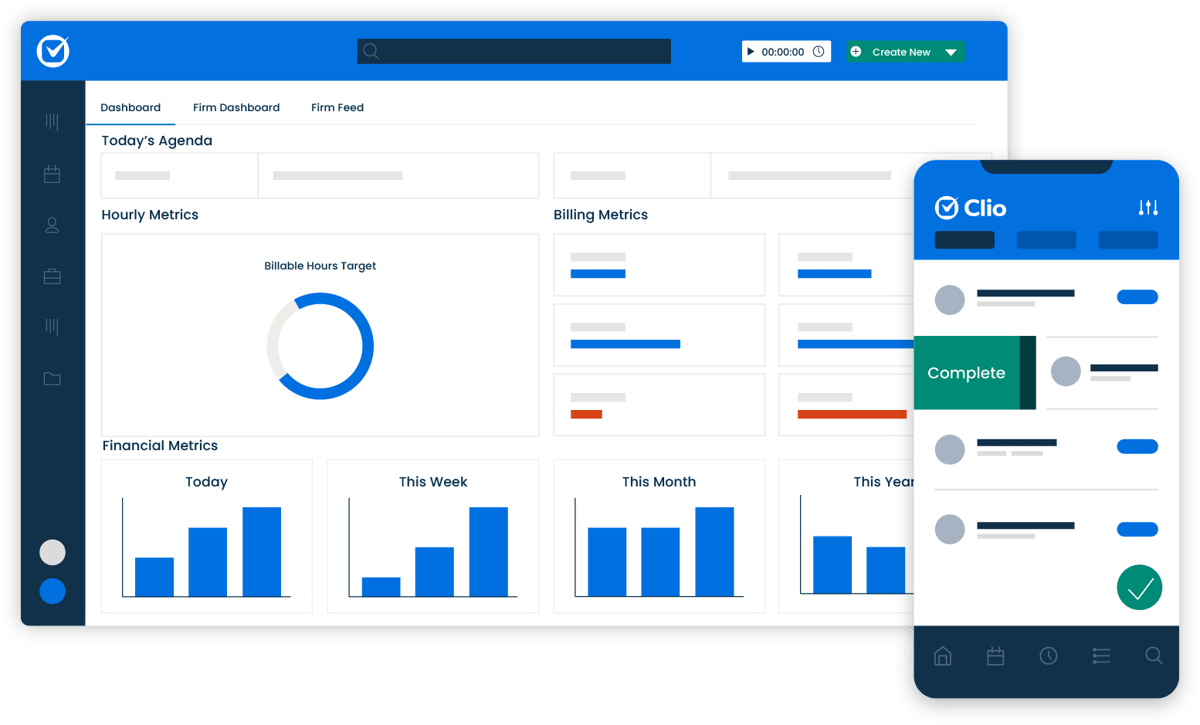
One of Clio’s biggest strengths is how it handles time tracking and billing. You can log work as it happens, connect tasks directly to matters, and keep billable hours accurate without extra admin work at the end of the day.
Clio also includes a client portal that keeps communication and document sharing more organized. Clients can view updates, exchange files, and stay informed without relying on long email threads.
Combined with a user-friendly interface, this makes Clio approachable for teams that want something functional without a steep learning curve.
Notion is a flexible workspace that many legal teams use as part of a broader legal tech stack. While it isn’t legal-specific, its strength comes from how customizable it is.
Firms often rely on it to organize internal work, document processes, and manage information that doesn’t fit neatly into traditional practice management systems.
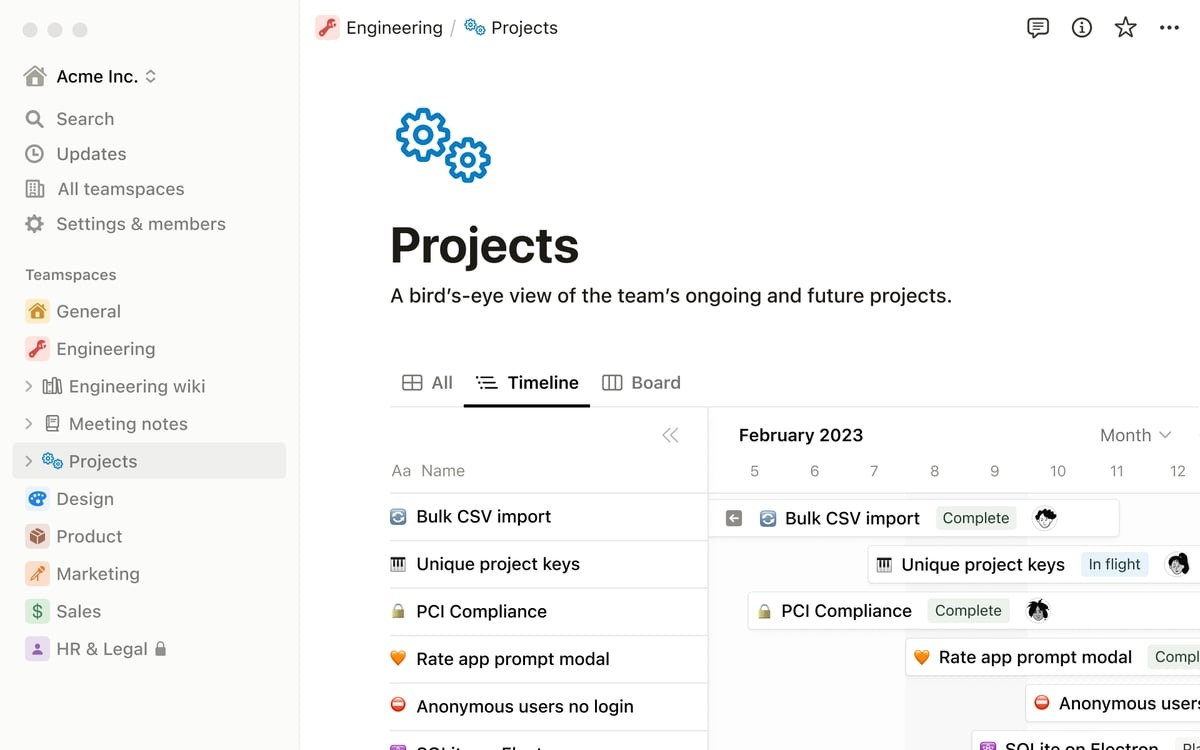
For lawyers handling a mix of administrative tasks and project-based work, Notion works well as a lightweight alternative to more rigid project management tools.
For example, you can build custom pages for matters, create shared task lists, and track progress in a way that matches how your team thinks rather than forcing a preset structure. Managing tasks feels visual and adaptable, which helps when work changes quickly.
Notion also supports strong team collaboration. Notes, tasks, and documents live in the same workspace. This makes it easier to share updates, store internal knowledge, and keep everyone aligned without relying on multiple apps.
Asana is a structured project management tool that works well for legal teams that want clear ownership and predictable workflows.
Compared to Notion, which leans heavily on customization, Asana offers more defined task tracking out of the box. That can be helpful if your team prefers less setup and more consistency from day one.
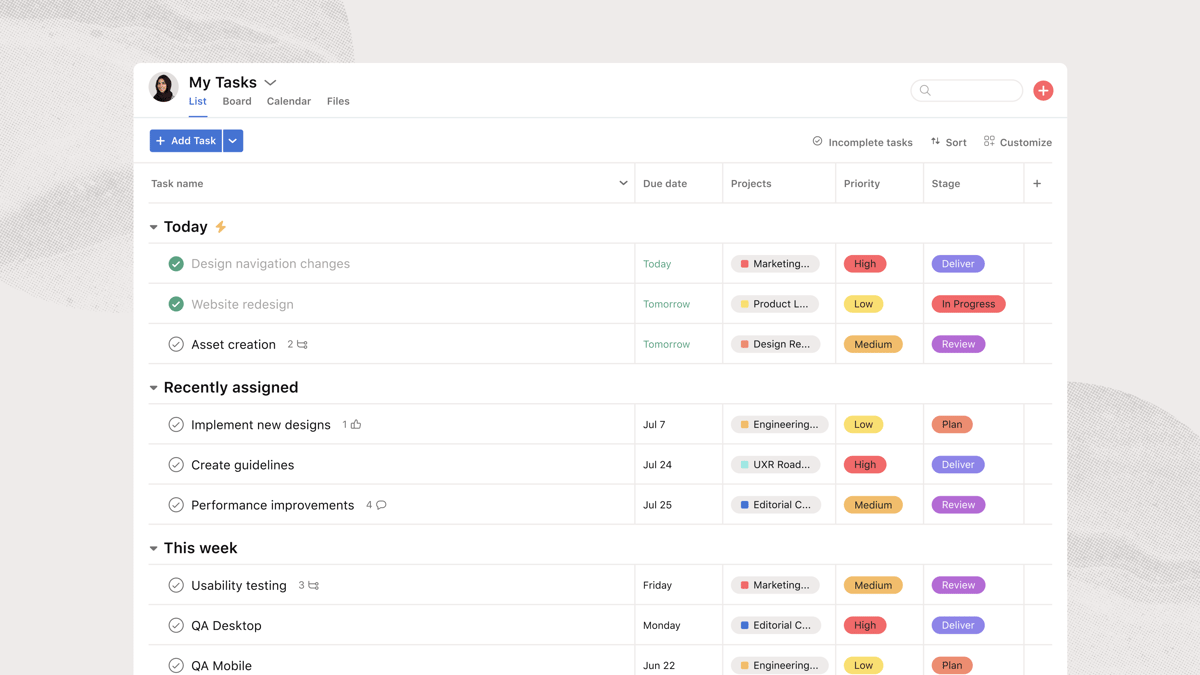
Asana shines when work follows repeatable patterns. You can map out processes, assign responsibilities, and see progress without building everything from scratch.
This structure makes it easier to keep work moving and spot delays early for teams dealing with repetitive tasks. Tasks feel less likely to stall when ownership and timelines are always visible.
The platform also includes strong collaboration features. Team members can comment on tasks, share files, and track updates in one place rather than jumping between tools.
And while Asana isn’t a full-time tracking tool on its own, it does support time tracking through built-in fields and integrations, which can help teams understand how long certain types of work take.
Microsoft 365 is a familiar part of the legal tech stack for many modern law firms.
It brings together document creation, email, calendars, and collaboration tools in an environment most lawyers already know. That familiarity lowers friction and makes it easier to stay organized without changing how you write or communicate.

Microsoft Word remains a central tool for drafting and reviewing legal documents, and its tight connection with Outlook, Teams, and OneDrive helps keep work connected. Emails, meetings, and files stay linked, which supports smoother client communications and internal coordination.
Microsoft 365 also works well as a foundation for other legal tools. Files can be shared securely, permissions managed easily, and collaboration handled in real time without leaving the platform.
Although it doesn’t replace legal-specific software, it provides the core communication tools and document workflows that many firms build around.
NetDocuments is a cloud-based document management platform designed for law firms that handle large volumes of legal documents.
The system focuses on keeping files organized, searchable, and controlled. That structure helps reduce time spent tracking down documents or confirming which version is ready for use.
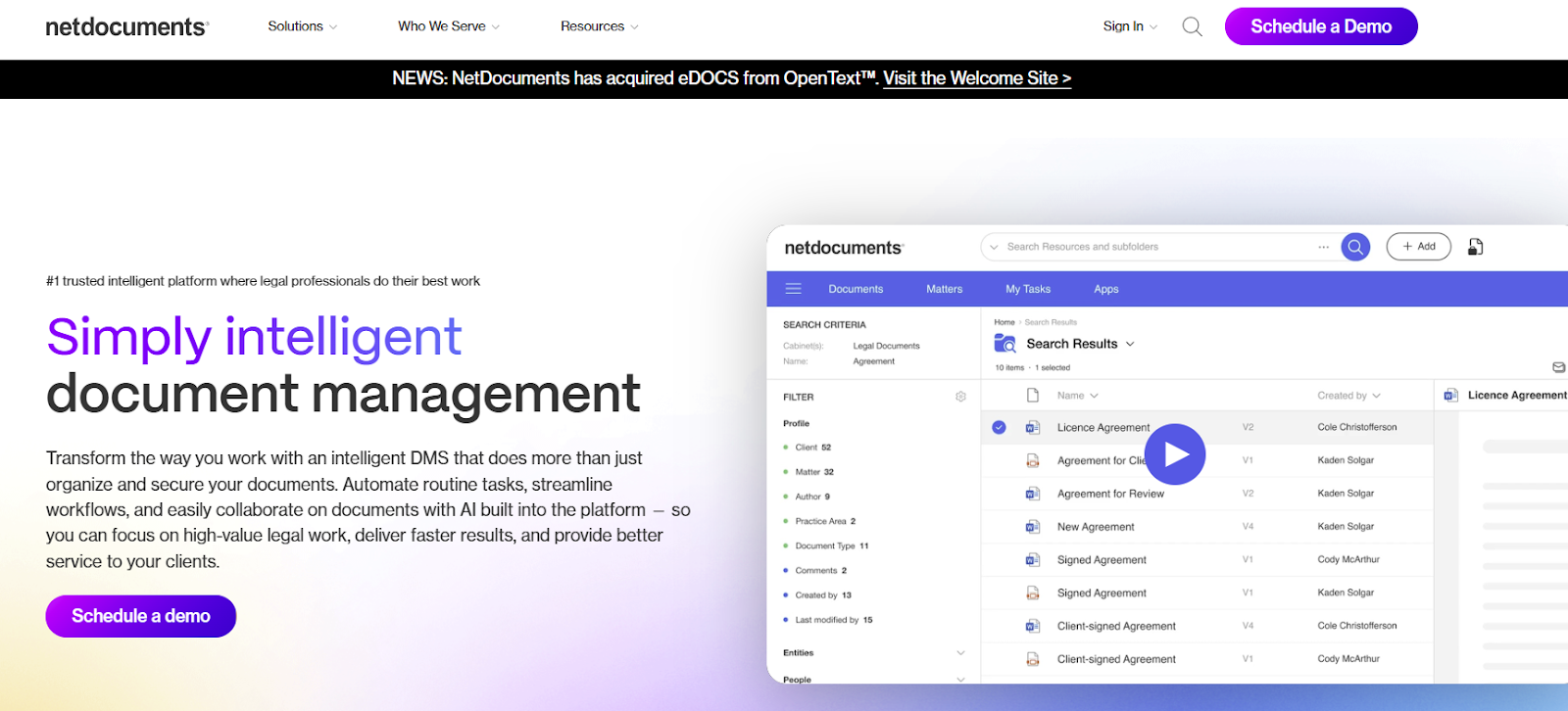
Documents are organized around matters, so related files stay connected and easier to manage. Version history runs automatically, which makes it simple to review changes without saving multiple copies.
With an active internet connection, teams can access documents from anywhere while maintaining consistent permissions and visibility.
Evernote is a note-taking and organization app that many professionals in the legal profession use to manage information outside formal case or contract systems.
It works well for capturing ideas, meeting notes, research snippets, and quick reminders that don’t belong in a full practice management tool.
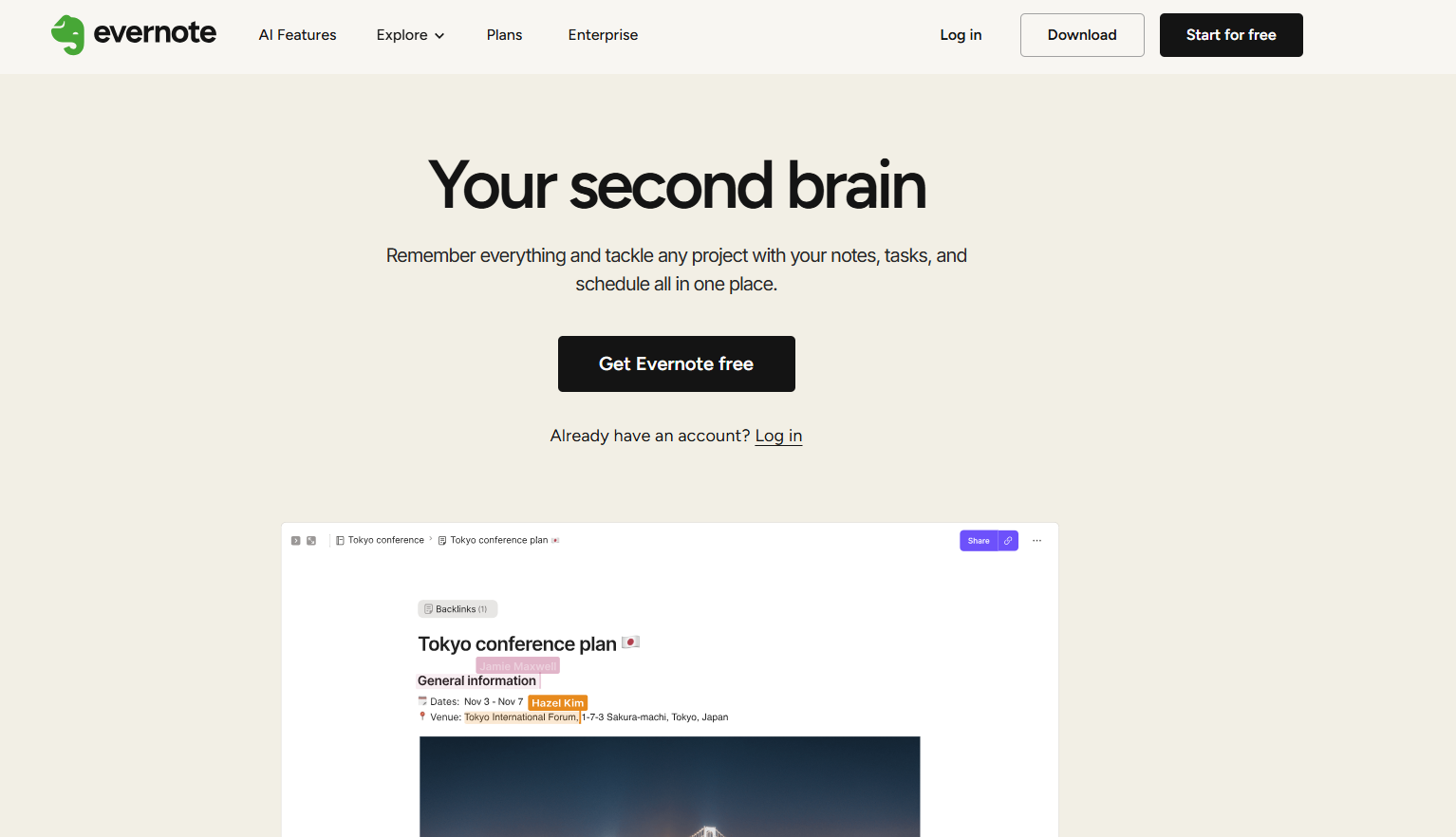
The platform is especially useful for personal organization. You can create notebooks for clients, matters, or topics and build simple to-do lists to keep daily work on track.
Notes sync across devices, which makes it easy to jot something down during a call and revisit it later from your desk. Search also plays a big role, as it can help you find notes quickly, even when they were created weeks or months earlier.
Evernote tends to work best as a companion tool rather than a central system. For lawyers who like keeping thoughts, research, and task lists in one personal workspace, it adds structure without feeling heavy.
Smokeball is a law practice management platform designed to take pressure off the day-to-day admin work that quietly eats up time.
It covers core firm operations like matters, billing, and documents, with a strong focus on reducing how much work you have to track or enter manually.
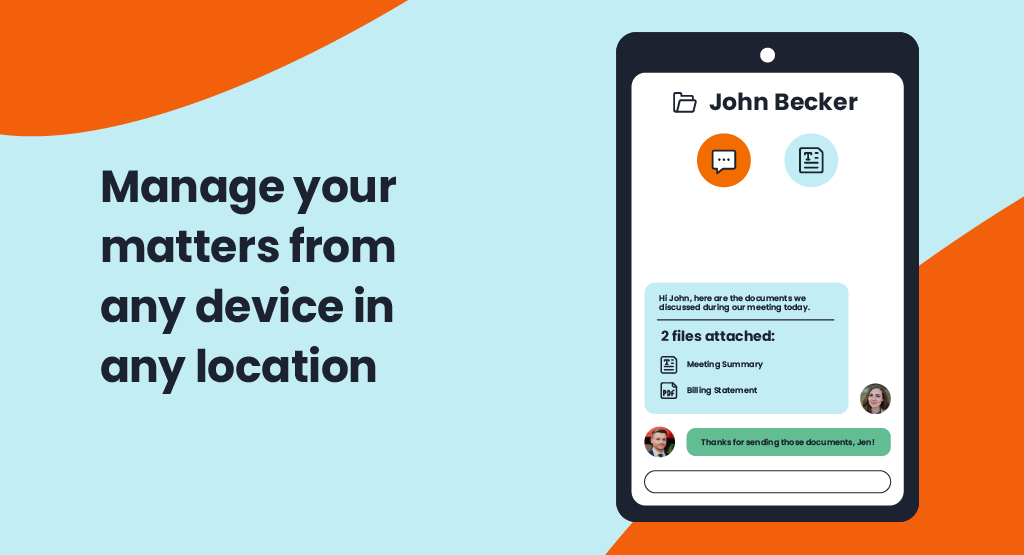
What stands out is how much the system works in the background. As you draft documents, review files, or move through matters, Smokeball automatically captures activity.
It supports automated time tracking without constant timers or reminders. That helps keep billable work accurate while cutting down the mental overhead of logging everything yourself.
Document drafting also feels more practical here, with templates that pull in matter details so routine paperwork doesn’t take more effort than it should.
Smokeball’s reporting tools help make sense of what’s happening across the firm. You can generate detailed reports that show workload distribution, billing trends, and productivity without stitching together data from different systems.
For firms looking for a modern solution that lightens the administrative burden, Smokeball fits comfortably into everyday legal work.
Google Workspace is a cloud-based productivity suite that appeals to firms looking for a simpler, more flexible alternative to Microsoft 365. It’s often a good fit for smaller teams or firms that prefer working directly in the browser and want collaboration to feel quick and effortless.

Compared to Microsoft’s ecosystem, Google Workspace puts more emphasis on live collaboration. Drafts in Google Docs update in real time, comments stay easy to follow, and sharing files takes only a few clicks.
Some lawyers still rely on Microsoft Word for formal drafting, but Google’s tools work well for internal documents, notes, and early-stage drafts. Google Calendar also plays a big role, keeping meetings and deadlines visible without extra configuration.
Workspace tends to work best when paired with other tools. Many firms use it alongside practice management platforms or legal research software rather than relying on it for everything.
Putting together a tech stack works best when you start with how work actually gets done. Keep in mind that the goal is to cover the basics well and avoid piling on software that creates more steps than it removes.
We've put together a few guidelines to help keep things practical:
Looking at your tools together makes it easier to spot what’s working and what’s slowing you down. Some systems earn their place quickly, but others end up creating extra steps or confusion over time. A solid setup keeps work easy to follow from start to finish.

Most firms rely on a mix of platforms, and that’s expected. Task tools help work move forward. Communication tools keep people aligned.
However, contracts tend to be the area where things break down. Essential steps like drafting, review, approvals, and signing often live in different places, which makes it harder to stay oriented.
Aline fits naturally into that space. It gives contract work a clear home, so progress, changes, and obligations stay visible without extra effort.
A well-chosen tech stack brings confidence that important details aren’t getting lost and that time is being used intentionally. If contracts take up a meaningful part of your day, Aline can help bring that part of your workflow into better focus.
Start a free trial and see how it works in your own setup.
Lawyers use a mix of tools depending on their practice and workload. Common ones include document management systems, practice management platforms, task and calendar tools, time tracking software, and collaboration apps. In the legal world, many teams also rely on contract-focused tools, research databases, and secure communication platforms to keep work organized and easy to reference.
The 80/20 rule suggests that a large share of results often comes from a smaller portion of effort. For lawyers, that usually means a handful of matters, clients, or tasks drive most outcomes. Organization tools help identify where time is actually going, which reduces human error and makes it easier to focus attention on work that matters most.
Strong organization starts with systems, not memory. Lawyers stay organized by keeping documents in one place, tracking tasks and deadlines consistently, and using tools that match how they work. Clear naming, searchable files, and shared visibility also help reduce confusion around legal terminology and ongoing work.
Many law firms rely on dedicated document management systems alongside contract management platforms. This setup keeps drafts, signed agreements, and related files connected while making it easier to track versions, approvals, and obligations without relying on email threads or local folders.
Legal research depends on speed and accuracy. Organization tools help lawyers store notes, track sources, and reference relevant case law without losing context. When research materials stay structured, it’s easier to build arguments and revisit findings later without starting over.











