Legal work touches so many moving parts that relying on one tool rarely covers everything your team needs.
Most legal departments grow into a collection of systems; some for contracts, some for matters, some for research, and others for billing or signatures. If you’re starting to build your first real tech stack, it helps to understand which tools fit into the core workflows you deal with every day.
That’s why this guide walks through five types of legal workflow software that form a solid foundation for any team. Each one supports a different part of your daily operations, from contract management to research and billing.
Together, they give you a clearer, more dependable way to handle work without bouncing between scattered processes.
Legal workflow software refers to tools that help legal teams organize, route, review, and complete the day-to-day work that moves through their department.
However, there isn’t one single definition because legal work covers so many different processes. That’s why the easiest way to understand legal workflow management software is to look at how different categories support different workflows across legal departments.
Many tools fall into this space, but they usually help with a few core needs:
Since each workflow calls for its own kind of support, the next sections break down the top software options for major legal processes.
Aline is a contract lifecycle management platform built for law firms and legal teams that want their contract work to feel more organized and far less repetitive.
Instead of switching between scattered tools for drafting, reviewing, approving, signing, and tracking agreements, everything lands in one workflow that actually supports the pace of your day.

The platform uses AI to draft documents, clean up language, run redlines, and answer contract questions in seconds, which gives teams a practical way to move faster without losing control over quality.
Aline also helps legal departments create structured, predictable workflows for high-volume tasks. You can set up smart routing, use dynamic templates for document generation, and rely on AI Playbooks to keep reviews aligned with your preferred positions.
Contract reporting stays simple too, since the system captures key data automatically and makes it easy to spot renewal dates, risk areas, or patterns across your entire contract portfolio.
All in all, everything works together to give your team a comprehensive solution that cuts down manual work and keeps contracts on track from start to finish.
Book a demo to learn more about Aline's features.
Clio Manage is a go-to option for legal operations teams that want a reliable system to handle the work that surrounds every legal matter.
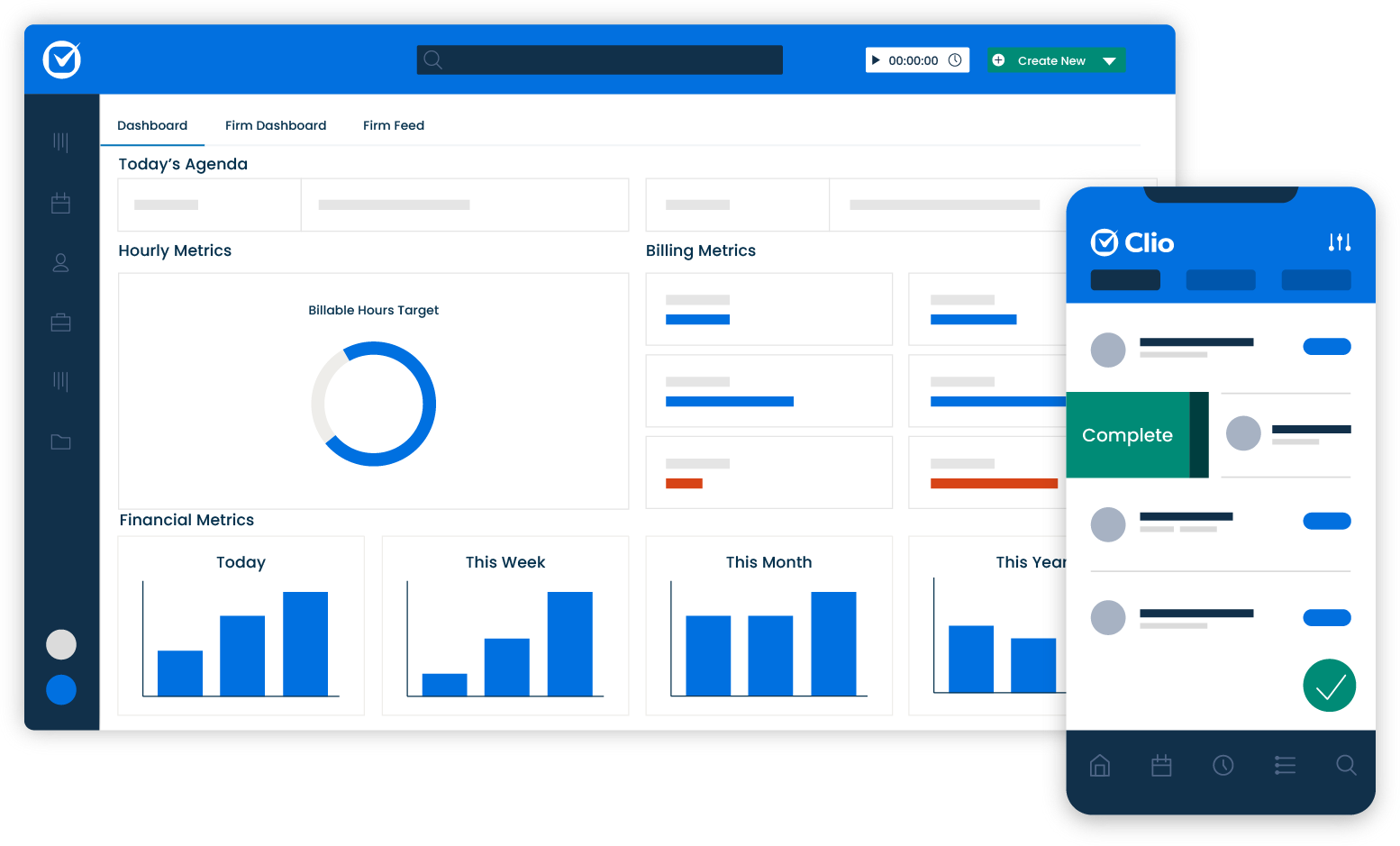
It brings client communication, document creation, scheduling, billing, and project management into one place, to give firms a clearer view of their daily workload.
Many teams choose Clio because it connects smoothly with existing systems and keeps administrative tasks organized without adding complexity. Plus, it works well as legal technology for firms that want effective workflow management supported by legal workflow automation software.
TimeSolv is a strong fit for legal professionals who want billing to feel straightforward instead of time-consuming. Many firms bring it in when manual processes start slowing down invoicing or creating room for human error.
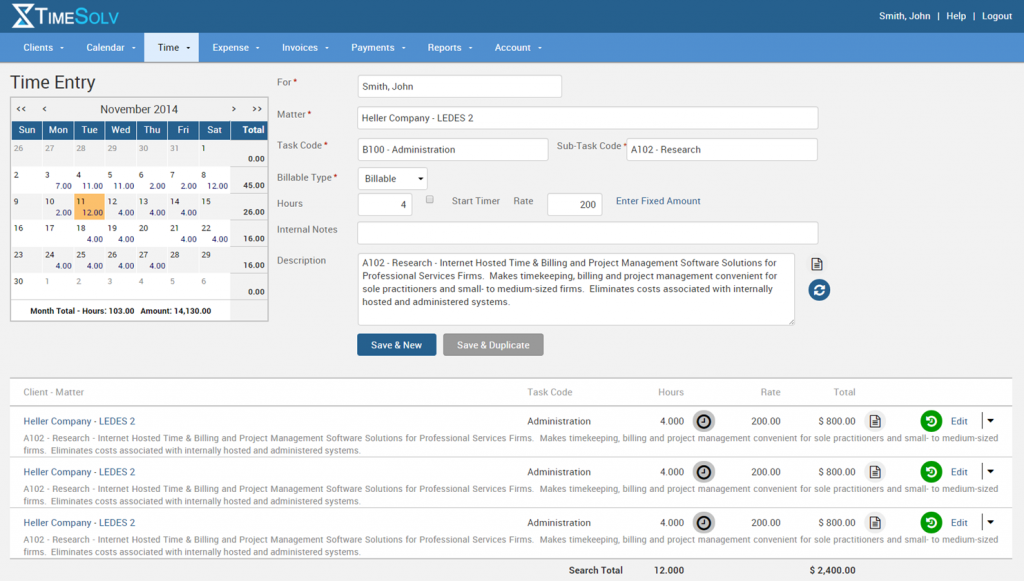
The platform focuses on clear billing workflows, accurate time tracking, and simple invoicing setups. It gives teams a practical way to stay on top of billable hours without extra administrative overhead.
The tool also supports firms that want to streamline workflows around payments, trust accounting, and expense tracking, which means nothing gets buried in spreadsheets or email threads.
LexisNexis remains one of the most trusted options in the legal profession for teams that rely on fast, accurate research.
Legal leaders often turn to it when they need a dependable way to search case law, statutes, regulations, and legal documents without losing time sifting through scattered sources.
Its tools support strategic initiatives across firms and legal departments, making it one of the best legal workflow software choices for research-focused tasks.
In addition, many teams appreciate how easily it fits into daily routines, which helps with user adoption and keeps research moving.
DocuSign is widely used by legal teams that want a quick, reliable way to collect electronic signatures without slowing down their workflow.
While not a full contract lifecycle management solution, it helps streamline processes that normally involve long email threads, manual tasks, or printing and scanning.
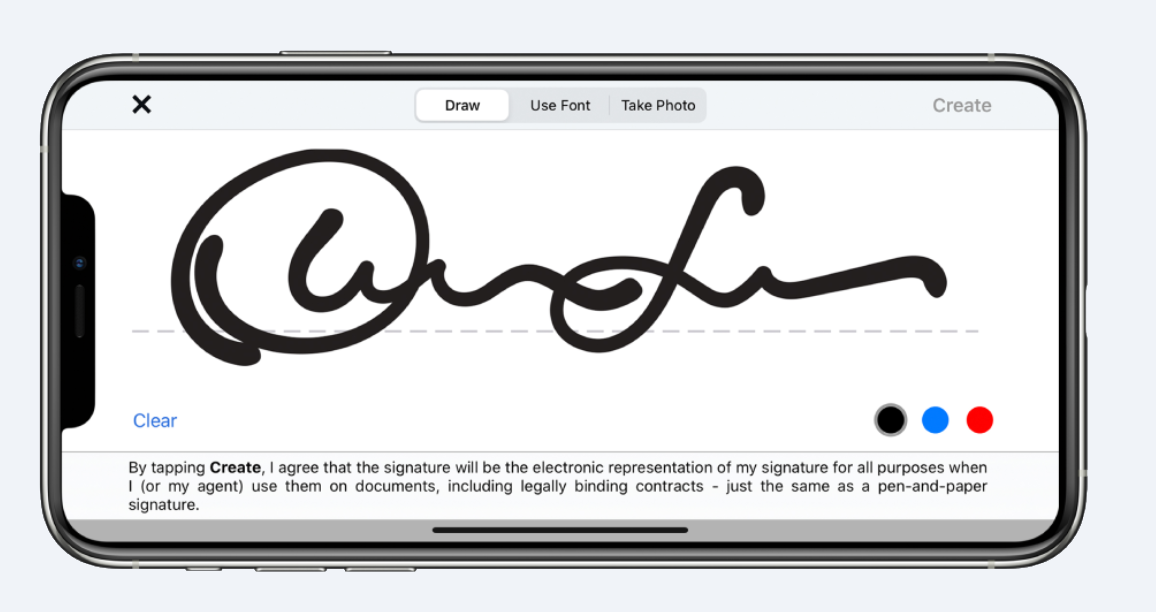
Legal departments often choose it because it works well with external stakeholders who may not use the same systems, and the signing experience stays simple from start to finish.
Its integration capabilities also make it easy to connect with other workflow tools and document management systems, which helps maintain consistent quality across every agreement.
The overall setup gives teams a practical way to improve efficiency without changing how they already work.
Contracts might not be the only thing your team handles each day, but they tend to influence a huge part of how work moves across your organization.
If contracts make up a large share of your workload, investing in a tool that supports smoother drafting, reviews, approvals, and signing can make everything else feel lighter.

Aline gives you a structured way to handle all of that without bouncing between systems or repeating steps you’ve already done.
As you explore tools for other core legal tasks, keep in mind that your contract process affects most of the work that touches legal teams. A platform built to manage those moments with more clarity and less manual effort can reshape the pace of your day.
If you’re aiming for a setup that frees your team from repetitive tasks and gives you organized workflows from start to finish, Aline is a strong place to start.
Start your trial of Aline now!
It supports process management across legal matters, from document drafting to reviewing documents, coordinating approvals, and keeping tasks organized through automated workflows.
Yes, most platforms connect to email, calendars, document automation systems, and project management tools to make sure your team doesn’t have to change the way it already works.
It helps automate tasks, reduces missed deadlines, and keeps approval processes clear, which can give teams a smoother way to move work from one step to the next.
Many platforms offer customizable workflows for intake, matter updates, document creation, contract routing, and team assignments. This can allow you to shape the process around your needs.
Faster responses, clearer communication, and fewer bottlenecks lead to a more reliable experience, especially when project management features and workflow automation tools keep everything moving in a predictable way.











