Most people don't go looking for a contract lifecycle management (CLM) tool on a good day. It usually starts with a specific moment.
Someone asks which version was signed. A renewal question comes up mid-call. Finance wants numbers tied to active agreements, and no one's fully sure where to pull them from. The contract exists, but the answers take too much work.
A CLM tool is built for those moments. It's software designed to manage contracts as living records and not just static files. From drafting through approval, signing, storage, and long-term tracking, everything stays connected, so contract information doesn't need to be reconstructed later.
This guide breaks down what a contract lifecycle management CLM tool actually does, how different teams rely on it, and what separates a true CLM system from a collection of standalone tools.
CLM stands for contract lifecycle management. In plain terms, it's how contracts live inside your business from the moment someone starts drafting one to the point it's signed and later revisited.
The CLM process covers the entire contract lifecycle, from the first request to post-signature follow-up and renewal.
If contracts often feel slower than they should, there’s a reason. Research shows the entire contract process eats up roughly 18% of the selling cycle. That's a meaningful slice of time spent waiting on edits, approvals, and follow-ups. Plus, it adds friction to deals that might already feel fragile.
Today, contract management software is the tool that gives you a single place to manage the entire contract process, without hopping between emails, documents, and status checks. You can see where a contract sits, who needs to act, and what's slowing things down.
When CLM works the way it should, contracts become part of a steady routine that supports momentum rather than draining it.
Contracts touch many roles, and effective contract lifecycle management depends on everyone working from the same process and information.
Here's how different teams typically use CLM tools and why it matters to them:
Each group interacts with a different stage of the contract lifecycle management process, but all rely on the same source of truth.
CLM software gives structure to how contracts move through your business. These building blocks shape how work flows, who's involved, and how decisions get made:
Contract intake, sometimes called contract initiation, is the step where a request for a contractual agreement is formally captured.
Someone submits what the contract is for, who's involved, and any basic terms that are already known. This information becomes the starting point for contract creation and guides how the draft is put together. If details change later, they usually trace back to this intake stage.
Contract drafting follows intake and focuses on turning that request into a working document. During contract generation, teams pull language from clause libraries and contract templates, then fill in variable fields like pricing, timelines, or scope.
The draft is assembled piece by piece, with language adjusted based on the type of agreement and who it's for.
Like most legal documents, contracts go through several versions as details are clarified and updated. Each revision builds on the previous one until the contract reflects the requested terms and is ready to move into review.
Essentially, intake and drafting shape the structure of the entire contract and set the baseline for what gets reviewed, approved, and negotiated later.
After contract drafting, the contract moves into review. This is when more people step in and start reading with intent.
For example, legal looks closely at contract terms and risk, while finance checks numbers and payment language. The business side then confirms the agreement reflects what was discussed.
All of this happens during one of the most active stages of the contract, where back-and-forth is expected.
Collaboration during contract review works best when everyone sees the same document and the same changes. Comments, questions, and edits build on each other.
Version history matters here because contracts often change in small but meaningful ways, and it needs to be clear which language is current.
Some teams also use AI and machine learning to support contract review. AI contract review tools can surface unusual clauses, highlight missing terms, or flag language that looks out of place based on prior agreements.
The final decisions still come from people, but the extra signal helps focus attention.
Common steps in this stage include:
Contract approval workflows kick in once everyone agrees the contract language is ready to move forward.
This stage focuses on contract approval and makes sure the right people have signed off before anything goes out the door. The exact path depends on the agreement, its value, and the parties involved.
In CLM systems, approvals follow a defined order to make sure nothing moves ahead prematurely. Legal teams often review first, especially when risk or compliance is involved.
Other approvals may come from finance, leadership, or department owners, depending on internal rules.
A typical approval workflow looks like this:
Remember: Throughout this stage, visibility matters. You want to know who has approved, who hasn't, and what's still pending.
Contract negotiation starts once a contract leaves your internal circle and lands with the other party.
During contract negotiation, both sides review the language and suggest changes that affect pricing, timelines, liability, or other contractual obligations.
In sales contracts, for instance, this might look like a customer asking for different payment terms or tighter service commitments. In vendor contracts, negotiation often involves delivery timelines or limits on responsibility.
These conversations rarely happen in one pass, though. Edits come back, comments stack up, and language shifts as each side pushes for clarity or protection.
That's where version control becomes critical. Without it, teams lose track of which draft reflects the current agreement and which changes were accepted or rejected.
CLM solutions keep negotiations grounded by tracking every revision in one place. You can see how a clause evolved, who suggested the change, and when it was approved. This visibility supports risk management because nothing quietly changes without a record.
For example, if a liability cap is adjusted during negotiation, version history shows when that change happened and who agreed to it.
Electronic signatures handle the final step in the contract management process without the usual back-and-forth that comes with printing and scanning. You review the final version, sign digitally, and the contract moves into execution without delay.
From a legal standpoint, electronic signatures are well established. Laws like the ESIGN Act and UETA in the U.S. recognize them as valid and enforceable, as long as both parties agree to sign electronically.
Contract management tools and e-signature software record:
This way, there's a clear record if questions come up later.
Contract execution feels much simpler without manual processes getting in the way. No waiting on couriers or missing pages, and everyone gets access to the signed agreement right away.
Over time, this also leads to real cost savings from fewer admin tasks, fewer slowdowns, and less paper to manage.
Central contract repositories give contracts a dedicated home.
General document management systems are built to store many types of files, so contracts end up mixed in with presentations, invoices, and drafts.
That works for storage, but it falls short once you need answers. Finding contract status, key dates, or the final version usually means opening documents one by one.
But when you're centralizing contract data in a CLM system, storage works differently. Contracts are saved with context.
You can see who signed, when it was executed, and what stage it's in without opening the file. Search works off contract terms, parties, or dates, and not just file names.
Picture a vendor asking about a renewal date during a call. In a shared drive, that turns into a scramble. In centralized contract storage, you pull up the agreement, check the contract status, and give an answer on the spot.
Those key features turn storage from passive filing into something you can actually use day to day.
After a contract is signed, questions keep coming. What's active right now? What's close to renewal? Which agreements took the longest to finalize? Tracking contracts through the entire lifecycle helps you answer those questions without digging.
Contract management systems pull this information into one place, and that kind of contract visibility means business users can see what's happening at a glance. Plus, contract management reporting builds on that by turning contract activity into something measurable and easier to understand.
Here's what teams usually track and review:
AI now shows up in almost every building block above, but its role is often misunderstood. It doesn't replace legal judgment. It takes on the routine tasks that make manual contract management slow, like extracting key dates, summarizing terms, and organizing contract data.
The most useful application is contract intelligence, the ability to turn signed agreements into structured, searchable information.
Instead of opening each file, you can ask which contracts contain a certain clause, which ones renew next quarter, or where payment terms differ from your standard. Contract lifecycle management AI reads the documents and returns the answers.
That changes what a contract archive is worth. A folder of PDFs only answers the questions someone remembers to ask. A repository built on contract intelligence surfaces obligations, deadlines, and risk signals without anyone digging for them.
The human part doesn't go away, though. AI output still needs review, and decisions about terms and risk stay with people. What you gain is time: less manual reading, faster answers, and fewer details slipping through.
Contract performance is what happens after the ink dries. Did both sides deliver what they agreed to? Were deadlines met, discounts applied, and terms honored?
Signed agreements shape financial performance in ways that are easy to miss. Payment terms affect cash flow. Delivery milestones affect revenue recognition, since finance often can't book revenue until certain contract obligations are met.
None of that is visible when contracts sit in folders as static files.
CLM tools help you optimize contract performance by connecting agreed terms to what actually happens. You can see which obligations are due, which milestones have passed, and where the agreement and reality have started to drift apart.
Over time, this data also shows which terms serve you well and which keep causing problems. That's how teams maximize contract value instead of just storing documents.
Renewals are where passive storage costs real money. A missed contract renewal can lock you into another year with a vendor you meant to replace, or let a customer agreement lapse quietly.
Proactive renewal management means the system tracks renewal dates and notice windows for you. You get warnings early enough to renegotiate, cancel, or prepare, instead of discovering the deadline after it has passed.
This is one of the most direct ways CLM prevents revenue leakage. Auto-renewals stop slipping through, and expiring customer contracts get attention before the relationship stalls.
Contracts may include obligations related to regulatory requirements as well as commitments to the other party. Data-protection clauses, industry rules, and internal policies all create compliance requirements that don't end at signing.
Compliance tracking means monitoring those requirements over the life of the agreement. A CLM tool logs who approved what, keeps audit trails, and controls who can view sensitive contract data.
That structure helps in two ways. First, a defined approval path ensures compliance steps aren't skipped when deals move fast. Second, standardized language reduces contract risk because unusual terms get flagged before signing instead of being discovered later.
For teams responsible for ensuring regulatory compliance, this record-keeping matters most during audits. Instead of reconstructing decisions from email threads, you can show when each version changed and who signed off.
Consistent processes also improve compliance over time. Fewer one-off exceptions mean fewer compliance risks hiding inside individual agreements.
Standalone tools focus on individual tasks. One handles drafting, another handles signing, and another stores files.
Each tool does its job, but they don't share much context. Managing contracts in this setup means moving documents between systems and keeping mental notes about what happened where.
On the flip side, a contract lifecycle management system is designed around the full contract flow. It connects drafting, review, approvals, signing, and post-signature tracking inside one system. The contract carries its history with it, including edits, decisions, and approvals, so nothing has to be reconstructed later.
For example, a sales contract created in a contract lifecycle management platform can pull language from clause and template libraries, move through review, and stay linked to its data after signing.
In a standalone setup, that same contract might be edited in one tool, approved in another, signed elsewhere, and saved manually with no clear thread tying it together.
For teams in the legal industry, understanding contract lifecycle management means choosing systems that support how contracts actually move, not just where files end up. Legal and procurement teams tend to feel the gap first, since they handle the highest contract volume.
You usually feel the need for CLM before you can clearly explain it. Contract work starts taking more effort than it should, and small issues keep popping up during normal business processes.
Here are some signs that contract lifecycle management software would make a difference:
When these patterns show up, the benefits of contract lifecycle management should become clear. A better system supports ongoing oversight and helps with optimizing contractual relationships without adding more steps to your day.
Once you understand how contracts move through your organization, the next challenge is keeping that process consistent as volume grows.
Drafting, review, approvals, signing, and reporting all need to stay connected, or small gaps start to slow things down.
Aline is an AI-powered CLM platform that brings those pieces into one place.
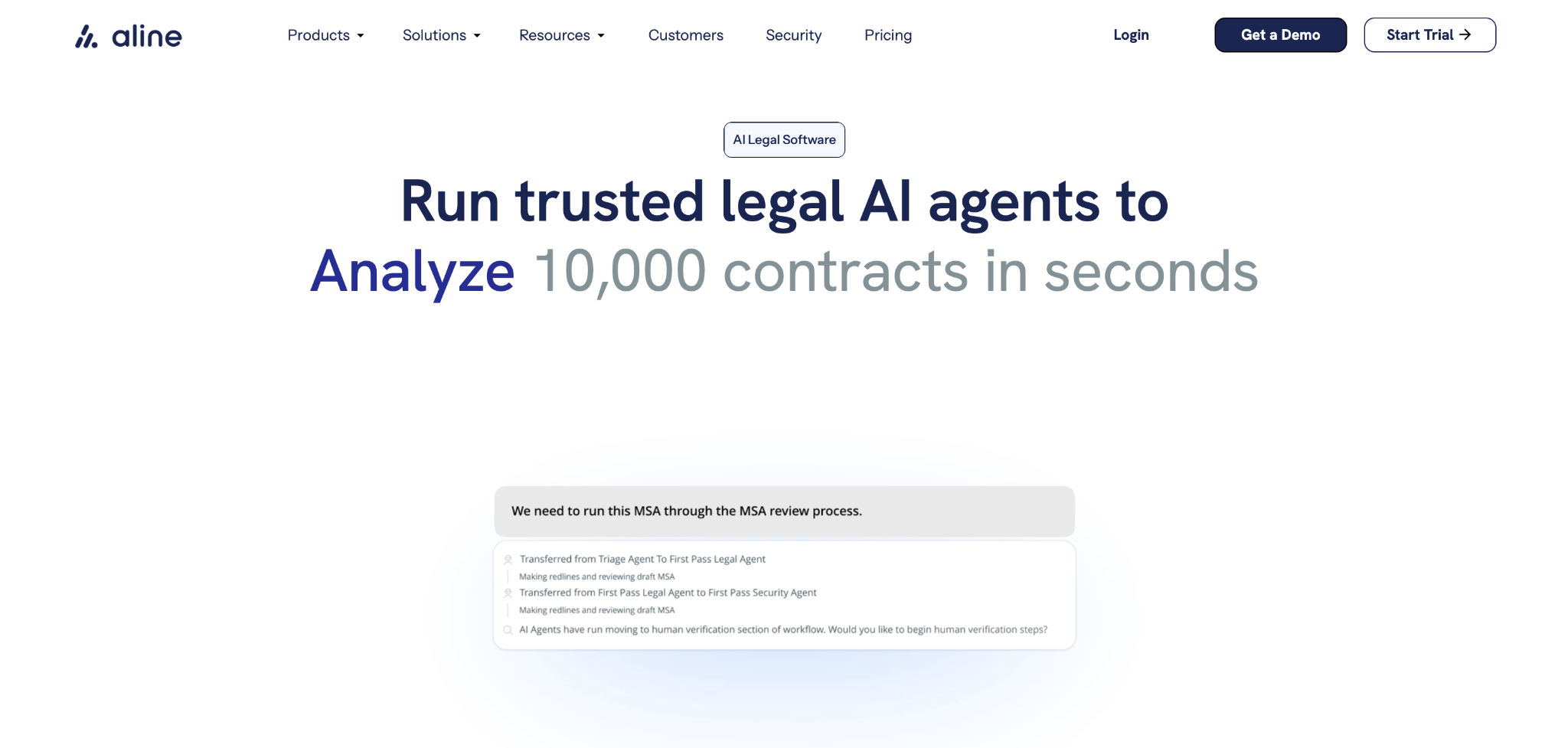
It combines AI-driven contract lifecycle management with tools teams already rely on, including fast drafting and redlining, structured workflows, built-in e-signatures through AlineSign, and reporting that surfaces renewal dates, obligations, and risk data without manual work.
Legal, sales, procurement, finance, and RevOps teams can all work from the same system without stepping on each other's toes.
Managing contracts shouldn't slow the rest of your work down. Connect with Aline's legal engineers and start your free trial today.
CLM stands for contract lifecycle management. In simple terms, CLM is the process used to manage contracts from creation through signing and ongoing oversight. It covers drafting, review, approvals, tracking, and closeout in a structured way.
Inside a company, CLM connects how contracts move between teams. It brings workflow automation, shared visibility, and audit trails into one system, which streamlines contract processes and reduces manual follow-ups between departments.
A legal CLM is contract lifecycle management software built around the needs of legal teams. It layers tools like clause libraries, playbook-based review, and detailed audit trails on top of standard drafting, approval, and signing features. The goal is to let legal manage risk while the rest of the business keeps contracts moving.
In business relationships, CLM helps keep expectations clear after an agreement is signed. It supports obligation management, so both sides know what's required, when actions are due, and how changes are handled over time. That clarity helps avoid misunderstandings and missed commitments.











