Picking a CLM platform is one of those decisions that can look simple at first, then get harder once you compare how each tool actually works.
ContractPodAI, now Leah, has strong AI and contract management capabilities, but it may not be the best fit for every team.
The right choice should help your team move contracts through review, approval, signing, and storage with less friction. More than that, it should also feel practical for the people using it every day, from legal to sales to operations.
In this guide, we’ll cover what ContractPodAI/Leah does, why you may want to compare alternatives, and which CLM tools are worth considering before you decide.
ContractPodAI now goes by Leah, a legal AI platform that includes contract lifecycle management for teams with heavier legal operations. Essentially, it gives you one place to draft contracts, review terms, manage approvals, store signed agreements, and track all agreements.
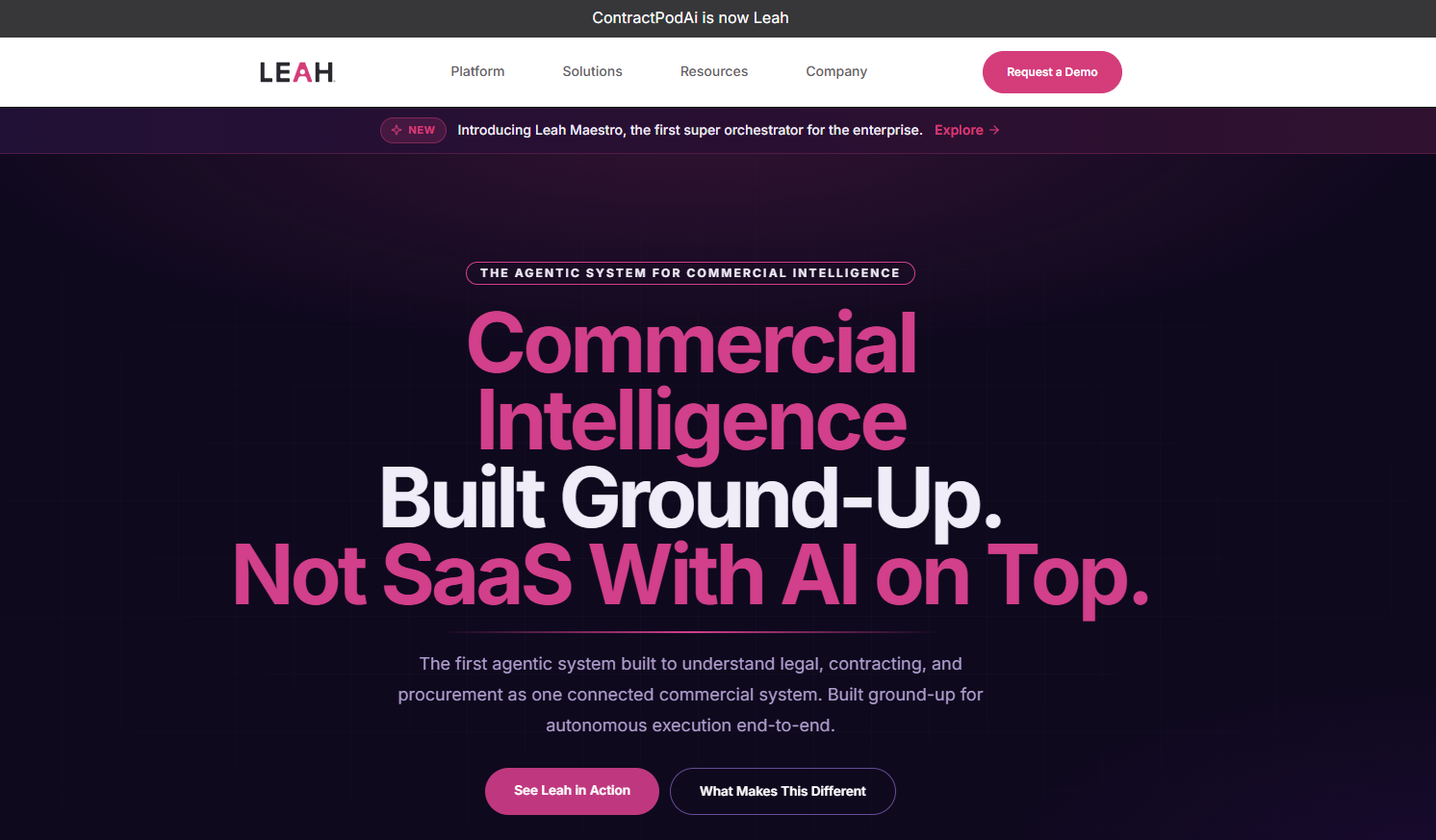
The platform has also moved deeper into agentic AI. Basically, that means Leah uses AI agents to help with parts of the work that often slow a human legal team down. For instance, it can find contract details, answer document questions, and move a request through the next step by itself.
That broader setup can be useful if your team wants legal AI tied into several business functions. At the same time, it may feel like a larger system than you need if your main goal is simpler contract management software.
Key areas include:
Leah can be a strong option if you need a broad legal technology platform with advanced AI features.
Still, the best CLM solution depends on how your team works each day. A system built for large enterprises may offer more than you need, while a leaner platform may feel easier for business teams that want faster contract review, approvals, and reporting.
You may want to compare other CLM solutions if you need:
Once you know what you want to change, the next step is finding a CLM tool that feels closer to how your team works. Here are some ContractPodAI competitors you might want to consider:
Aline is an AI-powered CLM platform built for teams that want a faster, cleaner way to manage contracts from beginning to end. It brings AI drafting, redlining, approvals, electronic signatures, centralized contract storage, and reporting into one connected contract workspace.

Where Aline stands out is its focus on practical contract work. You can use AI-powered tools to draft agreements, review third-party papers, summarize terms, and pull key details from signed contracts.
Then, automated workflows help route approvals and sign-offs, while AlineSign keeps signing within the same platform.
Aline is also built for visibility after the contract is signed. Agreements live in a searchable contract repository, so your team can find terms, track dates, and create reports right away. If you want an AI CLM that keeps contract work clear, connected, and easy to manage, Aline fits that need well.
Start your trial of Aline today.
Docusign CLM is a familiar name for teams that already use Docusign for e-signature. Its CLM product expands that signing experience into a fuller contract workspace, with tools for creating contracts, routing approvals, managing negotiations, and storing completed agreements, among others.

The biggest draw is familiarity. If your team already trusts Docusign for signatures, its contract lifecycle tools can feel like a natural next step. It can also work well when your contracting needs involve sales agreements, procurement documents, or other high-volume business contracts.
Docusign CLM may be a good fit if you want a user-friendly CLM solution with a known user interface and strong e-signature connections.
Plus, it offers integrations with systems like Salesforce, SAP Ariba Contracts, and Coupa, which can help larger teams connect contracts with the tools they already use.
Conga CLM is built for teams that want contract management tied closely to revenue operations. It can help with contract creation, negotiation, legal review, approvals, and post-signature management, while keeping contract data connected to the wider business.
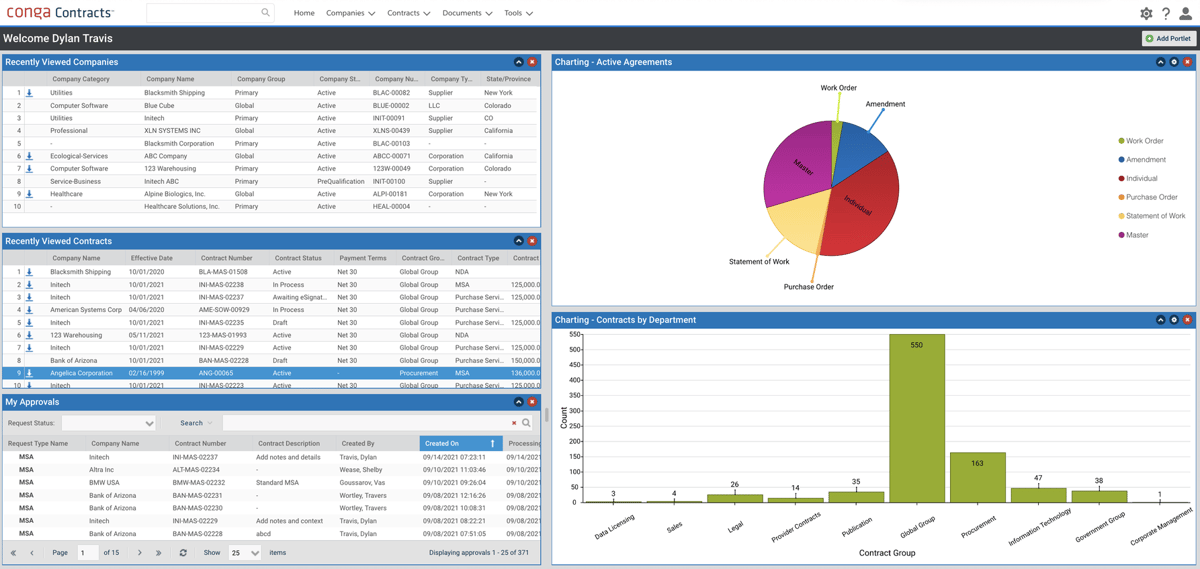
A big part of Conga’s value is how it fits into commercial workflows. If your team already works heavily in CRM, CPQ, or sales systems, Conga’s integration capabilities may be one of its strongest points.
Its AI tools also support extraction, so teams can pull useful data from agreements and turn contract language into structured information.
The platform may be a good match if you want a management platform that can support legal, sales, and procurement teams at a larger scale. Its key features lean toward control, visibility, and data-driven contract work, though setup may take more planning if your processes are complex.
LinkSquares is a contract automation platform built with legal professionals in mind. The platform supports agreements before and after signature, with tools for contract authoring, review, storage, search, and reporting.
One strong area is post-signature visibility. Teams can track renewals, obligations, contract terms, and compliance details in a more structured way.
Legal teams that spend too much time searching old contracts or checking dates by hand may find the platform useful. Plus, obligation tracking and compliance management features support stronger operational visibility after contracts are signed.
HyperStart is an AI CLM platform with a strong focus on speed, contract intelligence, and cleaner collaboration. Teams can use the platform to create, review, approve, sign, and manage contracts while keeping contract data easier to search and use.

The platform’s contract analysis tools can pull out important terms, key dates, obligations, and risks from agreements. That can be helpful when legal teams need a faster way to understand what is inside a contract before making decisions.
Moreover, HyperStart supports configurable workflows, so review and approval steps can match the way your team already handles complex processes.
Collaboration is another useful part of the platform. With real-time collaboration features, teams can work through contract changes, comments, and approvals with better visibility. Its contract intelligence features may also support ensuring compliance by making important terms and dates easier to track.
Juro is a CLM platform known for its clean design and strong focus on self-serve contracting. In practice, it works well when legal teams want business users to create and manage routine agreements without needing legal to step in at every stage.
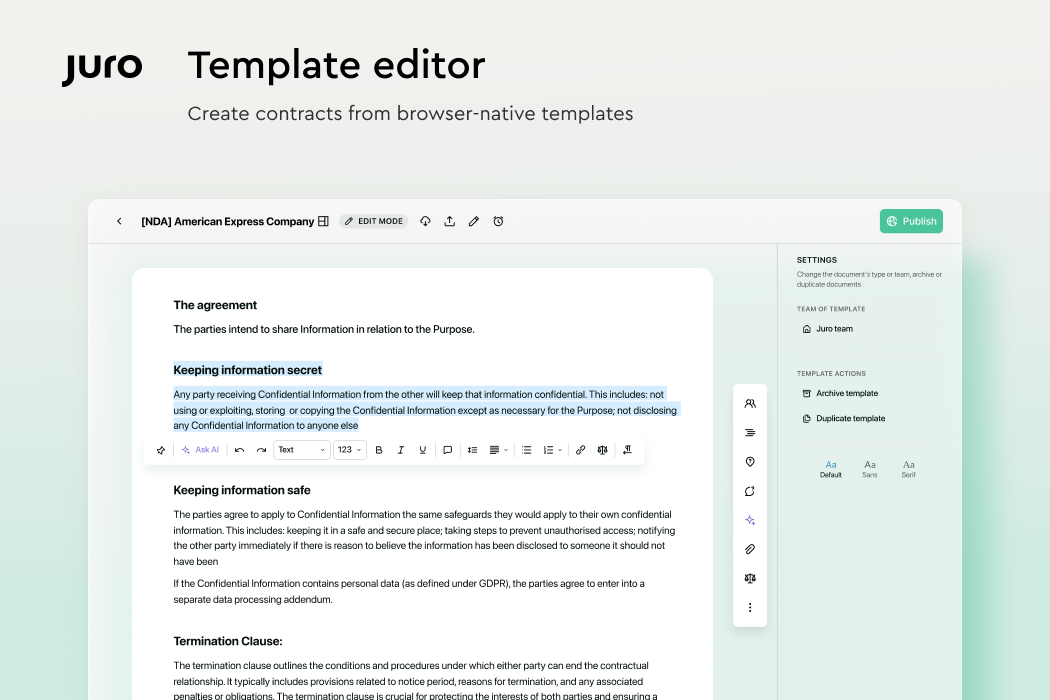
The platform’s ease of use is one of its main strengths. For example, Juro has an intuitive interface that makes contract creation, review, approval, signing, and storage feel less technical.
Its browser-based editor also gives teams a more modern way to work on contracts compared with switching between documents, emails, and separate signing tools.
Because of that, Juro can be a good match when speed and adoption are top priorities. It may also appeal to teams looking for a cost-effective CLM option with a user-friendly experience, especially when most contracts follow repeatable patterns.
Icertis is an enterprise CLM platform built for large organizations with complex contracting needs. Large legal, procurement, sales, and finance teams may use it when contract work needs deeper structure and stronger controls.
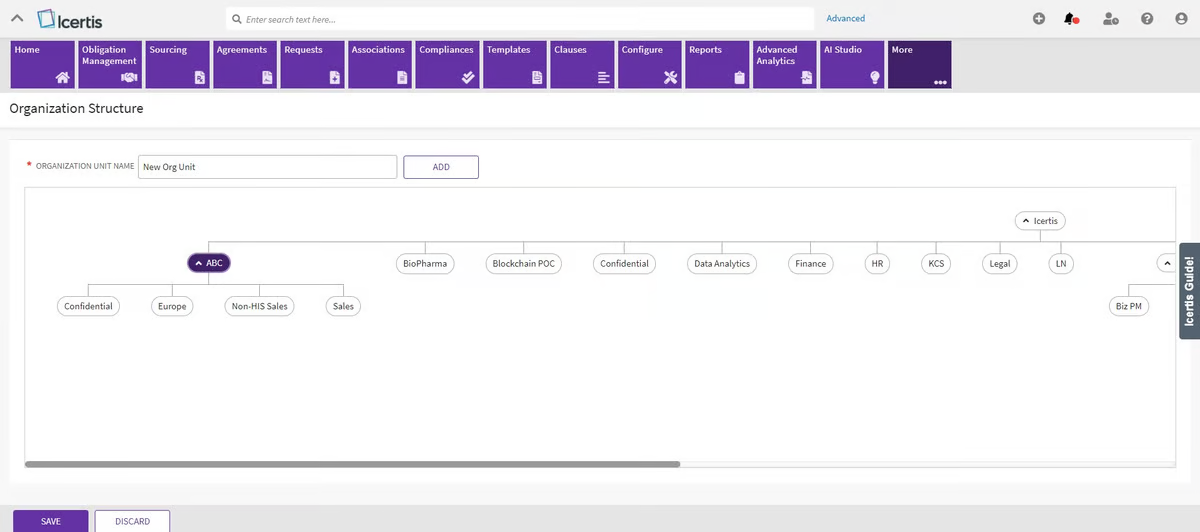
Compared with lighter CLM tools, Icertis leans toward depth and scale. The platform can support advanced contract governance, risk tracking, compliance controls, and structured contract data for high-volume operations.
That makes it a suitable option when contracts are closely tied to enterprise systems and business operations.
Icertis may be a good match if your organization needs enterprise CLM with detailed controls, broad visibility, and deep system connections.
If Aline stood out while you were comparing ContractPodAI alternatives, it is likely because it brings the most important parts of contract work into one connected workspace.
The AI drafting, automated redlining, workflow management, AlineSign, reporting, and centralized contract storage all support the same goal: helping your team move contracts forward with less friction.

That is what makes the final choice important. Your next CLM should support your digital transformation plans, but it also needs to feel practical for the people using it every day.
That includes your legal team, business users, and the implementation team responsible for getting the platform running smoothly.
Aline is a strong option if you want an AI-powered CLM that gives your team more contract visibility from draft to signature and after signing. It helps you create agreements, review third-party papers, route approvals, collect electronic signatures, and keep contract data easier to find later.
Start your trial of Aline today.
Look for a platform that fits how your team handles contracts today and how you want that process to improve. Useful features often include AI review, workflow automation, contract storage, reporting, automated alerts, and approval tracking.
Start with your main contract pain points, then compare each platform against those needs. Some tools are stronger for enterprise control, while others are better for faster setup or easier daily use.
Look at how the platform will support your team before and after launch. A good fit should be easy enough for daily users, flexible enough for your contract process, and clear about setup needs. It also helps to review AI features, reporting, integrations, automated alerts, contract migration, custom pricing, and support. If you have legacy contracts to move over, ask how the implementation team handles data cleanup, storage, and search.
Start with the problems you want the platform to solve first. Some teams care most about AI review, while others need better approvals, reporting, search, or contract storage. Implementation speed can also be important, especially if your team wants to improve the process soon rather than spend months setting up a complex system.