Legal research can eat up more time than it should. You run a search, open a few results, try a new phrase, and keep looking until something useful turns up. But once the pile of cases, contracts, and internal docs gets bigger, that process starts to be incredibly inefficient.
A lot of firms are clearly feeling that. The ABA’s 2024 Legal Technology Survey found that artificial intelligence tool usage in law firms rose from 11% in 2023 to 30% in 2024.
If you are looking into an AI legal research tool, the real question is pretty simple: can it help you find useful legal information faster without making the work feel sloppy or disconnected?
In this guide, you’ll get a clear look at what these tools do, how they work, which features matter, and where they can actually help with contract work.
An AI legal research tool is software that helps you conduct legal research with less manual work. Legal professionals and law firms use it to pull up relevant information, summarize dense material, and spot useful language faster than they could with a fully traditional process.
With traditional legal research, you usually start with keywords, open results from a legal research database, and work through them one at a time. That can still be effective, but it often takes longer, especially when the wording in a document does not match the exact terms you searched for.
AI tools, on the other hand, make that process feel a little less rigid. You can often ask a question in plain language, get a summary of what a document says, or find related clauses without digging through every page yourself.
Some tools also help connect the dots between documents, which can save time when you are reviewing a large volume of material.
That said, an AI legal research tool is still a support tool. It can speed things up and make research easier to manage, but legal professionals still need to check the output and decide what's relevant.
An AI legal research tool works by reading legal data, understanding your question, and pulling up relevant information without relying only on exact keyword matches.
Many legal AI tools use natural language processing and generative AI technology to make legal research faster and easier to work through.
Here’s how AI in legal research usually works:
You can use an AI legal research tool for a range of day-to-day research and review tasks, especially when you need to move through legal materials faster and with more structure.
Many tools use AI systems built on large language models to help sort, summarize, and connect information that would otherwise take longer to review manually.
As you know by now, legal research can be a slow process when you have to look through everything yourself. Here are nine tools worth looking at if you want research to move faster and feel easier to manage:
Aline is a strong pick if you want an AI legal research tool that feels built for actual legal work rather than adapted from a general chatbot.
A lot of generic AI tools can give you quick answers, but legal teams usually need more than that. They need a tool that can handle natural language questions, pull from real contract data, surface useful legal text, and stay grounded in the way legal work actually gets done.
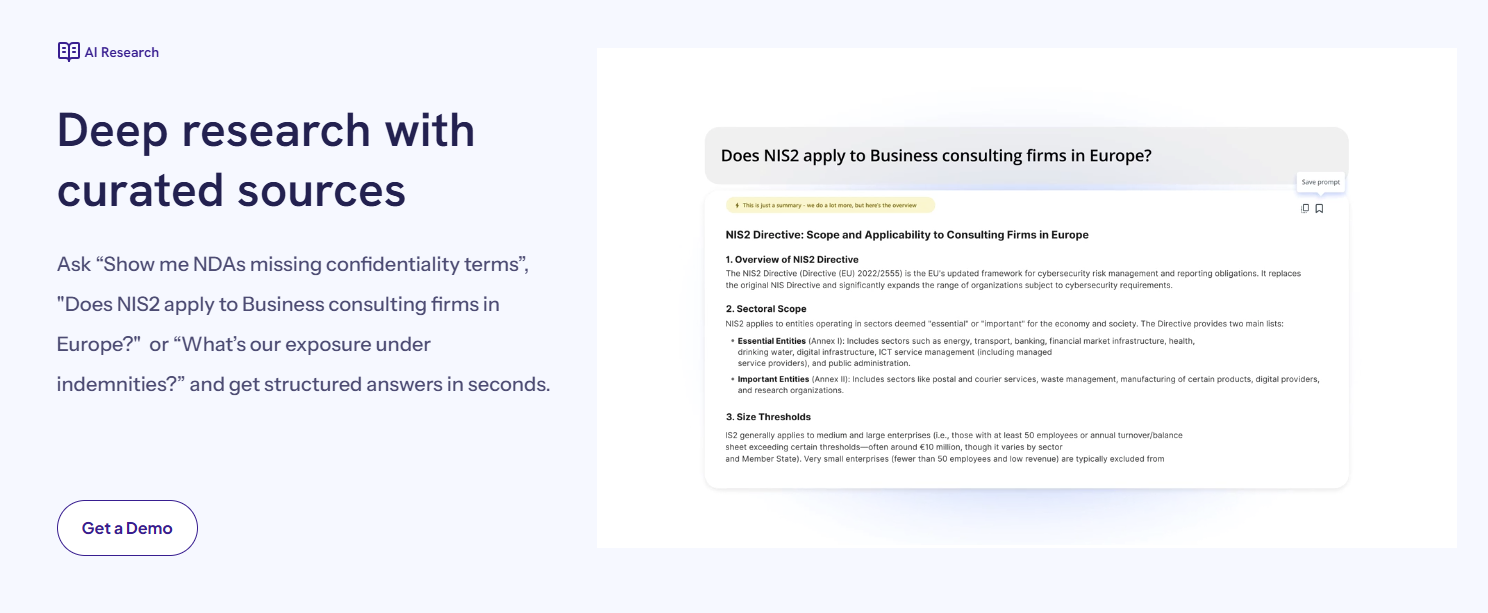
That is the main draw with Aline. Its legal AI is designed to help with research, drafting, redlining, and contract analysis in one system. You can ask questions in plain language, review agreements at scale, and get structured answers tied to the issues you are trying to sort out.
That makes it useful for day-to-day legal tasks, especially when you are working through a large volume of agreements or trying to move faster without falling back on manual review for every first pass.
It also goes further than research alone. Aline connects legal AI to workflows, contract reporting, repository search, approvals, and e-signature.
So, if you find the language or risk you need, the next step can happen within the same platform.
CoCounsel Legal is built for legal teams that want research, document analysis, and drafting in one place rather than spread across separate tools.
According to its positioning, it combines advanced AI with trusted legal content from Westlaw and Practical Law, which gives it a stronger research angle than a general AI product.
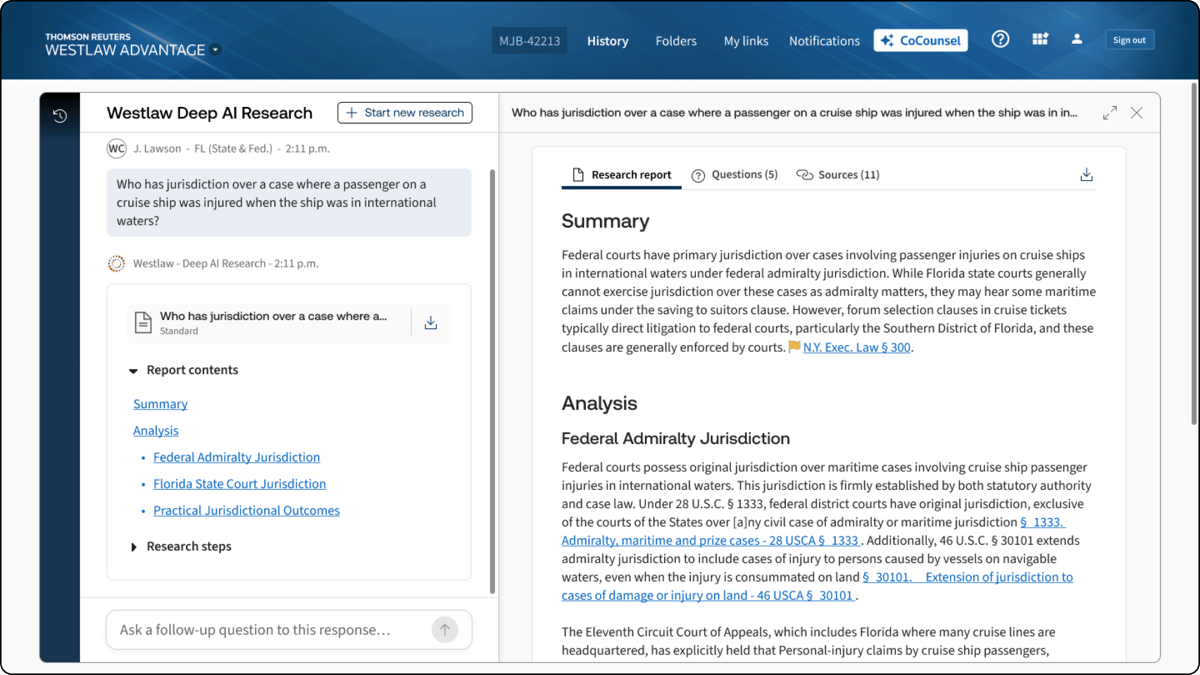
Overall, it's a solid option for teams handling complex legal work and looking for something that feels tied to actual legal practice.
It also helps that CoCounsel Legal is framed as a tool that can guide work from start to finish. So, instead of stopping at a search result or summary, it supports the next step too, which can make the workflow feel more connected when you are moving between research, analysis, and drafting.
Lexis+ AI is a strong option if you want an AI legal research tool built around research, drafting, and insights in one platform.
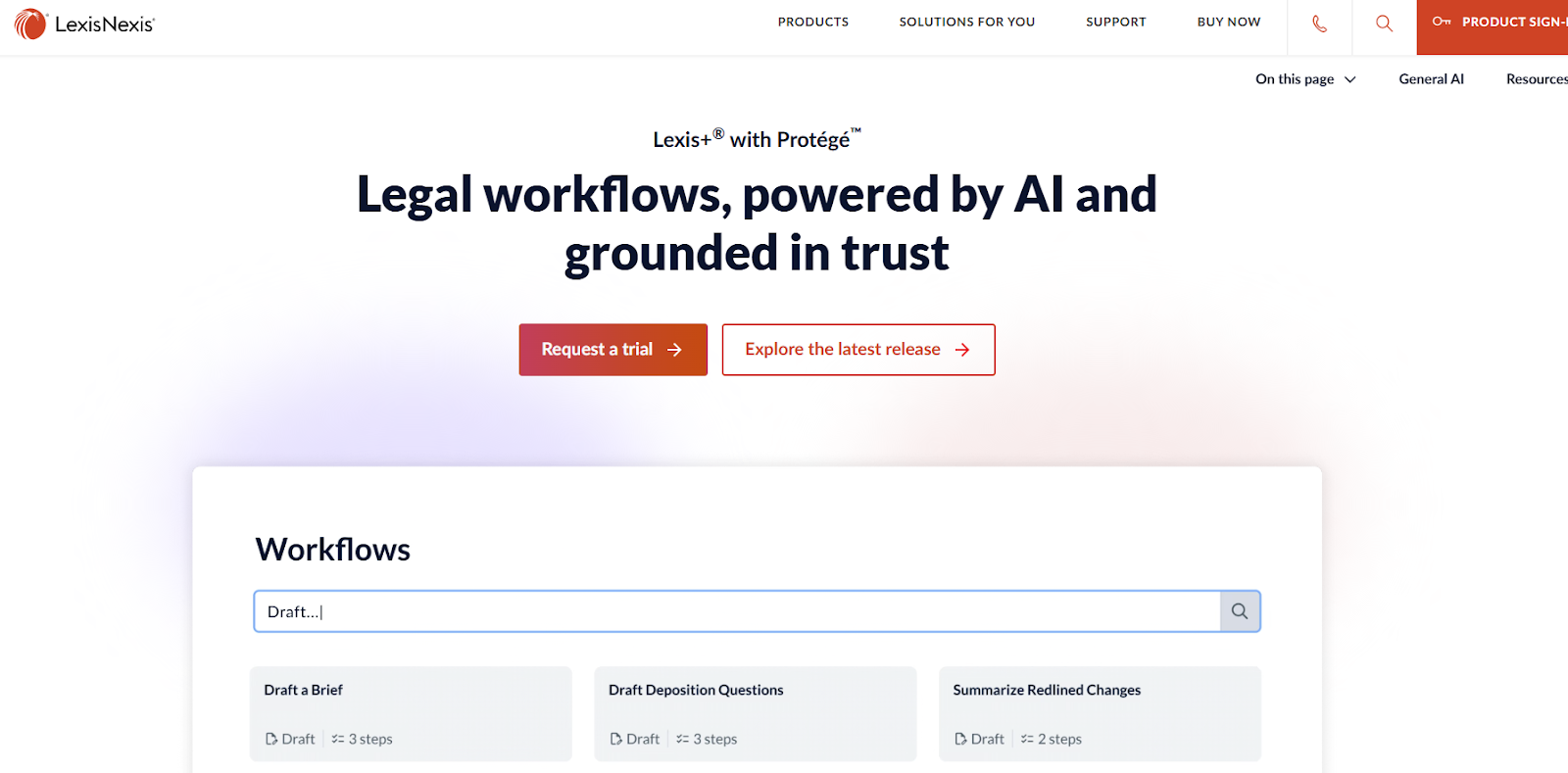
LexisNexis positions it as an integrated legal AI product that gives you answers grounded in its legal content, while also helping with summarization, document work, and day-to-day research tasks.
It is a good fit for teams that want a more established research product with advanced features layered on top, rather than a standalone AI tool.
Spellbook centers on contract work inside Microsoft Word, which is a big part of its appeal.
For lawyers who spend most of their time drafting, revising, and negotiating agreements in Word, that setup feels familiar right away. You are working in the document itself and not bouncing between a chatbot and a draft.
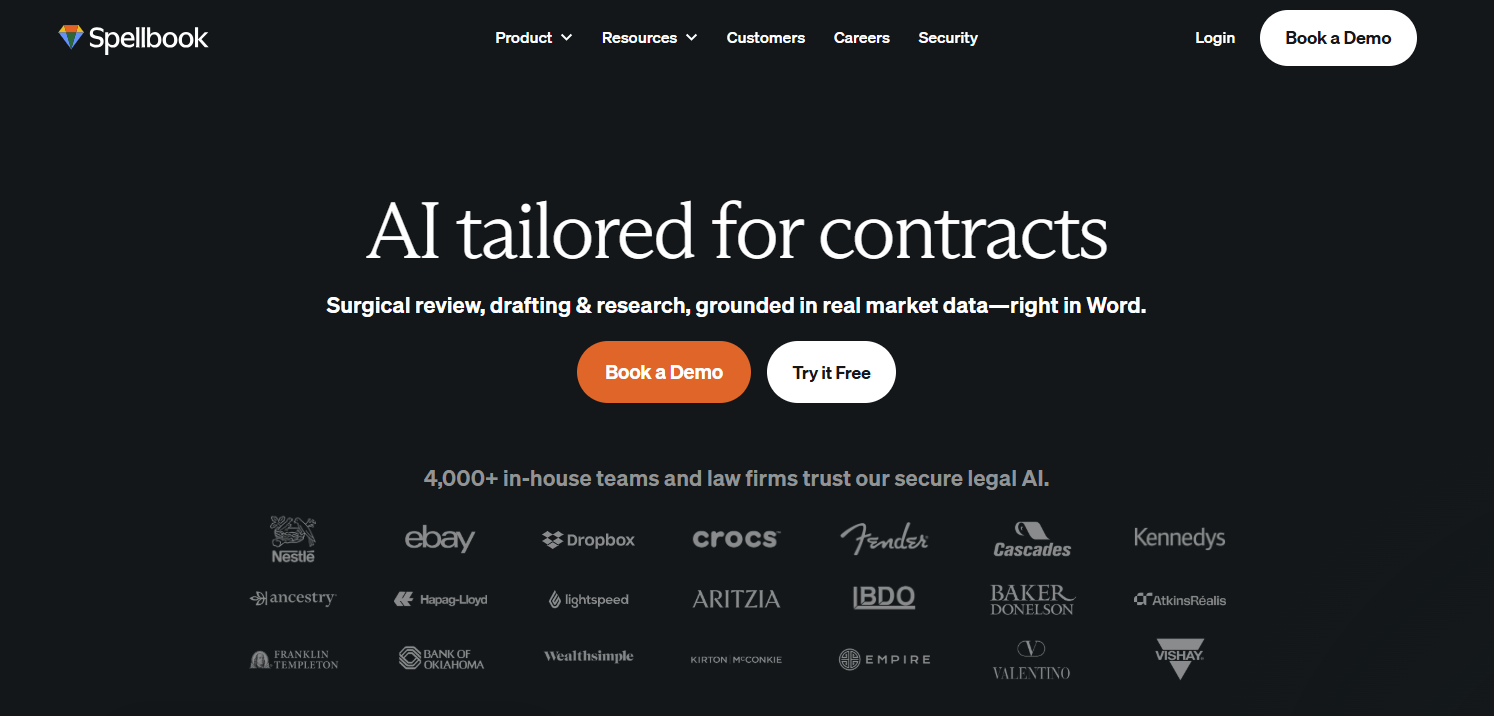
The product leans heavily into transactional work. It focuses on contract review, drafting, redlining, and negotiation support, with AI features built around the way legal teams actually mark up agreements.
Spellbook also highlights its use of large language models like GPT-5 and Claude, but the stronger selling point is the legal workflow itself. The platform is built to help you review and edit contracts faster without pulling you out of your usual process.
ChatGPT is a familiar option in this category, and for many people, it is the first place they test AI for legal work. It can do basic things like answer questions in plain language, summarize long materials, help review uploaded documents, and assist with drafting.
OpenAI also supports file uploads for PDFs, Word documents, and presentations, so you can ask questions about the materials you bring into the chat. On the Free tier, those features exist with stricter rate limits, while paid plans offer more file upload and advanced functionality.
For legal research, the tradeoff is pretty clear. ChatGPT is flexible and easy to use, but it is still a general AI product and not a legal research platform built around legal sources.
Vincent AI is vLex’s legal research assistant, built to help lawyers work through research and analysis with more speed and accuracy.
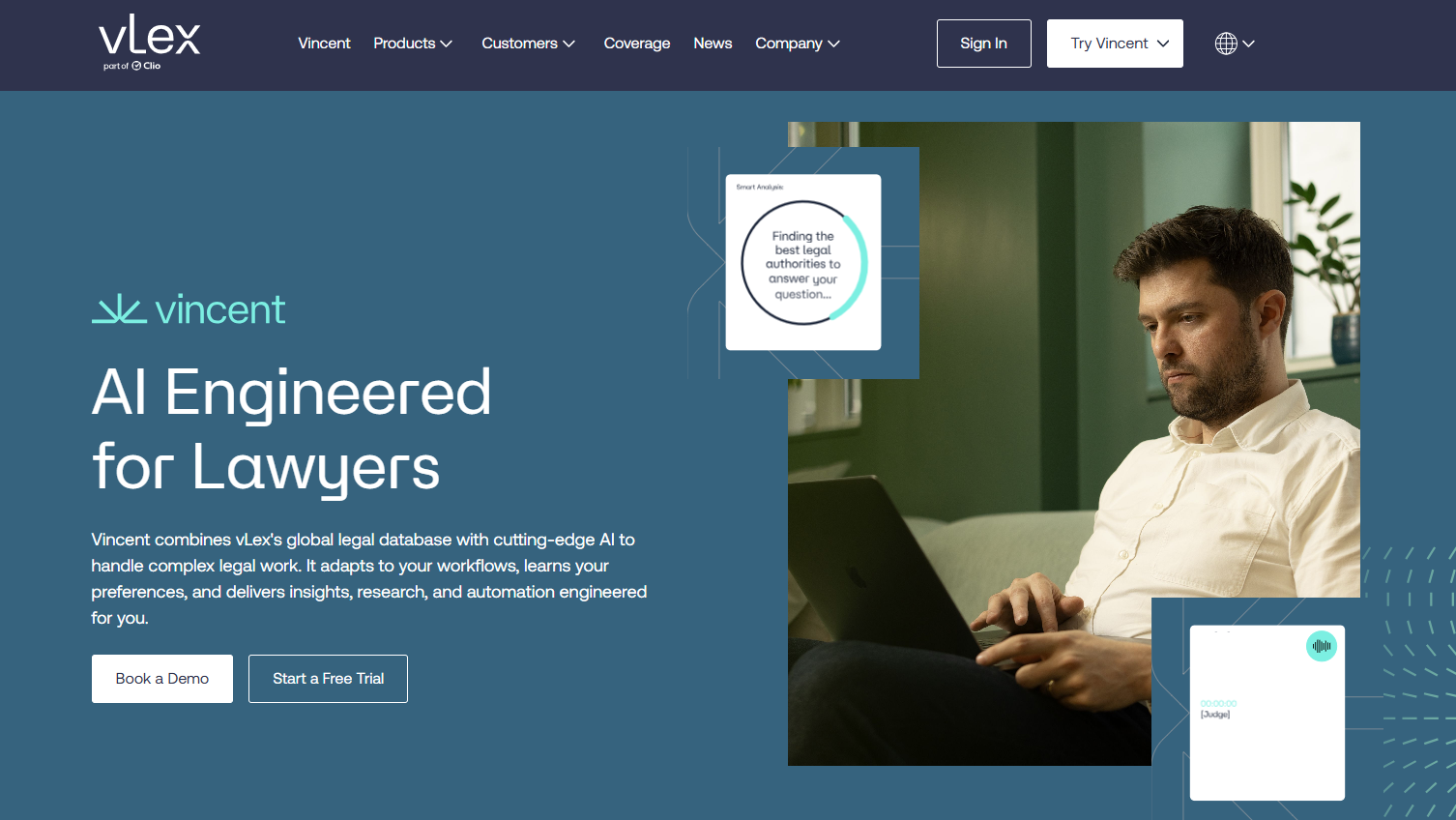
It draws from vLex’s large legal database and uses AI capabilities to respond to complex legal questions with relevant authorities, citations, and more useful legal context.
The platform is aimed at a wide range of users, from large firms to in-house teams and solo lawyers, which means the overall focus is less on one narrow workflow and more on legal research support at scale.
A big part of its value comes from how it handles harder research tasks. Vincent AI can work through multi-jurisdiction questions, compare legal frameworks side by side, and help with reviewing legal documents tied to litigation and case analysis.
Additionally, it uses large-scale models and machine learning to pull out legal issues from judgments and surface case law in a way that is easier to scan and use.
Bloomberg Law AI Assistant is part of Bloomberg Law’s broader legal intelligence platform, so the appeal here is not only the AI layer but the research environment around it.
Bloomberg describes it as a chat-based research tool that can summarize legal documents and answer targeted questions about them.
This feature is useful when you are working through court documents, trying to pull out specific information quickly, or moving from research into drafting documents with a little more context in hand.
Harvey is built for legal teams dealing with complex work, and its positioning leans heavily into research, drafting, due diligence, and contract analysis. The platform is used by law firms and in-house teams, with a broader focus than a narrow research-only tool.

If you want something that can analyze contracts, help with legal research, and support document-heavy workflows in the same environment, Harvey stands out for that wider range.
Plus, Harvey describes its platform as built around custom AI agents and domain-specific legal workflows, which gives it a more specialized feel than a general chatbot.
Paxton AI presents itself as an all-in-one AI legal assistant for lawyers, with research, document analysis, and drafting bundled into the same product. The platform puts a lot of emphasis on speed and practical day-to-day use.
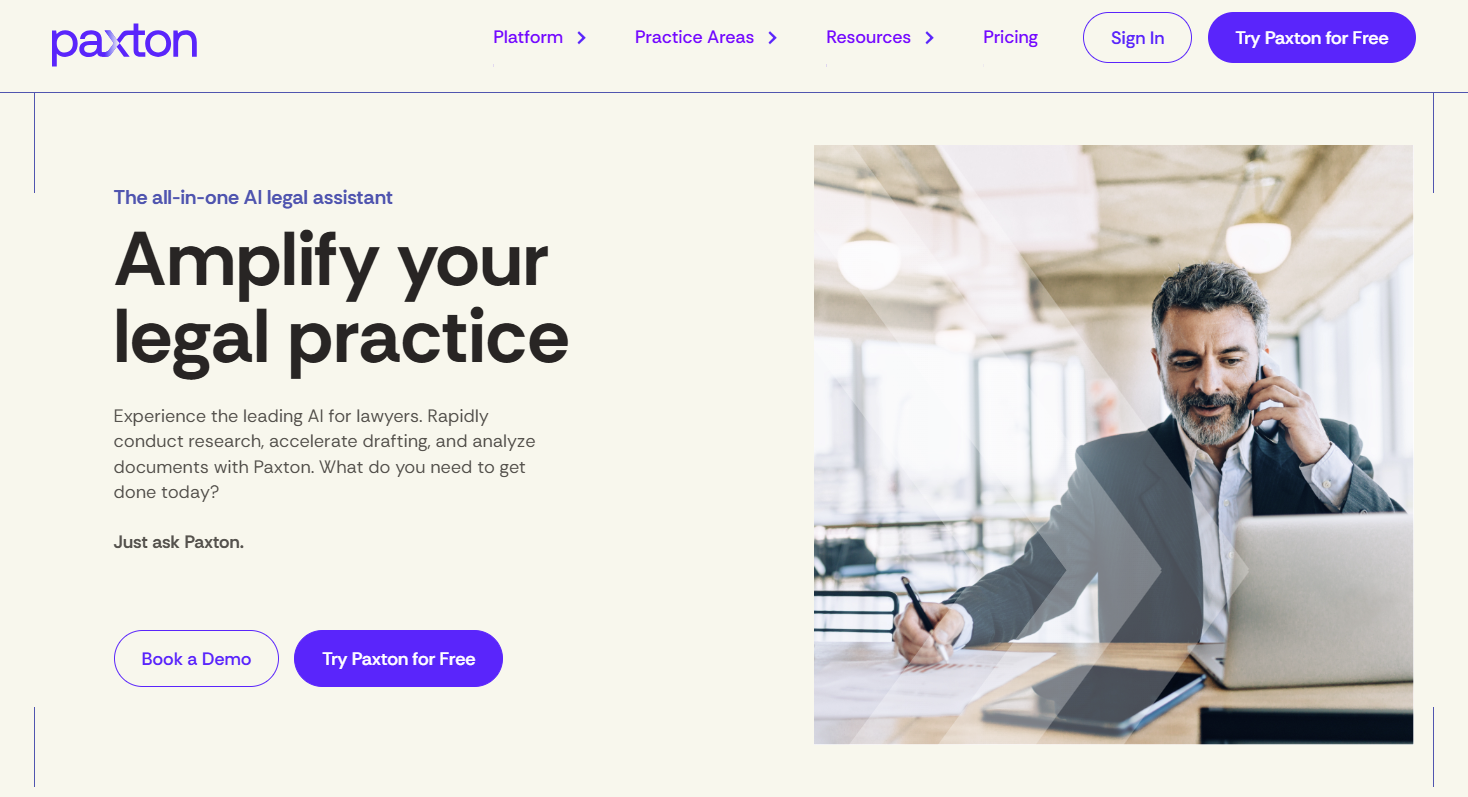
You can upload files, ask legal questions, search case law with citations, and generate drafts without bouncing between separate tools.
Paxton also leans into legal workflows beyond research alone, including contract review and analysis of medical or billing records, so the overall scope is fairly broad.
Aside from weighing the options above, it helps to look at how the tool fits into your real workflow. A long feature list can look impressive, but day-to-day use often comes down to accuracy, usability, security, and how easily the platform works with the rest of your tools.
A few things are worth paying close attention to:
AI can be helpful for legal research, but it should not be treated as a final authority.
It can speed up legal workflows, surface relevant sources, and help with early-stage document drafting, though the output still needs to be checked closely.
Errors can still happen, and a tool may miss nuance, pull weak support, or return language that sounds confident even when the result is off.
Legal research still depends on legal expertise. You need someone to read the source, judge its relevance, and decide how much weight it carries. AI can assist with that process, but it cannot (and should not) stand in for professional judgment.
The same goes for document drafting. AI can help generate a starting point, summarize legal material, or pull language from prior documents, but the final work still calls for review from someone who understands the legal and business context.
So, the better way to look at it is this: AI is reliable enough to support legal research, organize information, and save time on repetitive tasks. It is not reliable enough to work on its own without review.
If you want an AI legal research tool that can do more than answer questions, Aline gives you a fuller setup for contract work.
Aline is an AI-powered contract lifecycle management platform that brings legal research, drafting, redlining, reporting, and signing into one place. This means you can move from finding an answer to acting on it without bouncing between separate tools.

Aline’s legal AI can research terms, laws, and contract language in seconds, then help draft and redline agreements using pre-built playbooks and saved fallback positions.
It also pulls contract data into reports, so you can surface renewal dates, indemnities, obligations, and risk details without manual review.
Add in workflow routing, metadata extraction, a searchable repository, and AlineSign, and the product starts to stand out as a connected legal platform rather than a single-purpose research tool.
That combination is a big part of the pitch. Aline ties legal AI to actual contract execution, gives teams one source of truth for agreement data, and helps legal support sales, procurement, finance, and operations from the same system.
No. AI can help legal teams move faster, sort information, and review legal materials more efficiently, but it cannot replace legal judgment. A lawyer still needs to evaluate the source, apply the law, and decide what belongs in the final analysis.
That depends on the platform. Before using third-party AI tools, check how they handle data, what security controls they offer, and how they fit with your existing systems. For legal work, privacy and auditability matter a lot, especially when sensitive documents or client communications are involved.
Some can. Many tools in the legal industry are built to connect with document storage, contract systems, and practice management platforms, which can make research easier to keep tied to the matter you are working on.
Yes, though they should still be reviewed carefully. A personalized AI assistant can help with research support, drafting prep, and faster access to legal materials, which can save time and help you respond more clearly during client work or when dealing with opposing counsel.











