How much time are you spending trying to keep contracts moving when the process itself feels harder than it should?
As your agreement volume grows, you may start to notice problems like more delays, more manual work, and less visibility into what is happening.
Legal contract management software can help you bring that work into a clearer, more manageable process. The right platform can give you a better way to handle agreements through their full lifecycle while making it easier for your team to work with the rest of the business.
But how do you find the right fit for your team and setup?
In this guide, you’ll learn how the software works, what benefits you can expect, how to choose a platform that fits your team, and how seven leading options of 2026 compare.
Legal contract management software gives your team a more organized way to handle contract work as a whole. It brings the process into one system, which makes it easier to keep agreements moving and maintain a clear view of the work surrounding them.
Most contract management platforms support the entire contract lifecycle. Essentially, they connect the different stages of contract work and give legal teams a more consistent way to manage how agreements are created, reviewed, finalized, and maintained over time.
The broader benefit is better control. For instance, your team has a clearer view of contract activity, fewer disconnected processes, and a stronger foundation for working with the rest of the business.
The right tool should fit your current contract process while giving your team room to work more efficiently as needs change.
To narrow down your options, focus on the practical areas below:
Before comparing software, look closely at how contract work moves through your team now. Focus on where the process slows down and which parts create the most manual work.
For example, if contract approvals often stall because ownership is unclear, a contract management solution with flexible routing may be more useful than one built around advanced reporting.
This review helps you simplify contract management in a more practical way. You can narrow your search around the problems that cause the most friction and choose software that supports how your team already works.
A strong feature list can look impressive, but it only helps if those tools fit the work your team handles regularly. Start with the capabilities that solve real problems in your current process, then treat the rest as optional.
Useful features may include:
Keeping the focus this practical makes it easier to compare platforms on day-to-day usefulness rather than on how many features they advertise.
Look at how the software fits with your existing tools and how much work the setup will take. A platform may seem like a strong option on paper, but a difficult rollout can create resistance before the team has a chance to benefit from it.
For example, if your team already relies heavily on Microsoft Word and a CRM, check how well the contract system connects with both.
Fast implementation may be a priority if you need to improve the process quickly, while some teams may be comfortable with a longer setup to bring more work onto the same platform.
Ask yourself how easy the platform will feel for the people using it every day. Your legal team may be comfortable with detailed workflows, but business users often need a simpler way to submit requests and manage contracts.
Then, look at the support behind the software. Legal and commercial teams will probably use the platform differently, so the vendor should be able to guide both groups through setup and ongoing use.
In general, good support should feel practical, responsive, and suited to how your team works.
After you have narrowed the field based on process fit, usability, and support, look at what each platform will cost as your needs grow. Some providers publish clear plans, while others use custom pricing based on factors like user count or contract volume.
Compare the full cost with what you already spend on other tools that may become unnecessary after implementation. You should also consider how easily the platform can handle a larger workload, new teams, or changes to your contracting process over time.
Once you put contract management software in place, you should start to feel the difference in how contract work moves through your team. Legal operations gets a clearer structure, and the entire lifecycle becomes easier to manage as demand grows.
Some of the biggest benefits include:
Now that you know what to look for and what the software can bring to your team, the next step is comparing the platforms themselves.
We compiled seven strong options below so you can see how each one approaches contract management and which may fit your process best:
Aline is an AI-native contract lifecycle management platform built to support the full contract lifecycle in one connected workspace.
Your team can move contract work forward through drafting, review, approval, signing, storage, and reporting while keeping the surrounding context tied to each agreement.
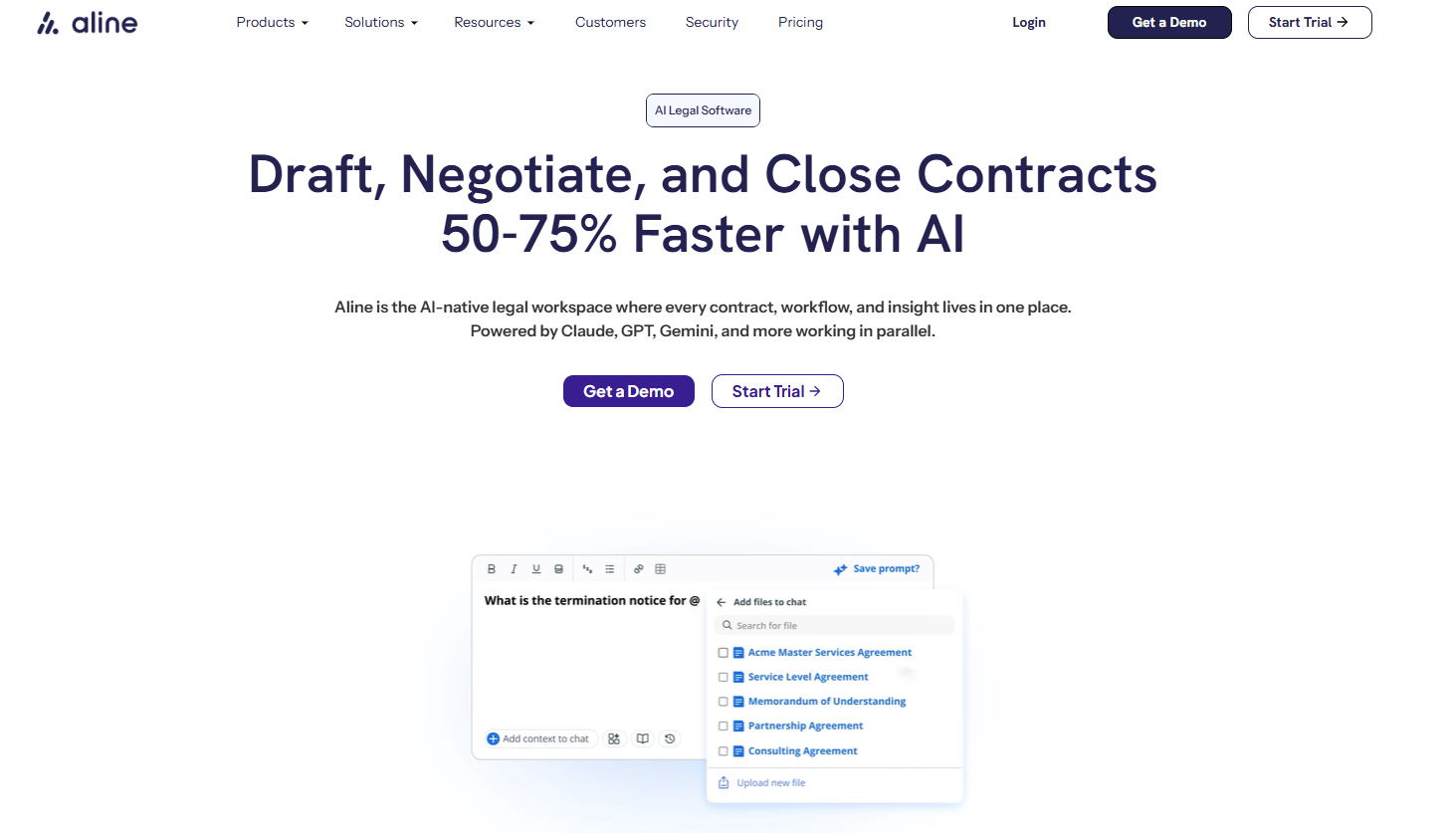
The platform uses AI to help with work like redlining, summaries, and contract analysis. AI Playbooks can guide reviews against preferred language, while workflow automation keeps contract workflows moving according to your internal process.
Once an agreement is complete, Aline’s centralized contract repository keeps it searchable and turns contract data into something your team can use.
Also, AI reporting tools make it easier to understand renewals, obligations, and broader contract activity, while AlineSign handles electronic signatures within the platform.
That makes Aline a strong option if you want broad contract lifecycle management coverage in a system that remains approachable for legal and business users.
Book a demo or start your free trial today.
Agiloft Contract Management Suite is a flexible CLM platform that works well for organizations with detailed processes or unusual requirements.
Its no-code setup lets teams shape the system around their own approval structures and contract rules, rather than settling for a rigid workflow.
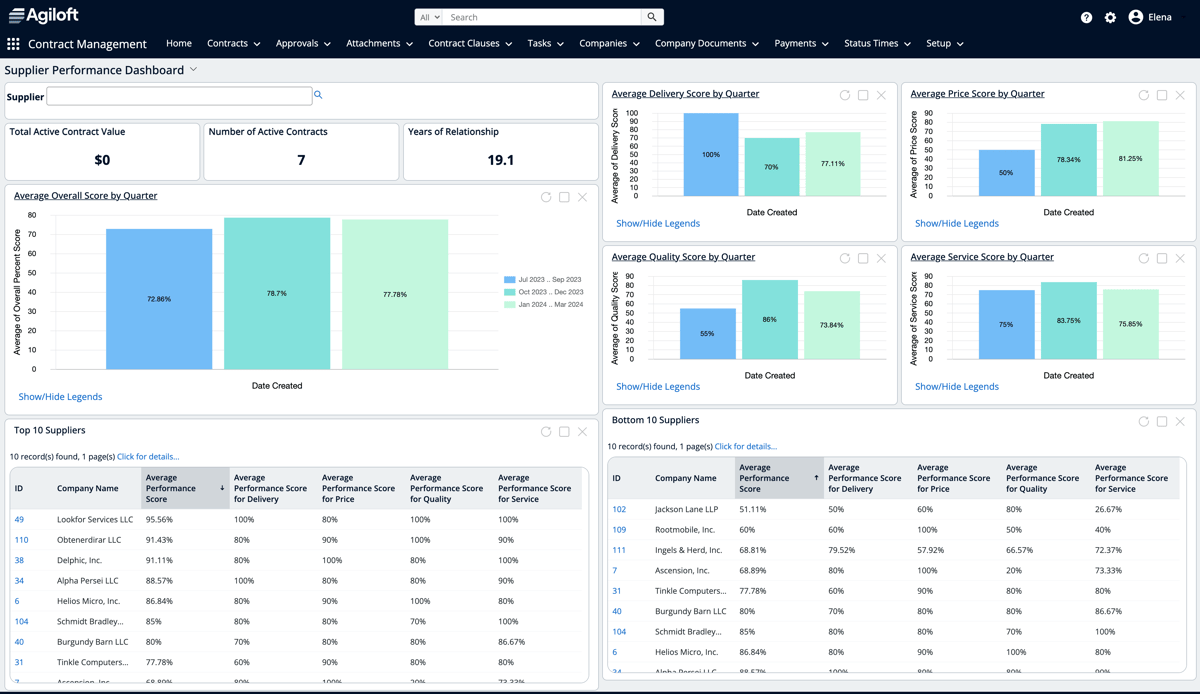
Legal and business teams can use Agiloft to manage business contracts from intake through contract execution, while business stakeholders get clearer visibility into the work connected to them.
The platform can also help organize the organization’s contracts and support ongoing obligation tracking after signing.
Docusign CLM brings contract management into the same ecosystem many teams already use for electronic signatures. It is geared toward larger organizations that want tighter control over document creation, internal reviews, and contract execution.

Legal departments can build automated workflows around their existing approval process, then connect the platform with widely used business systems.
This can be useful if you need to integrate contract management software into a larger enterprise setup rather than replace every tool your teams already rely on.
LinkSquares is built with in-house legal teams in mind, particularly those that want stronger visibility into signed agreements.
Its contract management system uses AI to pull useful information from documents and make the contract portfolio easier to understand.
The platform covers pre-signature work as well, but its repository and reporting capabilities are a major part of the appeal. Teams can use it to manage agreement types such as sales contracts while keeping renewal activity and post-signature responsibilities easier to monitor.
Ironclad is a contract lifecycle management platform that gives legal teams a structured way to manage agreements while still making it easy for business users to take part. Its workflow designer can shape intake, review, approval routing, and execution around the organization’s own process.
Contract visibility is one of its stronger points. Teams can follow activity as agreements move forward and keep a clearer record of the decisions made along the way. Ironclad can also support regulatory compliance through standardized workflows, permission controls, and detailed audit trails.
For companies implementing contract management software on a larger scale, Ironclad tends to suit teams that need flexibility along with tighter process control.
Juro is a browser-based contract management platform designed to make contract work easier for both legal and commercial teams.
Its interface feels closer to a collaborative workspace than a traditional legal system, which can make adoption smoother for people outside the legal department.
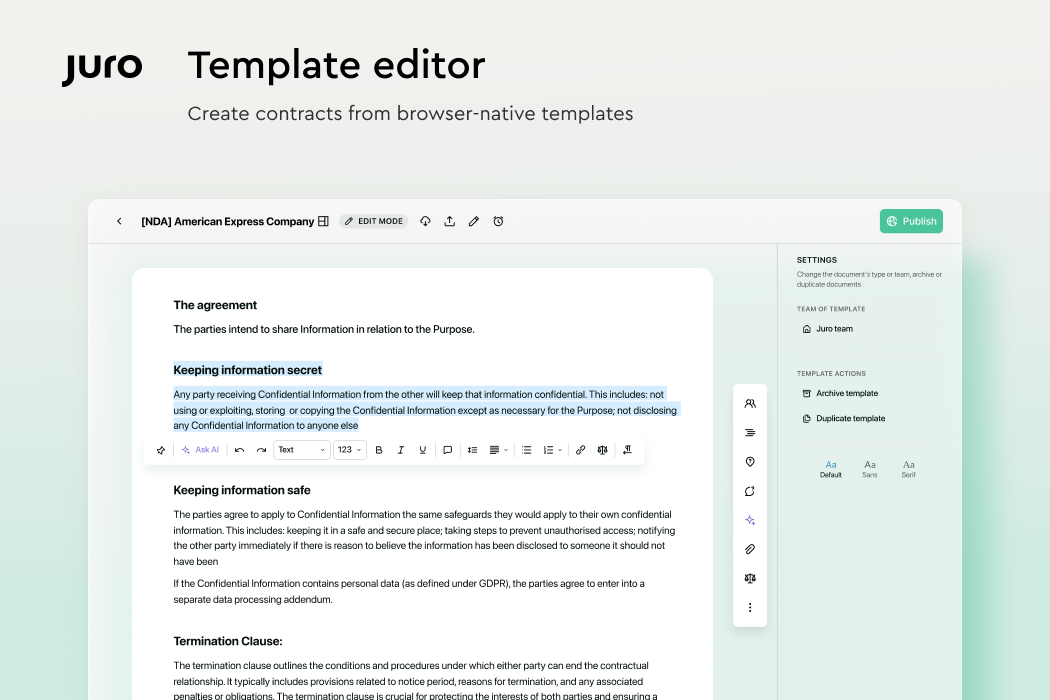
The platform enables teams to create, negotiate, approve, sign, and manage agreements in one place. Templates and automated workflows can reduce repetitive work, while structured processes help produce fewer errors as contract volumes grow.
Juro also keeps detailed audit trails around edits, approvals, and signatures, which gives teams a clearer record of how each agreement moved through the process.
Conga CLM takes a revenue-focused approach to contract management. The platform connects agreement work with the systems sales teams already use, so contract activity can sit closer to the broader deal process.
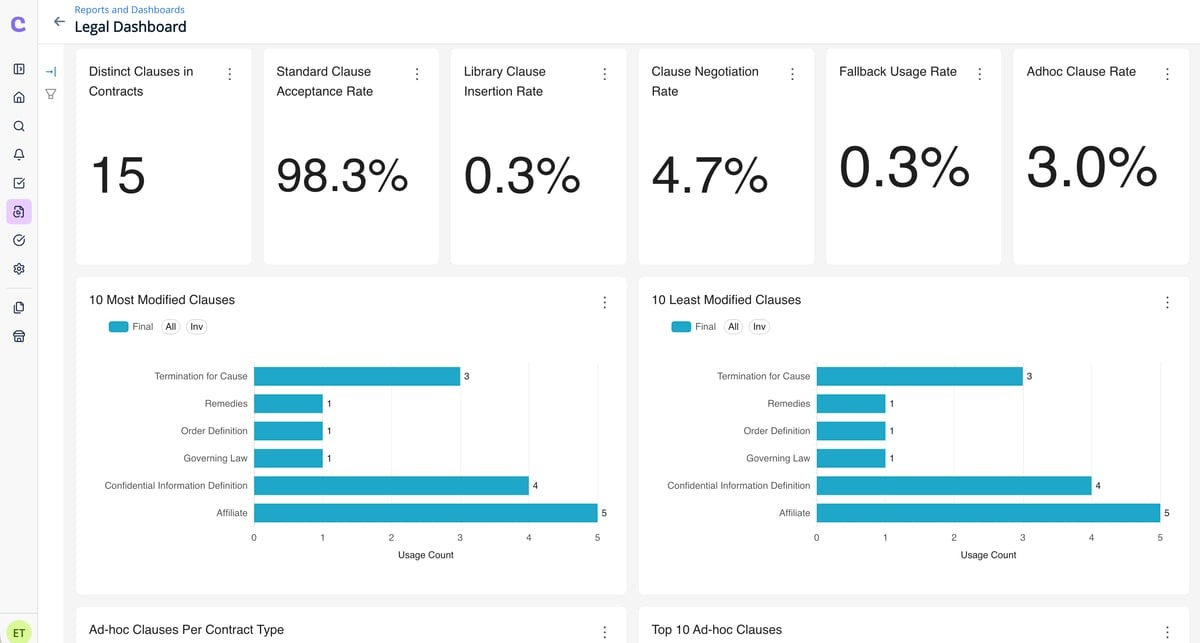
That setup can be useful when commercial teams handle a high volume of business contracts, and legal still needs control over review. Conga helps teams negotiate contracts, involve the right stakeholders, and carry important contract information forward after signing.
Its post-signature tools keep key dates and renewal dates visible, while integrations help contract data move between Conga and other business systems.
The best contract management software should take pressure off your team instead of just adding another layer to work around. Look for a platform that fits your process now and still gives you room to improve it over time.

Aline brings contract work into one connected system, with AI built into the places where your team can use it most. Reviews move faster, workflows stay easier to follow, and signed agreements remain useful long after execution.
In other words, Aline gives you a practical way to make contract work feel less fragmented and far easier to manage.
There is no single platform that leads for every company. Popular options include Aline, Ironclad, DocuSign CLM, Agiloft, LinkSquares, Juro, and Conga, but the strongest choice depends on your contract process and the people who will use the system.
The best CMS for lawyers is usually one that supports legal review while remaining easy for the rest of the business to use. Look at how well each platform handles your workflow, connects contract work to the broader sales cycle, and gives legal enough control over approvals and contract language.
Contract management software pricing varies widely based on the number of users, the features included, and the level of setup required. Some providers offer standard monthly plans, while enterprise platforms often use custom pricing after reviewing your team’s requirements.
Yes. Contract management software integrates with many types of business technology, including customer relationship management platforms and productivity tools. The available connections differ between providers, so check that the platform works with the systems your team already depends on.