Choosing between Proposify and PandaDoc can get tricky because they overlap in some areas but still serve different needs.
Both help you create, send, and sign business documents, yet the experience is not quite the same once you look closer at design control, workflow depth, pricing, and the type of team each one suits best.
If you’re also comparing them with Aline, the gap moves further into contract management rather than staying focused on proposals and general document workflows.
In this guide, you’ll get a clear look at how Proposify, PandaDoc, and Aline compare so you can pick the one that fits your process better.
Proposify is a proposal tool built for sales teams that want polished client documents without spending too much time building them.
It’s best known for making proposal creation feel easier while still giving you clean design, branded layouts, and a more consistent look from one document to the next.
Templates, reusable content, and a flexible editor help speed up document creation, while built-in e-signatures, approvals, and tracking keep the process moving in one place.
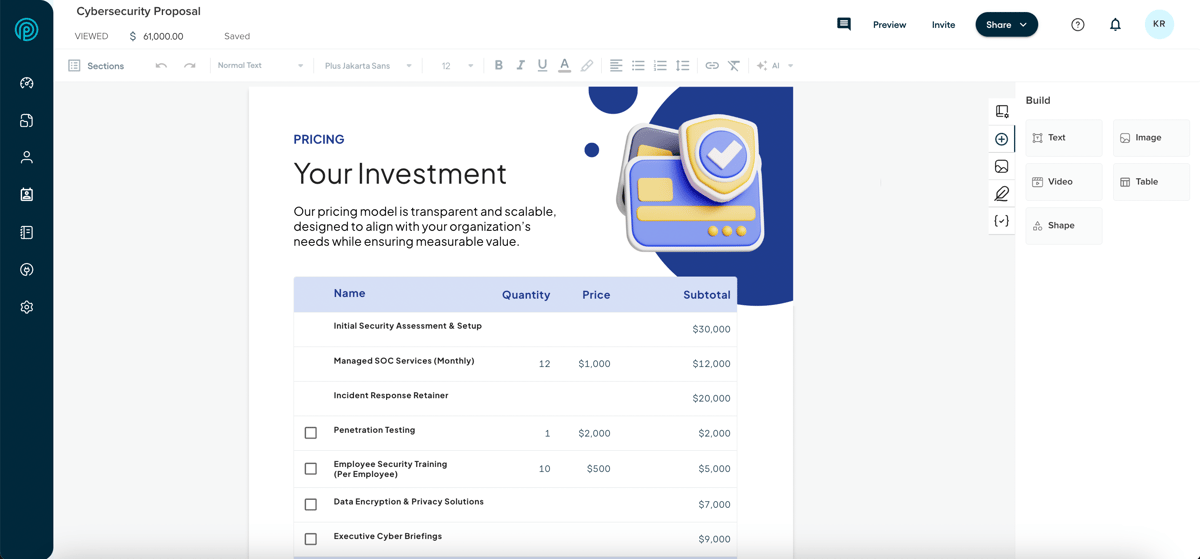
A lot of the appeal comes from how Proposify combines presentation with sales workflow. You can create attractive proposals, keep them on brand, and also see what happens after they go out.
Plus, view tracking and engagement insights give your sales team more context around follow-up, which makes the platform feel useful beyond the drafting stage.
PandaDoc is a document creation and automation platform designed for teams that want to create, send, track, and sign business documents in one place.
It’s especially popular with sales teams because it handles proposals, quotes, contracts, and similar files without forcing you to jump between separate tools.
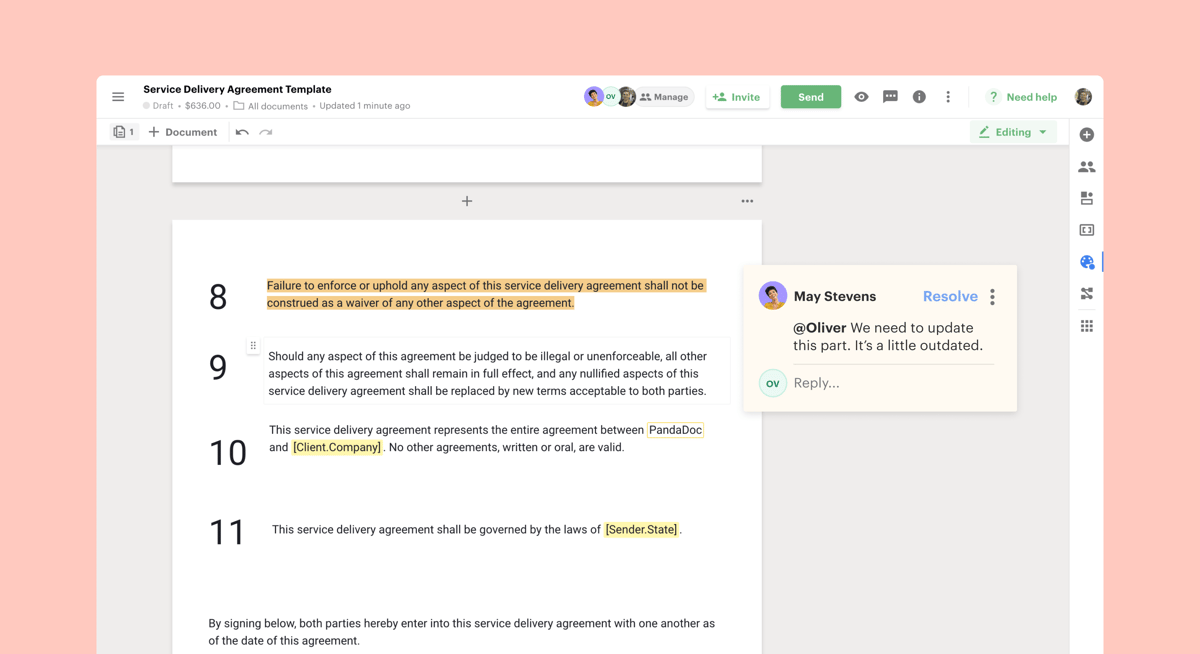
One of the main reasons PandaDoc stands out is how easy it makes document creation. You can start with templates or build files in its drag and drop editor, then add pricing tables, content blocks, media, and approval steps without much manual formatting.
These features give teams a faster way to put together polished documents while keeping branding and structure consistent.
PandaDoc also emphasizes the full document flow after drafting. You can send documents out for review, collect e-signatures, track engagement, and manage the process in the same system.
See how PandaDoc compares with DocuSign.
Aline is an AI-powered platform for contract management that helps you handle the full contract process in one place. You can use it to draft agreements, review language, route contracts for approval, collect signatures, store documents, and track key data after signature.
Basically, Aline's goal is to give your team a single system for the work that usually gets split between Word files, email threads, shared folders, and signing tools.
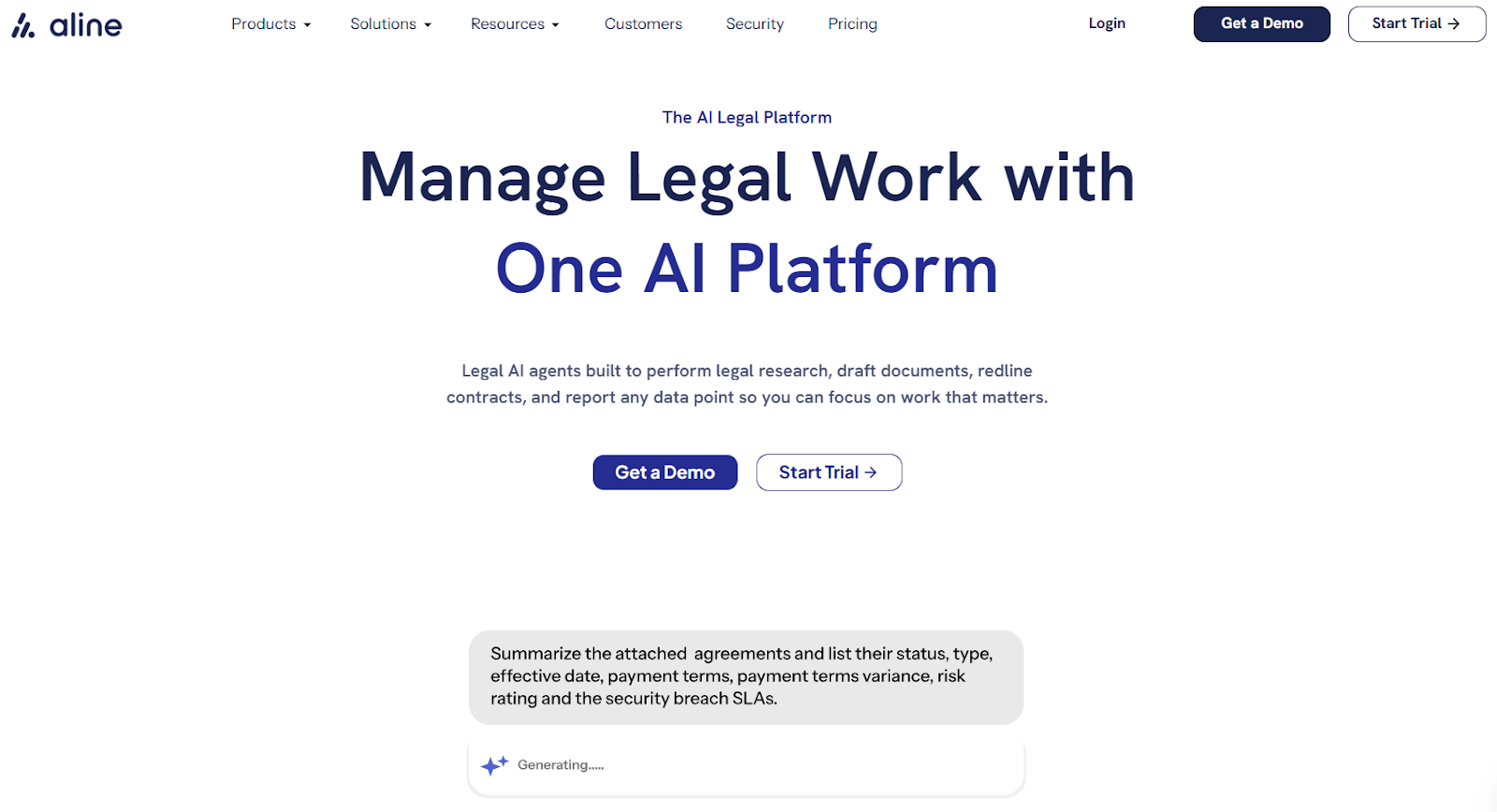
What makes Aline stand out is the mix of AI support and end-to-end workflow coverage. It includes AI-assisted contract drafting and redlining, a no-code template builder, built-in e-signatures through AlineSign, automated workflows, reporting, and a searchable repository for contracts and legal documents.
It also supports collaboration, approval routing, and contract data tracking, which helps legal, sales, and operations teams keep work moving without losing contract visibility.
So, if you want contract management software that covers creation, negotiation, signing, storage, and reporting in the same platform, Aline is built for that broader workflow.
Proposify, PandaDoc, and Aline all help you handle business documents, but they come from different angles.
One puts more weight on proposal design and sales presentation, another covers a broader document workflow, and one is built for full contract management with deeper legal and operational support.
A side-by-side comparison makes those differences easier to spot:
The main purpose of these three tools comes down to the type of work you need to manage every day.
Proposify is proposal software first, so its focus stays on helping sales reps create better proposals with less manual work.
As a result, it’s especially useful for teams that send a high volume of branded proposals and want each professional proposal to look polished and consistent.
PandaDoc takes a broader approach. Along with proposals, it supports more document types, which gives teams a single place for document creation, approvals, tracking, and e-signatures.
Because of that, it appeals to companies that want one platform for sales documents and other common business files.
Aline moves further into contract lifecycle management. Rather than centering on proposal software, it is built for teams that need help with drafting, reviewing, approving, signing, storing, and reporting on complex documents throughout the contract lifecycle.
It also brings in AI drafting and redlining, workflow automation, template building, built-in e-signatures, and reporting, so you get support before signature and after it, too.
The differences start to show once you look at what each platform actually helps you do. Some features are built to help you create polished sales documents faster, while others focus more on approvals, signing, or full contract workflows.
Proposify's Key Features
Book a demo to see how these features work.
The right fit really depends on what your team sends most often and how much process you need behind those documents.
Proposify works best for teams that care a lot about presentation, especially sales teams and creative agencies. It makes sense for users who want polished proposals, stronger brand control, and design tools that help documents look sharp.
PandaDoc fits teams that want a wider document workflow. It works well for companies handling proposals, quotes, contracts, approvals, signatures, and payments in one place, especially when different teams need to work in the same system.
Aline is a better fit for teams that need more than proposal and document support. If your work includes drafting, redlining, approval workflows, signing, storage, and reporting, Aline gives you a more complete contract management setup.
It makes the most sense for legal, sales, procurement, and operations teams that want contract work to stay in one system from first draft to signed agreement and beyond.
Pricing also helps show how these platforms differ. Proposify and PandaDoc follow a more typical paid-plan model, while Aline offers options for teams looking for a more complete contract management platform.
Want to see more pricing details? Find the right Aline plan for you here.
Proposify is usually the better fit if your main priority is creating polished, branded proposals with strong design control. PandaDoc makes more sense if you want proposals plus a wider document workflow in the same platform.
Yes, both platforms support integrations with common business systems. Depending on the plan and setup, that can include tools your team already uses for communication, storage, approvals, or CRM data.
They can, but the experience depends on how your team works. Some teams may want tighter collaboration with tools like Microsoft Teams or Google Workspace, while others may care more about approvals, document tracking, or signing in one place.
That depends on the plan you choose and the features your team needs. It is always worth checking pricing details closely so you can spot limits, upgrade triggers, or hidden fees before committing.











