If you spend a good amount of time drafting in Microsoft Word, you’ve probably wished the work moved a little faster.
Spellbook was created with that exact moment in mind. It sits inside your document and gives you quick suggestions and summaries while you’re typing to make the early stages of drafting feel a bit lighter. The setup is simple and familiar, which is why many lawyers give it a look.
At the same time, it stays in its lane; it improves what’s in front of you but doesn’t manage the broader contracting process.
If you want a tool that supports the writing itself, Spellbook fits that role. But if you need something that covers more stages of your workflow, you may find yourself comparing it with other options.
In this guide, we’ll take a closer look at Spellbook’s features, strengths, limitations, and how it compares with a more complete contract management platform like Aline.
Spellbook is an AI contract drafting tool built for lawyers who prefer working directly in Microsoft Word. It sits inside the document you’re already editing and gives you suggestions, summaries, and clause language the moment you need them.
The tool's goal is to make drafting feel faster and a lot less manual while still keeping the quality you expect from legal work.
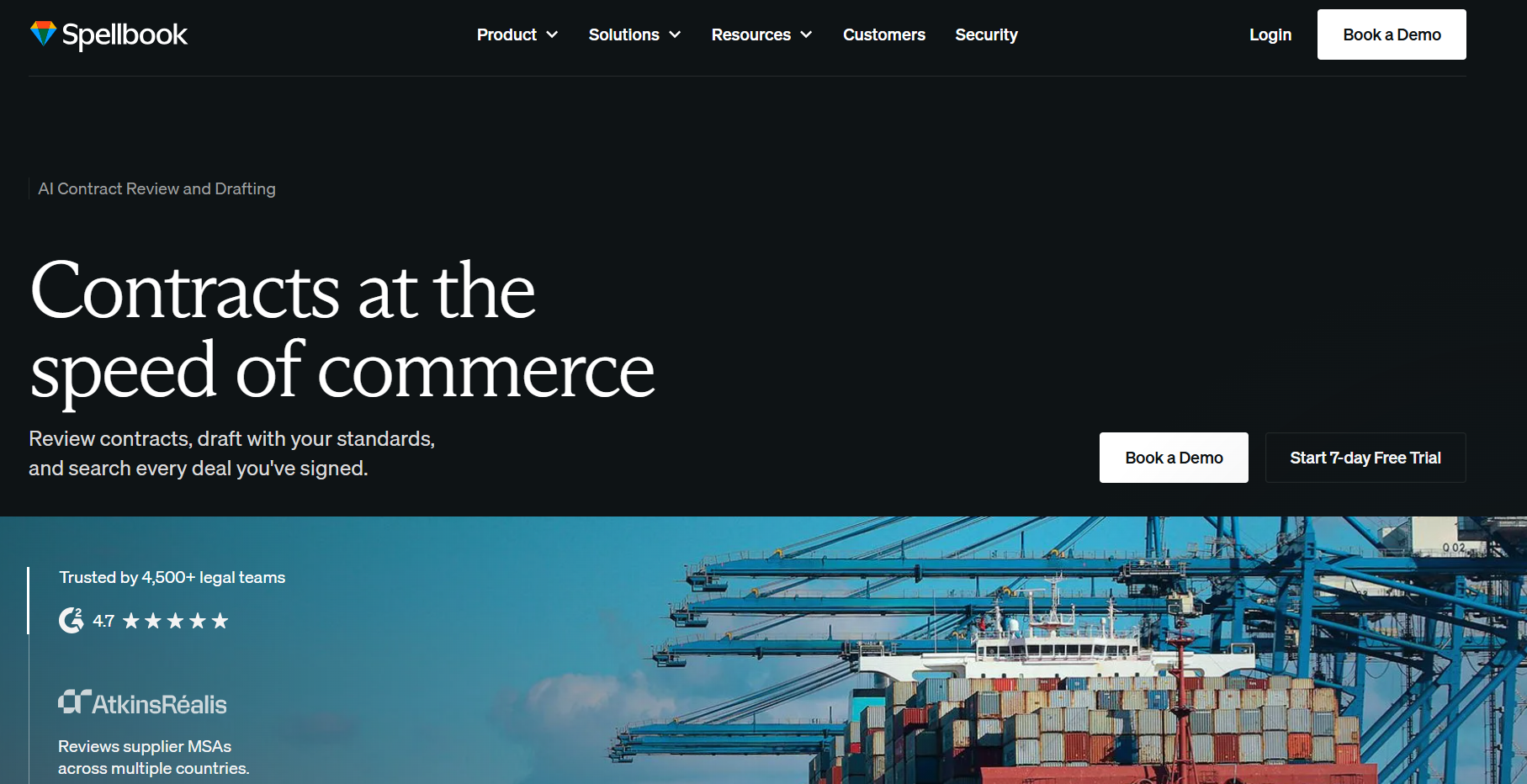
It launched in 2022 and quickly gained attention because it focused on a simple idea: help lawyers draft smarter without pulling them into another platform.
Many users like that it stays close to their existing workflow. You open a contract, ask for a rewrite or a clause, and Spellbook generates options right in your Word sidebar.
The tool relies on large language models trained on legal content, so it can pick up context from your document and respond in a way that feels tailored to what you’re working on.
It’s most commonly used for everyday tasks like reviewing clauses, improving language, organizing messy sections, and managing early drafts before they reach formal review.
Overall, Spellbook is known for convenience. If your work already lives in Word and you want a quick layer of legal AI support without switching tools, that’s the experience it aims to deliver.
Spellbook keeps the experience centered on Microsoft Word, with AI features designed to help lawyers move through drafting and review more quickly.
Some of its main capabilities include:
Spellbook also emphasizes privacy features such as zero data retention for certain AI processing workflows, which may be important for teams handling sensitive legal documents.
Spellbook works well for lawyers who want drafting and review support without changing how they already work in Microsoft Word. Its main strengths come from speed, familiarity, and the way its AI responds to the contract in front of you.
Here are some of the biggest advantages:
Spellbook can be a good fit for drafting and review, but its narrower focus may become more noticeable as your contract work grows. If you need more structure around the full process, a broader platform may make more sense.
A few limitations to consider include:
Spellbook is mainly used by legal professionals who spend a lot of time drafting, reviewing, and revising contracts in Microsoft Word. Its familiar setup makes it easier to learn, especially for lawyers who want AI support without changing their existing drafting environment.
Typical users include:
Spellbook can be especially useful for people who regularly work through commercial agreements and want faster access to clause suggestions, summaries, and redlines while staying inside Word.
For anyone comparing AI tools, the bigger question is how much of the contract process needs support. Spellbook focuses heavily on drafting and review, so teams looking for a different experience around other contracting steps may eventually compare it with broader platforms.
If you want broader support than a Word-based drafting assistant, Aline gives you an AI-powered contract workspace that supports work throughout the contract lifecycle.
It can help with drafting, redlining, contract review, negotiation, approvals, signatures, repository management, and reporting.
Aline Associate adds AI support for tasks like answering contract questions and working through document changes, while AI Playbooks help apply your preferred legal positions more consistently during review.
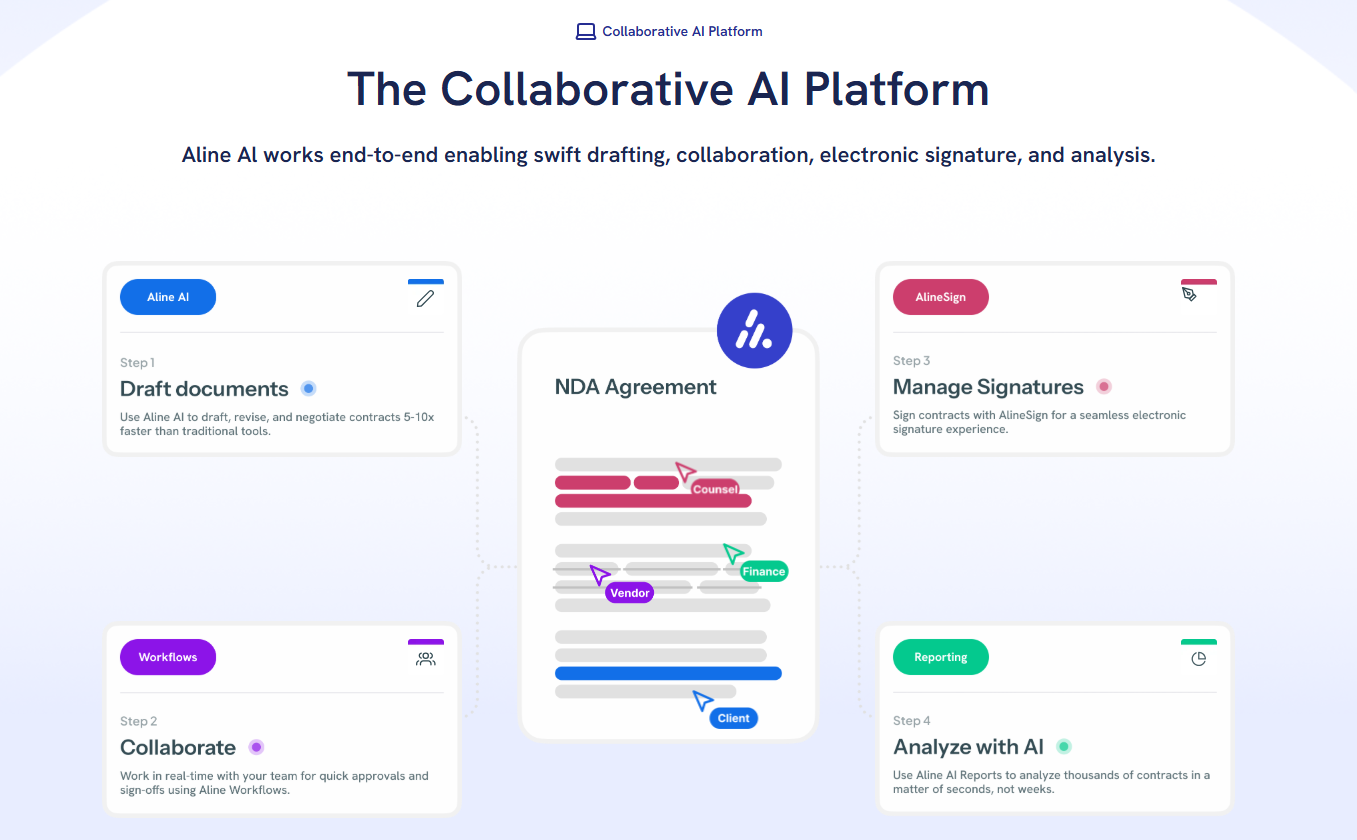
Aline also includes workflow automation, built-in eSignature through AlineSign, a searchable contract repository, and reporting tools that pull useful information from your agreements.
That broader setup can make Aline a stronger fit for an in-house legal team or firm that wants one platform to manage contract work from the first draft through post-signature activity.
It can also give business stakeholders and external partners a more connected way to work with legal without relying on separate tools for each stage.
Spellbook gives you helpful drafting support in Microsoft Word, but if you want a platform that manages the full contract lifecycle with stronger AI behind it, Aline is the option that gives you far more coverage.

Aline handles drafting, redlining, approvals, signing, and reporting in one place, which means less tool-switching and a smoother setup for your entire team.
If you’re comparing the two, ask yourself one thing: do you want an assistant that helps with language, or a platform that supports every stage of your contracts?
If the second one sounds closer to what you need, Aline is the game changer for you.
Start your trial of Aline and see how much lighter contract work can feel today!
Spellbook isn’t offered as a free tool. It runs on a paid subscription, and the cost varies based on how many people need access and how often your team plans to use its drafting and review features.
The best option depends on the scope of work you want to manage. Spellbook focuses on drafting inside Microsoft Word, while platforms like Aline AI offer full lifecycle support with the ability to create, review, negotiate, sign, and report on contracts in one place.
Spellbook can explain terms and give context using large language models, but it doesn’t claim to replace formal legal research tools or provide authoritative sourcing for case law.
It operates inside Microsoft Word by reading the document in front of you and generating suggestions, summaries, clause language, and redlines based on your text and your rules. The system assists with drafting and early review, helping you move through future edits with less manual effort.
Spellbook Legal uses paid plans, and pricing can vary based on the combination of features, users, and level of access your team needs. The exact cost may depend on your setup, so it’s worth checking the current pricing or requesting a quote for a clearer example of what your plan would look like.











