Choosing between PandaDoc and HelloSign sounds simple until you look a little closer. Both help you move documents toward signature, but they are not built with the same goal in mind.
One leans harder into document creation and sales workflows. The other keeps things more focused on e-signatures. Then there is Aline, which takes a much wider view of the contract process.
If you are trying to figure out which platform actually fits the way your team works, the differences start to show pretty quickly.
In this guide, we’ll look at PandaDoc, HelloSign, and Aline side by side so you can see where each one fits best.
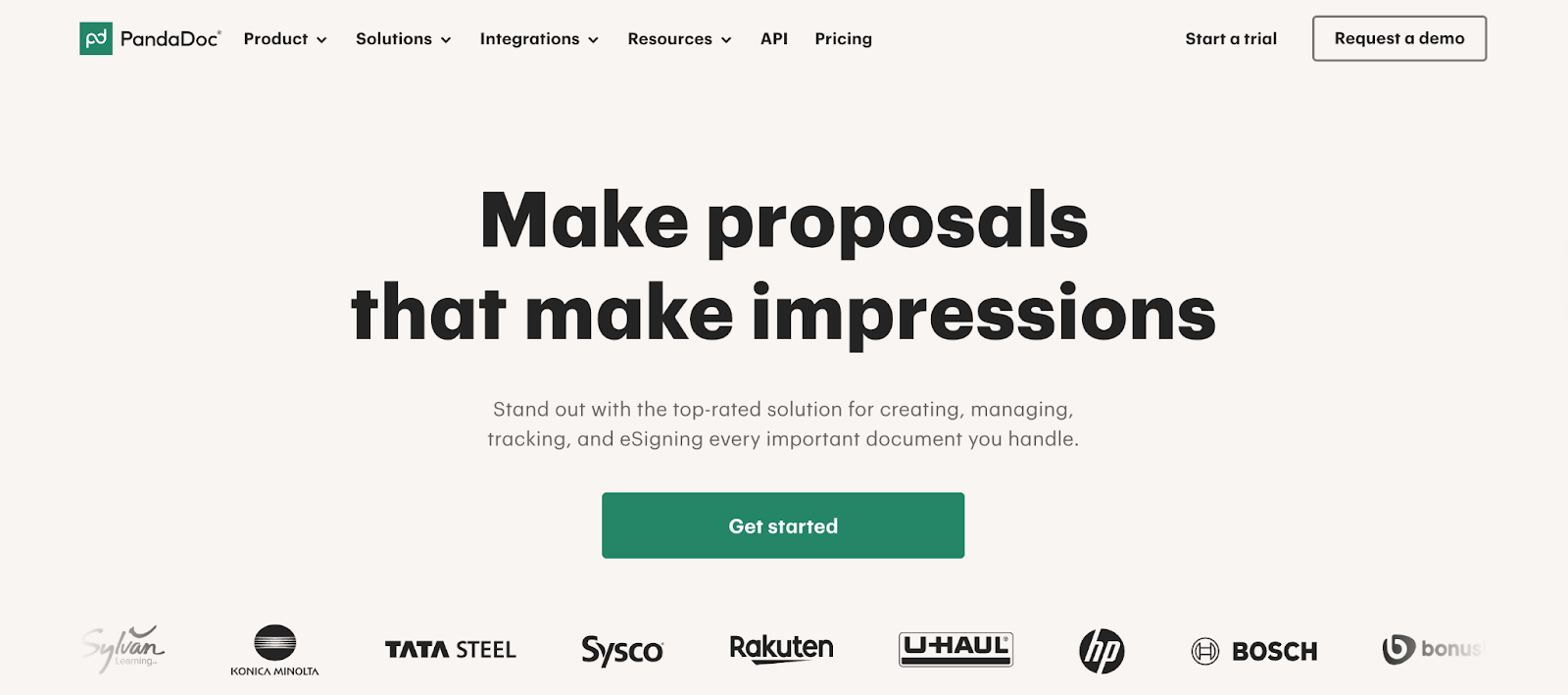
PandaDoc is a document creation and document workflow platform that helps teams put together proposals, quotes, contracts, and other business documents without piecing the process together manually.
Its main draw is how much it focuses on making documents fast to build and easy to send, especially for sales teams that care about speed and presentation.
PandaDoc is widely known for its drag-and-drop editor, reusable templates, pricing tables, and built-in e-signatures, so a team can move from draft to signed document in one system.
It also puts a lot of emphasis on polished, client-facing documents, which is a big part of why it stands out from simpler e-signature tools.
See how PandaDoc compares with DocuSign.
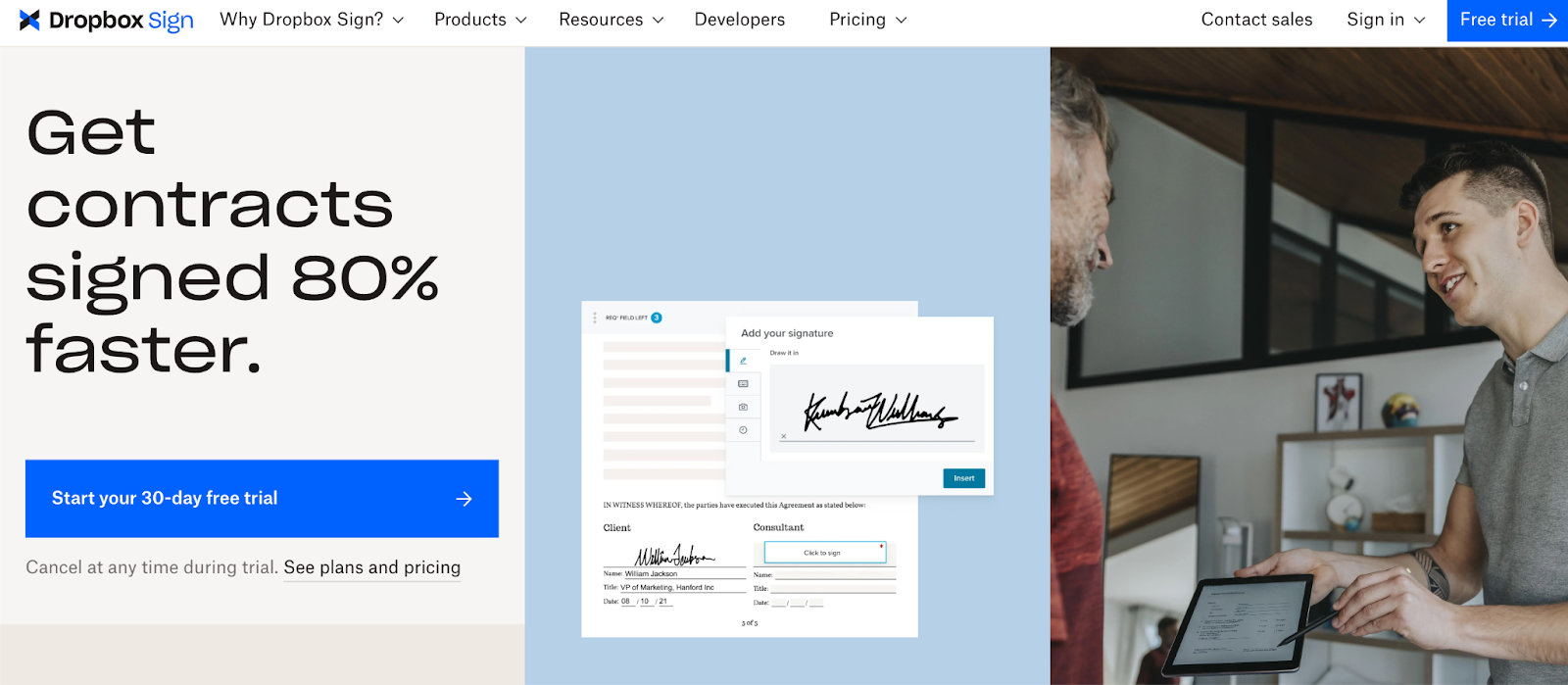
HelloSign, now called Dropbox Sign, is an e-signature solution focused on making the signing process simple. The product originally built its name as HelloSign, then Dropbox rebranded it as Dropbox Sign in 2022 after folding it more clearly into the broader Dropbox product family.
As a product, Dropbox Sign is built around sending, signing, and tracking documents with legally binding electronic signature workflows.
Its appeal is pretty straightforward: it gives you a clean, easy-to-use way to request signatures, set signing order, use templates, and keep signed files connected to Dropbox if your team already works there.
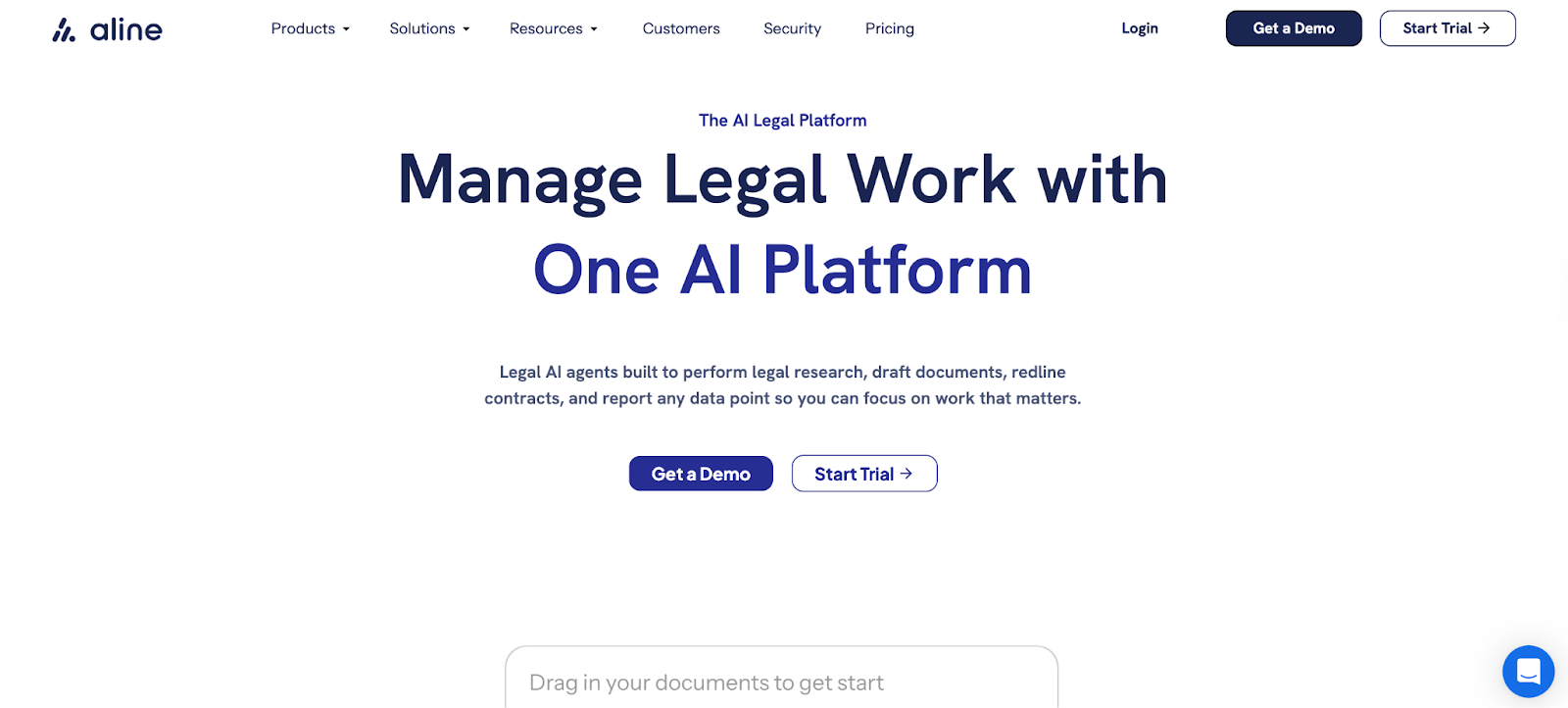
Aline is an AI-powered platform for contract management that gives you one place to draft, review, approve, sign, store, and report on contracts.
Compared with PandaDoc and HelloSign, it covers more of the contract process and brings AI into more parts of the work, not only the final signing step.
It includes AI-assisted contract drafting and redlining, dynamic templates, automated workflows, built-in e-signatures through AlineSign, a searchable repository, and reporting tools that turn contract data into something easier to track and act on.
The platform also includes GPT-4-powered help for summaries, language edits, negotiation support, and contract analysis, which makes it feel like the most advanced and complete option of the three without turning into a patchwork of separate tools.
Book a demo to see how Aline works.
PandaDoc, HelloSign, and Aline can all help you move documents along the contract or document workflow, but they solve different parts of the process.
Here’s a closer look at how they compare in the areas that usually shape the decision:
PandaDoc is mainly built for document automation and polished document creation. Its sweet spot is helping teams put together proposals, quotes, contracts, and other client-facing files, then send them out for review and signature in the same workflow.
It can handle signing, too, but the bigger draw is the front end of the process, which is building documents quickly, keeping them on-brand, and moving them forward without as much manual formatting or back-and-forth.
HelloSign is more focused on the signing step. Its main job is to send signature requests, collect legally binding signatures, and keep the signing process simple for everyone involved.
As an e-signature platform, it works best for teams that do not need a broader contract management system and mainly want a clean, reliable way to get documents signed.
Aline has a broader purpose than either of those tools. It is built to support the full contracting process, from drafting and redlining to approvals, signing, reporting, and document storage in one place.
The platform also brings AI into more of the work, so you can use it for faster review, contract analysis, metadata extraction, playbooks, and post-signature reporting.
The main purpose gives you the big picture, but the feature sets tell you what daily use actually looks like. Let's break down the standout features for PandaDoc, HelloSign, and Aline so you can see which one lines up better with the way your team works.
PandaDoc offers features that focus on document creation, presentation, and sales-friendly workflows:
HelloSign (Dropbox Sign) keeps the feature set more centered on signatures and a clean signing experience:
Aline covers a wider set of contract tasks, so the feature list goes further than drafting or signing alone. It combines AI, workflow automation, signing, storage, and reporting in one system:
PandaDoc is a good fit for sales teams and revenue-focused teams that care most about fast document generation, polished proposals, quotes, and a smoother path from draft to signature.
If your work starts with client-facing documents and you want templates, tracking, and content tools built around that flow, PandaDoc will usually feel like the better match.
HelloSign or Dropbox Sign works best for teams that mainly want a simple e-signature software platform without a lot of extra workflow complexity.
So, if your process is already set and the main need is handling the e-signing process, sending signature requests, and collecting legally binding e-signatures in a clean interface, Dropbox Sign fits that use case well.
Aline fits teams dealing with higher workflow complexity and looking for more advanced features before and after signature. If you need drafting, redlining, approvals, signing, repository search, reporting, and AI support in one place, Aline makes more sense for that fuller contract workflow.
Pricing and paid plans are a big part of this decision because these tools are built for pretty different jobs. One may look cheaper at first, but the value changes fast once you factor in how much document work, signing, automation, or contract handling you actually need.
Find the best Aline plan for your team.
PandaDoc and Dropbox Sign both do useful work, but the key differences become clearer once you look past document sending and signature collection.
If you want a broader system that can support every contract step in a single platform, Aline gives you a more complete setup.

That fuller approach is what makes Aline the stronger option for teams that need end-to-end contract management rather than one strong point in a narrower workflow.
Its robust features cover the work before signature, the work during negotiation, and the work that continues after the agreement is signed.
You can draft faster, apply playbooks, route reviews, sign inside the platform, search contract data, and report on contract renewals, obligations, and risk without stitching together multiple tools.
If your goal is faster review, cleaner handoffs, and more error-free contracts, Aline gives you a more holistic system to get there.
The main difference is scope. HelloSign is more focused on signatures, while PandaDoc covers document creation, sending, tracking, and signing. So if you are comparing HelloSign and PandaDoc, one is usually a better fit for straightforward signature workflows, while the other gives you more tools before the document gets sent.
Yes. Both tools let you upload an existing document and send it out for signature. That makes them useful if your team already has contracts, forms, or agreements prepared and does not want to start from a blank page every time.
Yes. Both platforms support legally binding e-signatures in standard business use cases, as long as the document and signing process meet the legal requirements that apply in your region and use case.
Both tools can fit into common business workflows, and integrations such as Google Workspace can help with that. PandaDoc also tends to offer more advanced document-building options, including features like conditional logic, which can be helpful if your documents change based on the information entered.











