Choosing between PandaDoc and SignNow can get confusing pretty quickly. Both tools show up on many rankings, so they are clearly well-known options in the e-signature space.
Even so, they are not trying to do the exact same job. PandaDoc puts more weight on document creation, presentation, and sales workflows. SignNow stays more focused on fast, budget-friendly e-signatures.
One platform may fit better if you send proposals and quotes every day. Another may be enough if you mainly need a simple way to collect signatures. And if your team also handles approvals, redlining, reporting, and storage, you will probably need something with a wider feature set like Aline's.
This comparison looks at PandaDoc, SignNow, and Aline side by side so you can get a clearer read on their strengths, pricing, and best-fit use cases.
PandaDoc is a document management and document automation platform used to create, send, track, and sign business documents. It is especially popular with sales teams because it puts a lot of focus on proposals, quotes, and contracts that look polished and are easy to approve.
One of its biggest differentiators is how much it leans into the full document workflow. PandaDoc offers template creation, reusable content libraries, pricing tables, approval steps, and engagement tracking, so teams can handle far more than a simple signature request.
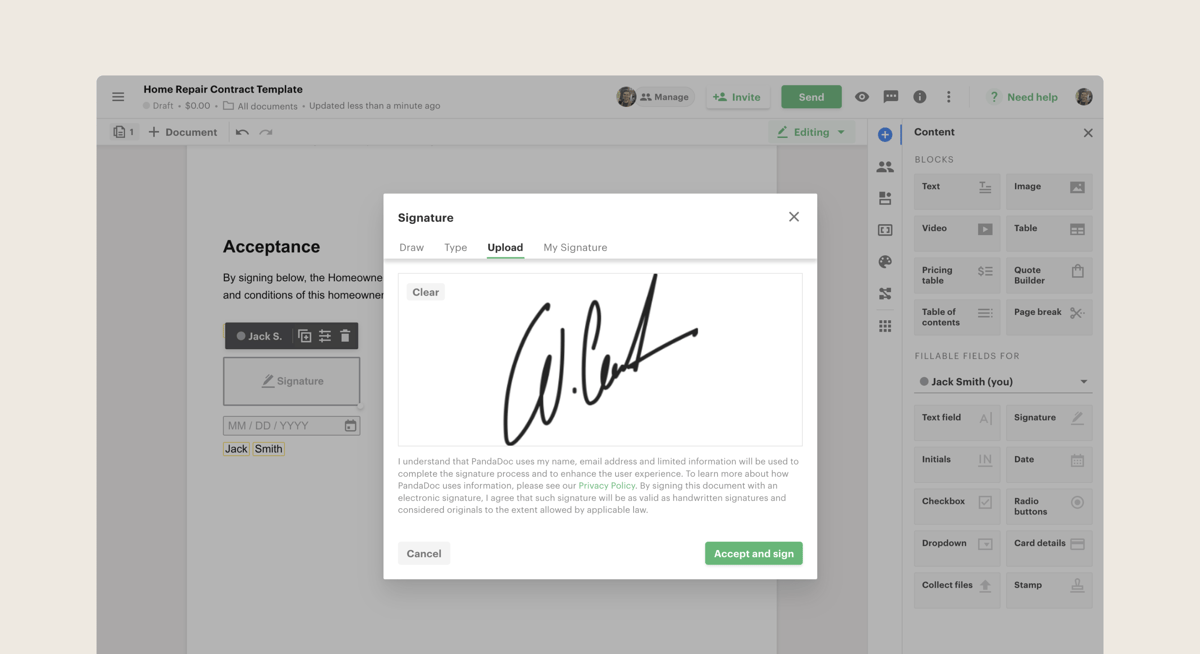
If your process starts with building a client-facing document and ends with signing, PandaDoc takes a broader approach than many e-signature tools.
PandaDoc also has strong brand visibility in this space, partly because of its sales-led positioning and wide use among growing businesses. PandaDoc excels when a team wants documents to double as sales assets, not just files waiting for a signature.
In day-to-day use, that means faster document creation, more consistency, and better visibility into what happens after a file is sent. For companies that send proposals and quotes at scale, that marketing angle is a big reason PandaDoc keeps showing up in comparisons.
See how PandaDoc compares with DocuSign.
SignNow is an e-signature platform built for fast document signing. It helps businesses send files, collect signatures, and manage the signing process without adding a lot of setup or complexity.
If PandaDoc leans harder into proposals and polished sales documents, SignNow focuses more directly on helping teams sign documents quickly and keep that process simple.
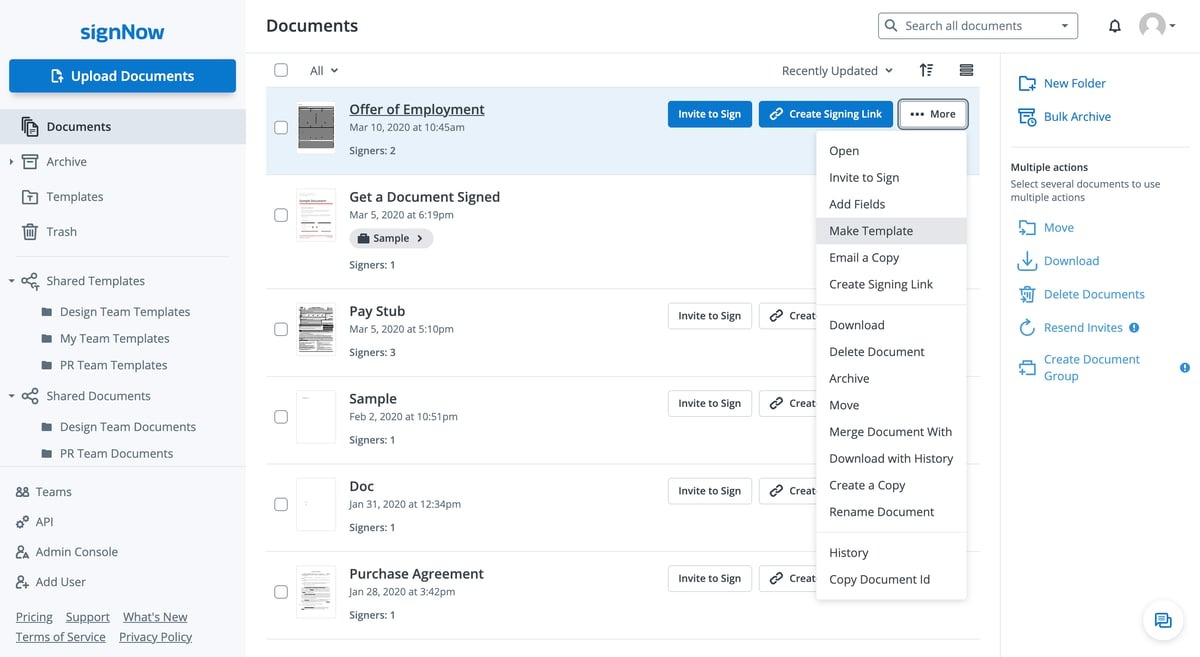
That focus is a big part of its appeal. SignNow highlights legally binding e-signatures, reusable templates, role-based signing orders, fillable fields, team collaboration, and integrations with business tools.
Plus, its messaging puts a lot of weight on pricing and scale, including unlimited users on its plans, which is a notable differentiator for companies that want wider adoption without paying per seat.
In practical terms, that makes it a strong fit for businesses that care most about document signing speed, cost control, and ease of use.
SignNow is less presentation-heavy than PandaDoc, but it can be a very appealing option for allowing users to upload a file, add fields, send it out, and keep documents moving with less friction.
Aline is an AI-powered contract lifecycle management platform with built-in e-signatures, AI contract drafting and redlining, workflow automation, reporting, and a central repository for legal documents.
In this comparison, Aline's features give it a wider role than PandaDoc and SignNow, which are better known for document workflows and document signing. Aline is positioned as a broader system for handling the full contracting process.
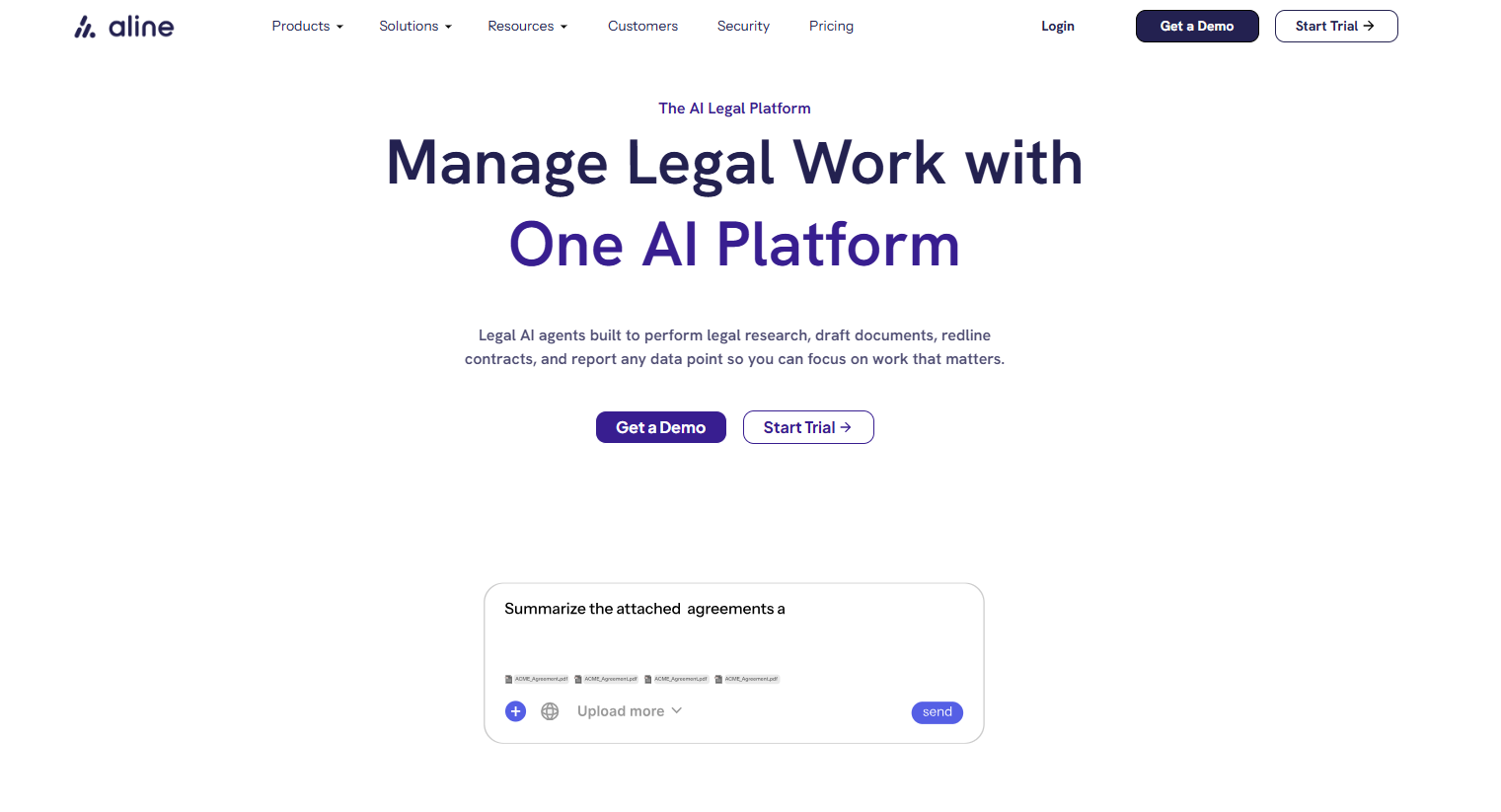
One of its stronger features is compatibility with the tools teams already use. The product overview highlights integrations with Word, email, and DocuSign, along with features like a no-code template builder, AI-powered contract analysis, AlineSign for native e-signatures, and reporting tied to contract data.
That makes Aline more appealing for teams dealing with higher document volume and looking for one system to manage legal work without piecing together separate apps.
So, while PandaDoc and SignNow focus more tightly on sending and signing documents, Aline is built for companies that want a fuller contract operations platform with broad compatibility and deeper control over the workflow.
PandaDoc, SignNow, and Aline can all help you send and sign documents, but they are built with different priorities in mind. Looking at their main purpose, key features, best-fit users, and pricing makes those differences much easier to spot:
PandaDoc is geared toward document-heavy sales work. Although it functions as an electronic signature solution, its main pitch is helping teams create, send, track, and approve proposals, quotes, and contracts in one system.
On top of that, PandaDoc leans into content libraries, templates, pricing tables, and workflow tools, so it fits companies that want presentation and process in the same platform.
SignNow, on the other hand, is built with a narrower goal. SignNow offers legally binding signatures, straightforward sending, and a simpler document signing experience. It also leans heavily on speed, ease of use, and cost-effective scaling, including unlimited users on paid plans.
As a result, it appeals to teams that mainly need people to sign documents quickly without a heavier document workflow layer.
Aline takes a broader route focused on managing contracts from start to finish. In addition to e-signatures, it includes AI drafting and redlining, approvals, reporting, a repository, and workflow automation.
Teams with more complex legal and contract work may find it more useful when contract review, negotiation, storage, and visibility all need to live in one system.
These three tools overlap in some areas, but the feature mix is not the same. Here's a closer look at each tool's feature list:
Schedule a demo to learn more.
PandaDoc is best for sales-focused teams that want electronic signatures plus stronger document presentation tools. If you send proposals, quotes, or client-facing contracts and want design, tracking, and template tools in the same platform, PandaDoc is usually the better fit.
SignNow is best for teams that mainly want a simpler e-signature tool. If your priority is collecting electronic signatures quickly without paying for a heavier document workflow system, SignNow tends to make more sense.
Its core features are more focused, so it can work well for smaller teams or companies that want signing tools without a lot of extras.
Aline, on the other hand, is best for teams that need more than signatures. If legal, sales, or operations teams are dealing with review cycles, approvals, redlining, storage, and reporting, Aline is built for that broader contract process.
Compared to SignNow and PandaDoc, Aline stands out more for advanced features tied to contract lifecycle management rather than signing alone. That's why it makes more sense for companies that want one system for managing contracts over time.
Pricing is one of the easiest ways to separate these three tools. Looking at the starting cost, plan structure, and what you actually get at each tier gives you a clearer sense of which option fits your budget and workflow.
Check out Aline's pricing plans today.
PandaDoc and SignNow can work well if your main goal is sending documents out for signature. But if you need stronger support before and after signing, Aline gives you more room to work.
Aline brings drafting, redlining, approvals, signing, storage, reporting, and AI tools into one platform, which makes it a better fit for teams that want to manage the full contract process in one place.

Aline also stands out for how quickly teams can get started. New contract software shouldn’t take months to implement. Aline is built to help in-house teams get value early, with practical tools you can use right away and a setup that feels much more manageable than a heavy rollout.
You can also see that speed in Aline in your first 30 days. Your team can start building workflows, using AI for review and reporting, sending agreements through AlineSign, and getting better visibility into contract activity without waiting around for a long implementation cycle.
If you want contract software that goes further than e-signatures and helps your team move faster with less friction, Aline is the strongest pick here.
Start with the job you need the software to do. PandaDoc leans more toward sales documents and presentation, SignNow keeps e-signing simple, and Aline covers a broader contract workflow. Looking at each platform’s unique features first usually makes the decision easier.
If price is the main concern, SignNow often looks stronger on pure cost effectiveness, especially for teams that mainly need signatures. PandaDoc can justify a higher price if your team wants richer document workflows, while Aline may be a better value for companies that need contract tools beyond signing.
Yes. Both support document templates, but they use them a little differently. PandaDoc puts more emphasis on polished client-facing documents, while SignNow stays more focused on forms and signature flow. If your team cares a lot about customization options, PandaDoc usually gives you more room to shape the document experience.
SignNow, PandaDoc, and Aline promote security, but the right fit depends on your process. For teams handling sensitive documents, Aline may stand out more because it combines workflow controls, storage, reporting, and contract oversight in one system. If security is a top concern, look closely at admin controls, audit visibility, and claims around top-tier security.
PandaDoc does offer a free plan for e-signatures, while Aline uses a trial and demo model. Integration support also differs. PandaDoc and Aline both connect with tools like Google Drive, and teams with more technical needs may want to compare their api integrations before choosing.
For companies sending a lot of agreements, the decision often goes beyond a basic SignNow comparison. PandaDoc works well for sales-heavy document workflows, but Aline is better suited to legal and operational teams that need contract review, approvals, and storage in one place. Its pricing page also highlights unlimited documents, which may be useful for teams with heavier volume.











