Contract authoring tools help legal teams draft contracts faster using templates, clause libraries, and AI suggestions.
The right tool cuts drafting time, reduces back-and-forth, and keeps clause language consistent across every agreement.
Pick a tool with AI drafting, reusable templates, clause management, e-signature, and a clean repository.
Contract authoring plays a big role in how smoothly the rest of the contract process goes. A solid authoring setup helps your team create contracts faster, keep language consistent, and make review, approval, and signing easier to handle.
As more teams try to speed things up and keep contract work organized, the systems behind that process start to matter a lot more. The tool you choose has a big impact on that experience.
In this guide, we’ll look at seven contract authoring tools that stand out and what each one brings to the table.
What Is Contract Authoring?
Contract authoring is the process of drafting and building contract documents before they move into the rest of the contract process. It covers the first stage of the contract lifecycle, where the terms, structure, and language of an agreement take shape.
This part of contract creation can be simple or highly structured, depending on how your team works.
Some companies still draft contracts manually in Word using old files as a starting point. Others use templates, clause libraries, approval rules, and AI contract drafting tools to make the work faster and more consistent.
For legal teams, contract authoring plays a big role in the wider contract management process. A strong starting draft can cut down revision time, reduce avoidable errors, and help other teams move deals forward quickly. It also gives everyone a clearer foundation before redlines and approvals begin.
When contract authoring tools are involved, the goal is usually to make drafting easier, keep language consistent, and help your team create agreements that already follow internal standards. That can save time early in the contract lifecycle and make the rest of the process a lot easier to manage.
7 Top Tools For Contract Authoring
Once you have a clear view of what contract authoring includes, the next step is finding a tool that fits how your team drafts, reviews, and moves agreements forward.
Here are the top tools for contract authoring to start with:
1. Aline
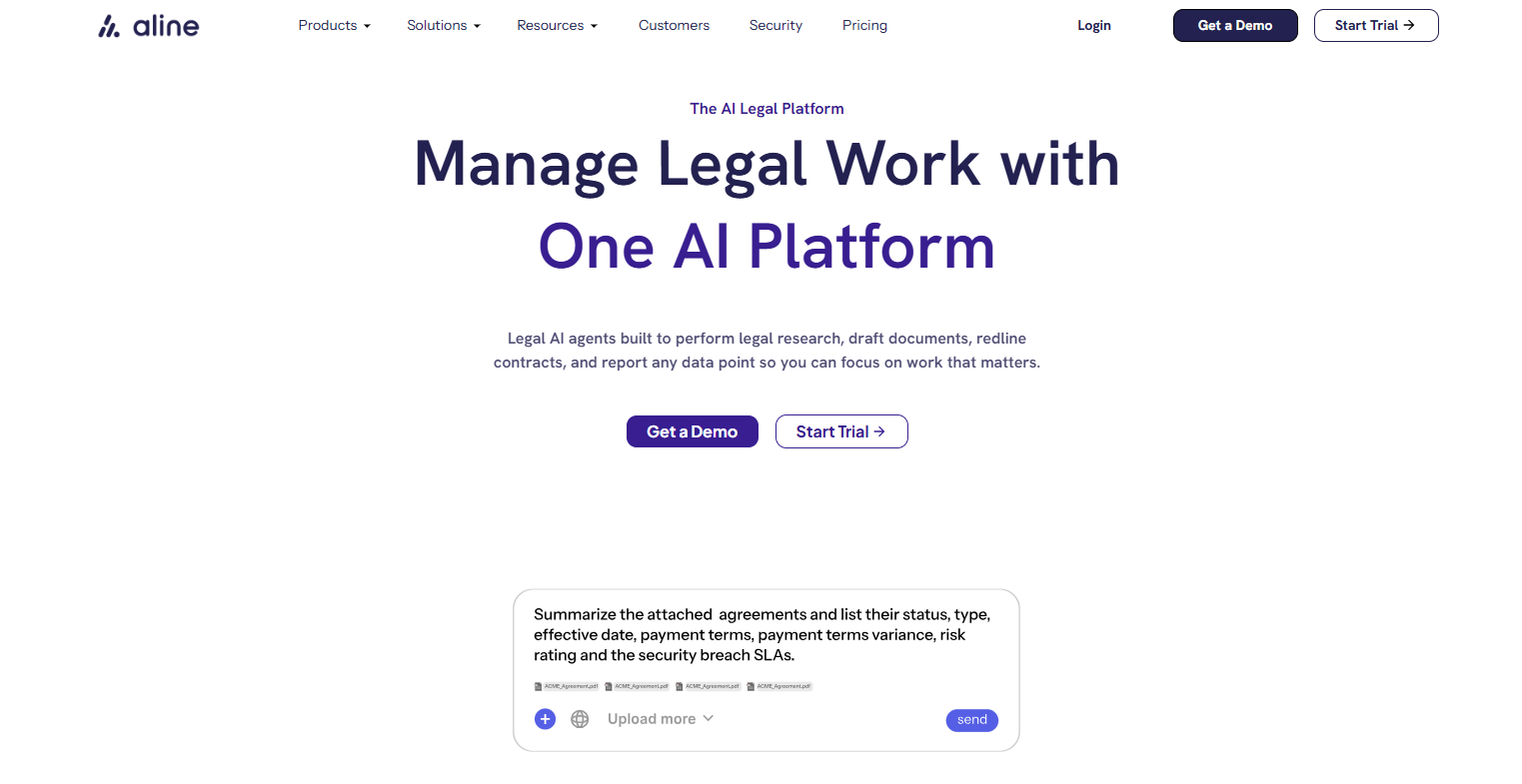
Aline is an AI-powered contract lifecycle management platform built to help teams create, review, approve, sign, and track agreements in one unified space.
For contract authoring, that means you can draft documents, work from templates, manage approvals, track changes, and move contracts forward without piecing the process together through other tools.
Aline also brings in artificial intelligence for drafting help, contract redlining, summaries, and playbook-based review, which can make contract creation faster and easier to manage.
If your team wants a system that supports the entire contract lifecycle, Aline gives you a connected setup for managing contracts from first draft to signature and reporting.
Plus, Aline includes workflow automation, version control support through tracked edits and collaboration features, built-in electronic signatures, and advanced analytics for contract data, renewals, and reporting.
Best Features
AI-powered drafting and review: Uses GPT-4 for drafting, redlining, summaries, grammar checks, and language optimization, with legal playbooks to support review.
End-to-end contract lifecycle management: Handles generation, review, approval, signing, and post-signature tracking in one platform.
Workflow automation and approvals: Includes smart routing, dynamic approvals, task automation, and milestone notifications to support the approval process.
No-code template builder: Let your team create dynamic templates, assign input fields, and capture data automatically without technical work.
Microsoft Word integration and collaboration: Supports Word-based editing, tracked changes, comments, annotations, task assignments, and role-based permissions.
AlineSign: Offers native electronic signatures with secure signing workflows and built-in tracking.
Advanced analytics and reporting: Pulls key contract data automatically, tracks renewal and expiration dates, and supports filtering, exporting, and sharing reports.
Central repository and search: Keeps contract documents in one searchable place with tracking and visibility built in.
Compliance and security controls: Supports audit trails, secure storage, encryption, and compliance readiness features.
Pros
Brings contract authoring, approvals, signing, and reporting into one system
Uses artificial intelligence for drafting, redlining, summaries, and playbook-based review
Gives you workflow automation that helps move agreements through review and approval faster
Includes built-in electronic signature through AlineSign
Offers a no-code template builder for faster contract creation
Works with Microsoft Word, which helps teams keep a familiar editing experience
Provides version control support through tracked changes, comments, and collaboration tools
Includes advanced analytics for renewals, expirations, and contract data reporting
Ironclad is a contract management system built for companies that want contract authoring tied closely to the rest of their contract processes.
It’s designed for legal departments and business teams that need to draft agreements, route them for approval, review edits, and keep work moving while maintaining visibility.
Source: G2
For authoring, Ironclad puts a big focus on template-driven creation, no-code workflow design, Word-based editing, and AI support for drafting and review. It also supports version history, approvals, and collaboration, which can help contract parties stay aligned while contracts move forward.
If your team deals with a few key terms that need to stay consistent from one agreement to the next, that structure can be useful during drafting and contract reviews.
Best Features
No-code contract creation: Let teams create contracts with a drag-and-drop workflow designer and pre-approved templates for faster drafting.
Microsoft Word integration: Allows users to access, edit, and save Ironclad documents in Word while keeping the document connected to the right workflow and version history.
AI legal assistant: Ironclad Jurist helps with drafting, editing, summarizing, redlining, and legal research inside its CLM environment.
Workflow and approvals: Routes contracts to the right approvers automatically and supports structured review paths for business teams and legal departments.
Version history and governance: Keeps edits tied to the correct workflow, which helps teams track changes and maintain cleaner review records.
Pros
Gives legal departments and business teams one system for drafting, reviewing, and routing contracts
Makes contract reviews easier for teams that prefer working in Microsoft Word
Supports consistent contract creation through templates, workflows, and approval controls
Includes AI support for drafting, redlining, summaries, and research
3. Juro
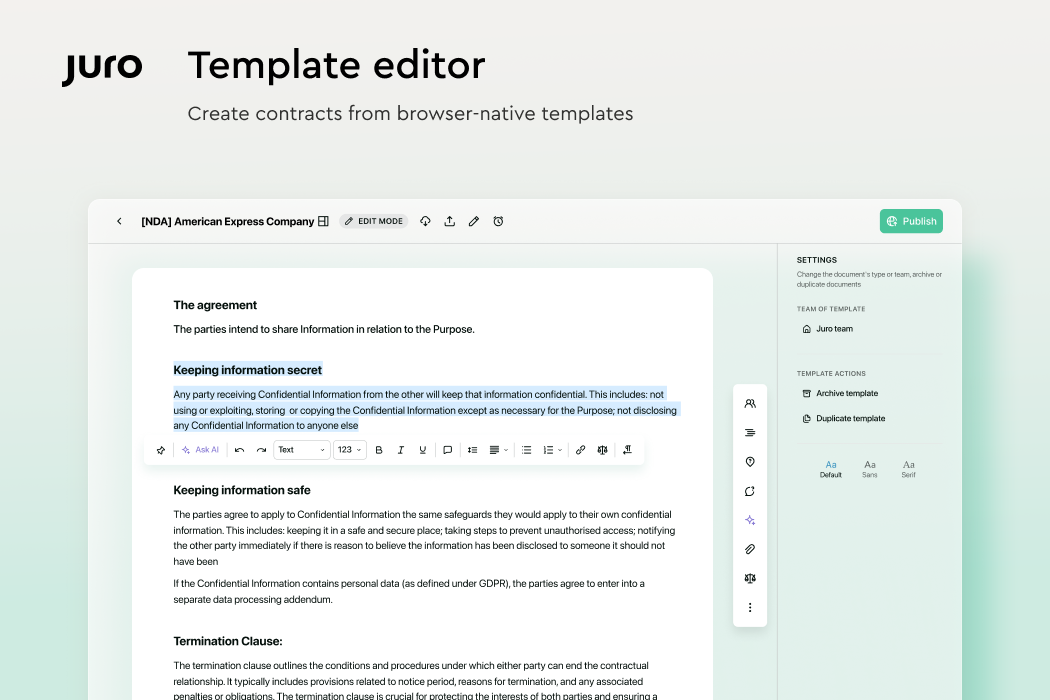
Juro takes a different approach from older contract systems. It’s built around a browser-based workspace where your team can draft, negotiate, approve, sign, and store agreements without relying so heavily on separate files and back-and-forth email threads.
Source: G2
That setup makes it appealing for internal teams that want faster contract creation and a cleaner way to manage edits between two or more parties.
Additionally, Juro leans heavily on contract templates, drag and drop fields, version tracking, and its online editor, so the drafting experience feels more direct and easier to manage. So, if your team wants a contract management tool with a more modern authoring flow, Juro has a strong case.
Best Features
Browser-based contract creation: Let teams create digital contracts from browser-based templates, integrated systems, or uploaded PDFs in one platform.
Pre-approved templates: Supports automated and self-serve contract templates so internal teams can generate agreements faster while keeping approved language in place.
Online editor and negotiation workspace: Gives users a secure in-browser place to review and negotiate contracts.
Version tracking: Uses a visual timeline, audit trail, and edit controls to help teams keep track of changes and stay clear on which version is current.
Microsoft Word add-in: Let counterparties work in Word while edits and AI review sync back to Juro’s workflows and repository.
AI review and redlining: Includes AI agents for review and redlining, which can help speed up routine legal review work.
Pros
Gives internal teams one place to draft, review, negotiate, and store contracts
Works well for teams that want contract templates and self-serve contract creation
Makes version tracking easier during negotiations between two or more parties
Offers an online editor while still supporting Word-based collaboration when needed
4. Icertis
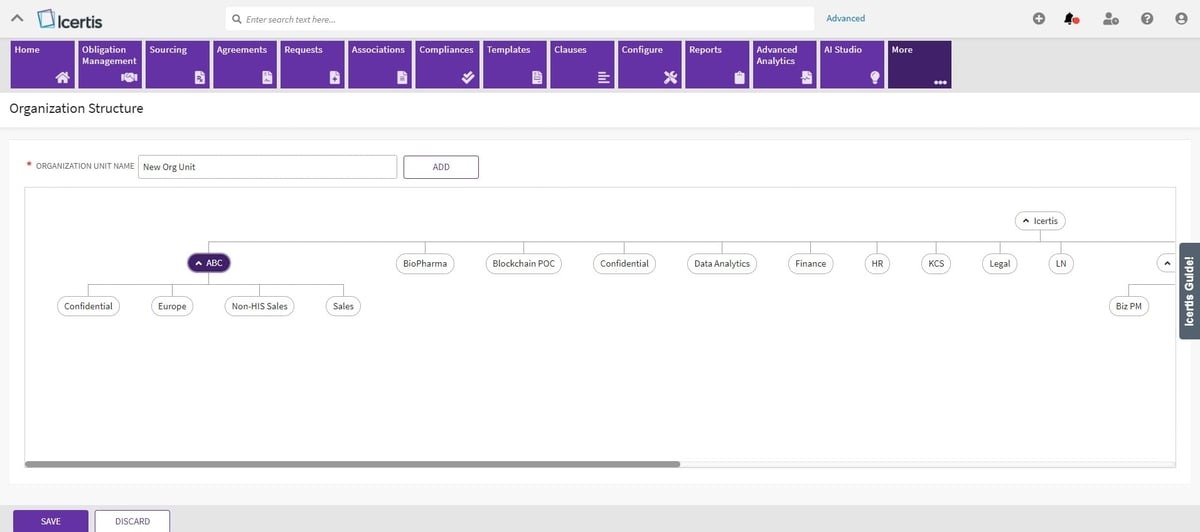
Icertis is contract management software built for companies that want contract authoring tied closely to business goals, internal controls, and large-scale operational workflows.
It’s a strong fit for teams that need more structure during drafting, especially in procurement operations and enterprise legal environments where a contract request may kick off a longer review and approval path.
Source: G2
Icertis puts a lot of emphasis on templates, clause control, Word-based drafting, and workflow rules that help teams create professional-looking contracts with more consistency.
It also supports better contract management beyond authoring, so the drafting stage connects to approvals, negotiations, compliance, and post-signature tracking in the same system.
Best Features
Pre-built templates: Supports template creation and management inside Icertis, including Word-based template work for structured contract authoring.
Conditional logic and rules: Includes template selection rules and clause assembly rules that help teams control language and document assembly during drafting.
Microsoft Word authoring: Uses Icertis Experience for Word so users can work with clauses, templates, signatories, and agreement actions in a familiar drafting environment.
Contract request intake: Let teams create agreements from a contract request, which is useful for procurement operations and other structured intake processes.
Procurement workflow support: Offers procurement-focused tools for managing requests, speeding RFx activity, and monitoring supplier compliance.
Pros
Works well for companies that want contract management software with strong drafting controls and an approval structure
Helps teams create contracts through templates, clause logic, and Word-based authoring
Fits procurement operations especially well when contract requests and supplier workflows are part of the process
Connects contract authoring to better contract management through the wider Icertis platform
5. DocuSign CLM
DocuSign CLM makes the most sense for teams that want more control over drafting and review without breaking the flow between authoring, approvals, and signing.
Source: G2
A lot of its value comes from structure. You can work from approved clauses, route contracts through set workflows, review language in Word, and use legal AI tools to speed up edits and spot issues earlier.
That can be useful for contract managers dealing with heavy volume, strict compliance requirements, or a process that still feels too manual.
Best Features
AI assistant: DocuSign AI-Assisted Review for Microsoft Word can generate, substitute, explain, and add contract language during review.
Centralized clause library: Users can access approved clause variations and usage guidance in Microsoft Word through the DocuSign CLM clause library.
Contract workflow automation: DocuSign CLM supports automated workflows for creating, reviewing, negotiating, routing, and managing agreements.
Word-based review and markup: The AI-Assisted Review add-in supports clause corrections, suggestions, markup, and playbook-driven review inside Microsoft Word.
AI data extraction: CLM can use AI workflows to pull key terms and metadata from documents, which helps make agreements easier to find and report on.
Pros
Fits teams that want a contract management solution with strong workflow controls and review structure
Helps contract managers reduce risk through clause governance, playbooks, and AI-supported review
Supports compliance requirements with approved language and guided review inside Word
Connects authoring to signing and post-signature tracking inside the wider DocuSign ecosystem
It works well for teams that rely on standardized language, pre-approved clauses, and a more structured drafting process inside Microsoft Word. That can help with maintaining compliance and cutting down on cleanup later in review.
LinkSquares also gives your team better visibility into agreement details early, including data fields, key dates, and information tied to contractual obligations while a contract is still moving.
Best Features
Clause library: Stores pre-approved clauses and fallback language so teams can reuse standardized language more easily.
Dynamic drafting tools: Supports templates, dynamic language, dynamic questions, and token-based drafting for more controlled contract creation.
AI-powered Word review: Brings generative AI into Microsoft Word for review, redlining, summaries, and drafting help without leaving the drafting environment.
Agreement data fields: Captures key agreement details such as scope, purpose, important dates, and counterparty information during drafting.
Version comparison and activity history: Let teams compare agreement versions and review activity logs while documents move through review and approval.
Pros
Helps teams use pre-approved clauses and standardized language more consistently
Gives legal teams better visibility into data fields, key dates, and contractual obligations during drafting
Keeps review work in Microsoft Word while adding AI support for faster editing and redlining
Supports maintaining compliance through template rules, approved language, and controlled workflows
7. SpotDraft
SpotDraft is a contract lifecycle management platform built for teams that want contract authoring to move faster without losing control over review and contract approvals.
It works especially well for companies where legal and sales teams need to stay connected during drafting, contract negotiation, and signoff.
Source: G2
SpotDraft gives teams a structured way to create contracts from templates, manage contract clauses, route documents through approval workflows, and keep contract content tied to the systems people already use.
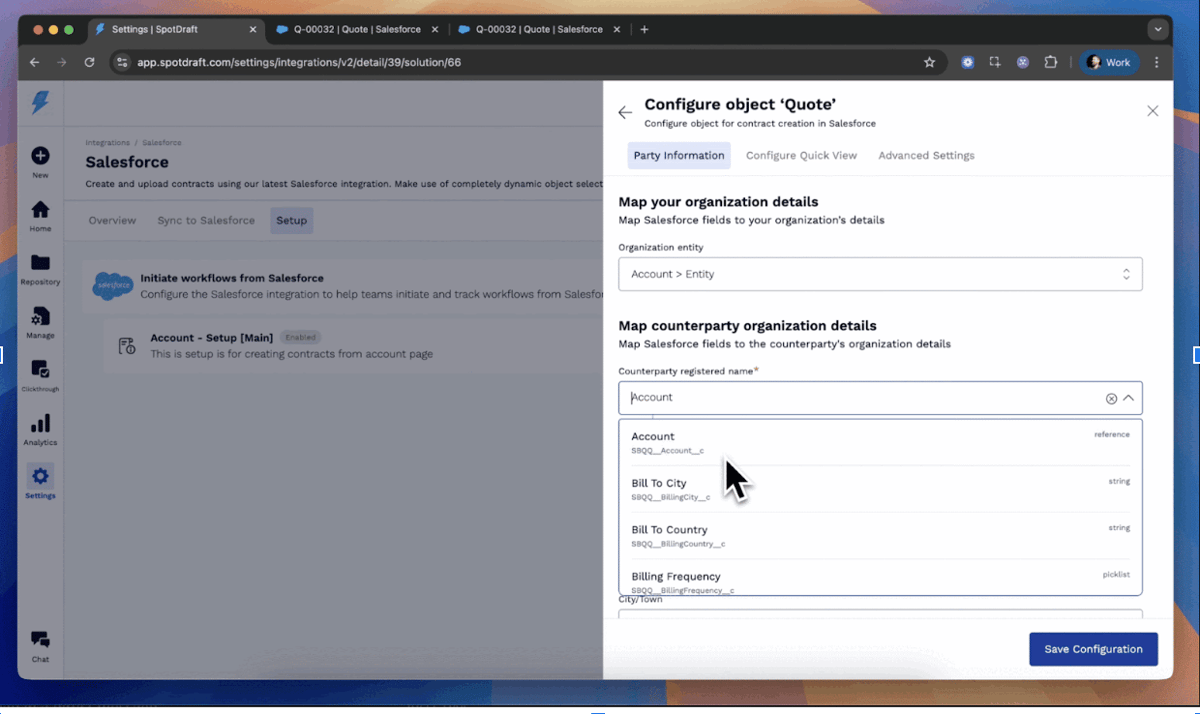
Its Salesforce integration is a big plus for sales teams that want to generate and track agreements inside their existing workflow, and it also helps keep contracts organized for future use after signing.
Best Features
Template-based contract creation: Supports reusable templates, variables, and conditional logic so teams can draft agreements faster and keep language more consistent.
Approval workflows: Let teams define approval workflows based on contract type, value, or other variables, then route contracts to the right stakeholders automatically.
Clause library: Gives users a central place to store commonly used contract clauses and fallback options for smoother drafting and negotiation.
Salesforce integration: Allows sales teams to create contracts, view approval status, request signatures, and track progress directly inside Salesforce.
CRM-based contract collaboration: Pulls deal data into contracts and helps legal and sales teams work from the same workflow with fewer manual handoffs.
Pros
Works well for sales teams that want contract creation tied closely to their CRM workflow
Helps speed up contract negotiation with templates, clause controls, and approval routing
Keeps contract content more organized for future use through its broader repository and contract lifecycle setup
Makes it easier to connect legal review, approvals, and signatures in one system
Why Aline Works So Well for Contract Authoring
A lot of contract authoring tools can help you put a draft together. The bigger question is what happens after that. Once edits start coming in, approvals pile up, and different teams need visibility, a basic drafting tool can feel pretty limited.
That’s a big reason Aline stands out here. It gives you strong contract authoring features, but it also connects that work to the rest of the process.
Your team can draft with AI support, use templates, manage approvals, track edits, collaborate in Word, sign documents, and keep reporting data tied to the same workflow. That creates a smoother experience from the first version of the contract all the way through signature and follow-up.
It also makes life easier for teams that want fewer handoffs and less busywork. You are not piecing together one tool for drafting, another for signatures, and another for tracking what happened after the deal closes.
Everything stays more connected, which makes the process easier to manage as volume grows.
If you want a platform that can help you write contracts faster and keep the full workflow organized, Aline is a smart place to start.
Contract authoring tools are software platforms that help you draft, edit, and organize contracts more efficiently. Many also include templates, clause libraries, approval routing, version tracking, and collaboration features to make contract creation easier for your team.
How do contract authoring tools support contract lifecycle management?
Contract authoring tools support contract lifecycle management by helping you create stronger first drafts and connect that work to review, approval, signing, and storage. Some tools only focus on drafting, while others tie authoring into the full contract workflow so your team can manage agreements in one place.
What should I look for in contract management and contract authoring software?
Look for features that match how your team works. That may include templates, clause libraries, approval workflows, Word integration, version tracking, electronic signature, reporting, and AI drafting support. A good platform should help your team move faster while keeping contract language more consistent.
Can contract authoring tools help replace an inefficient process?
Yes, they can. If your team still depends on email threads, shared folders, or even physical file cabinets, a contract authoring tool can make the process much easier to manage. It gives you a better way to create, edit, review, and store agreements in one place, which can save business money over time and help mitigate risks tied to missing terms, outdated versions, or slow approvals.
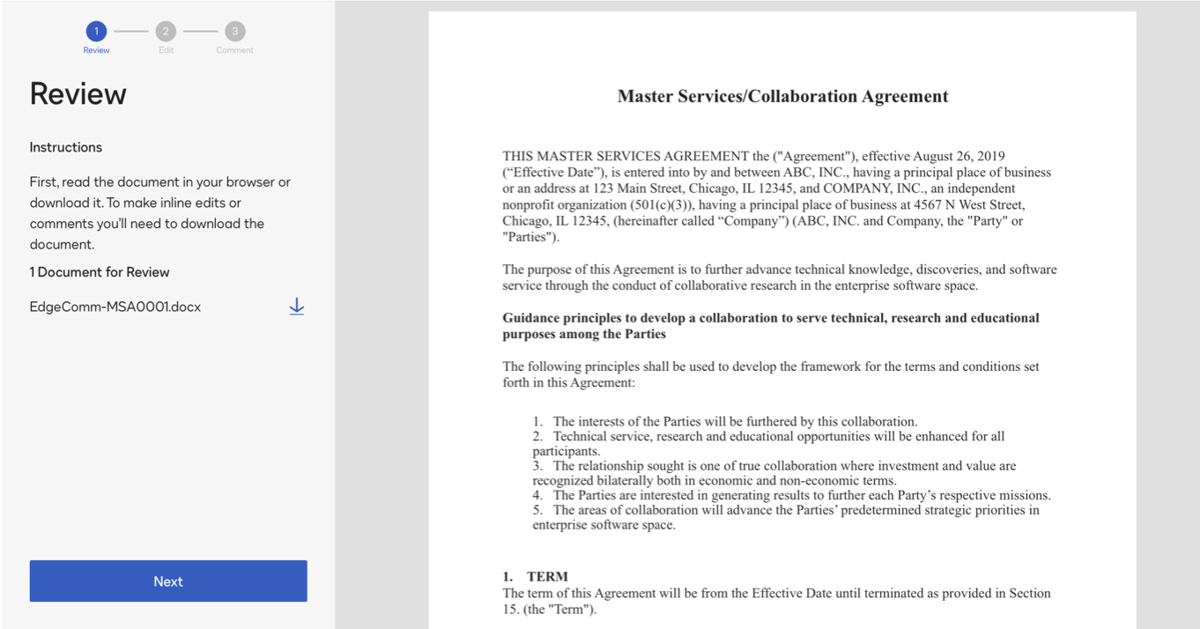
A master service agreement is a legally binding agreement that outlines the responsibilities and expectations of each party. Find out all about them here.